Wireless Access Point
User Guide
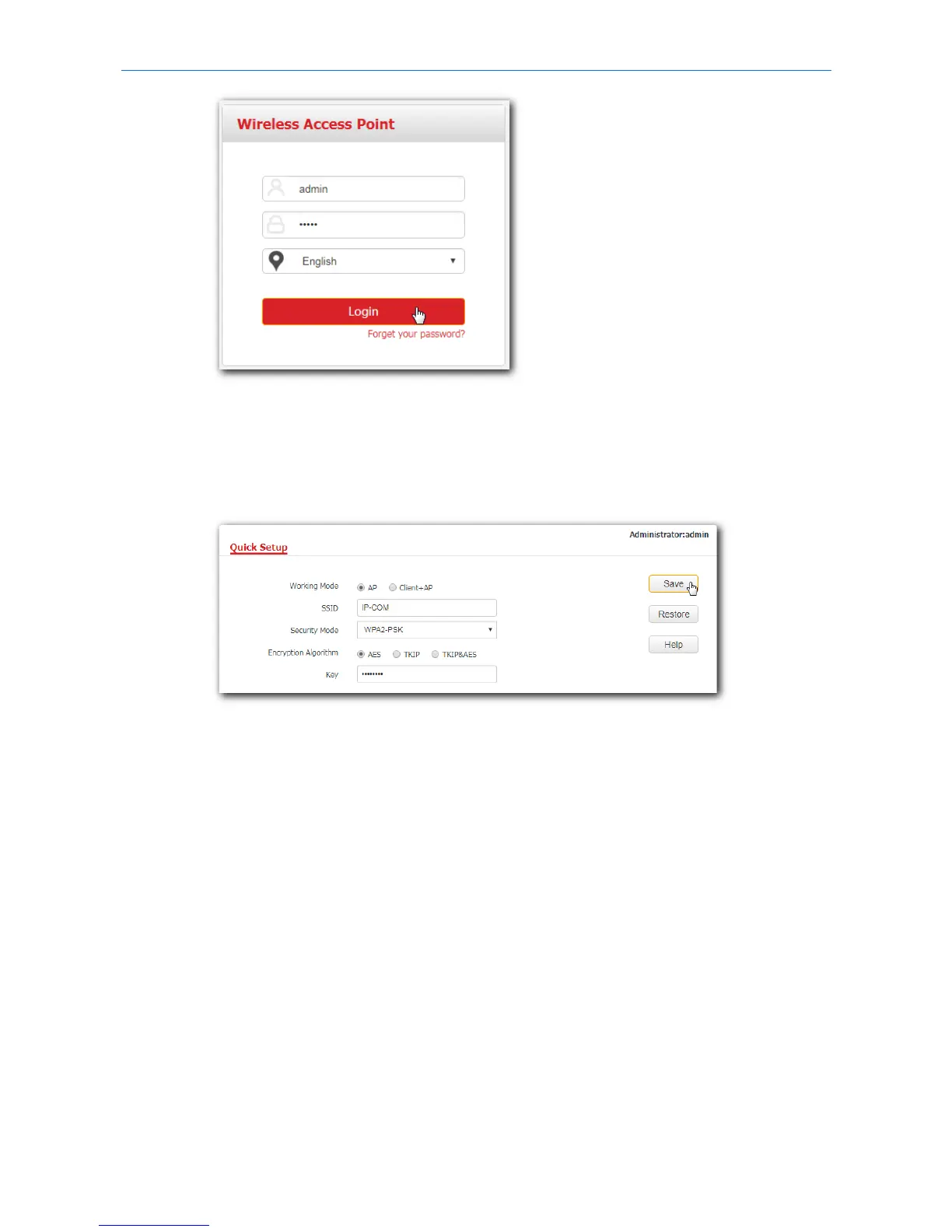
4. Set SSID (WiFi name) and key (password) for your AP’s WiFi network.
(1) To access the configuration page, click Quick Setup.
(2) SSID, Security Mode, Key: Set an SSID, Security Mode (WPA2-PSK is recommended), and Key for
your AP manually.
(3) Click Save.
5. Change the IP address of your AP.
(1) To access the configuration page, click Network > LAN Setup.
(2) IP Address: Change the IP address of the AP to 192.168.0.x (x: 2 to 253), which is 192.168.0.250
in this example.
(3) Click Save.
9



 To Next Page