PAMSPAN501x G.SHDSL.bis EFM Gateway
-101
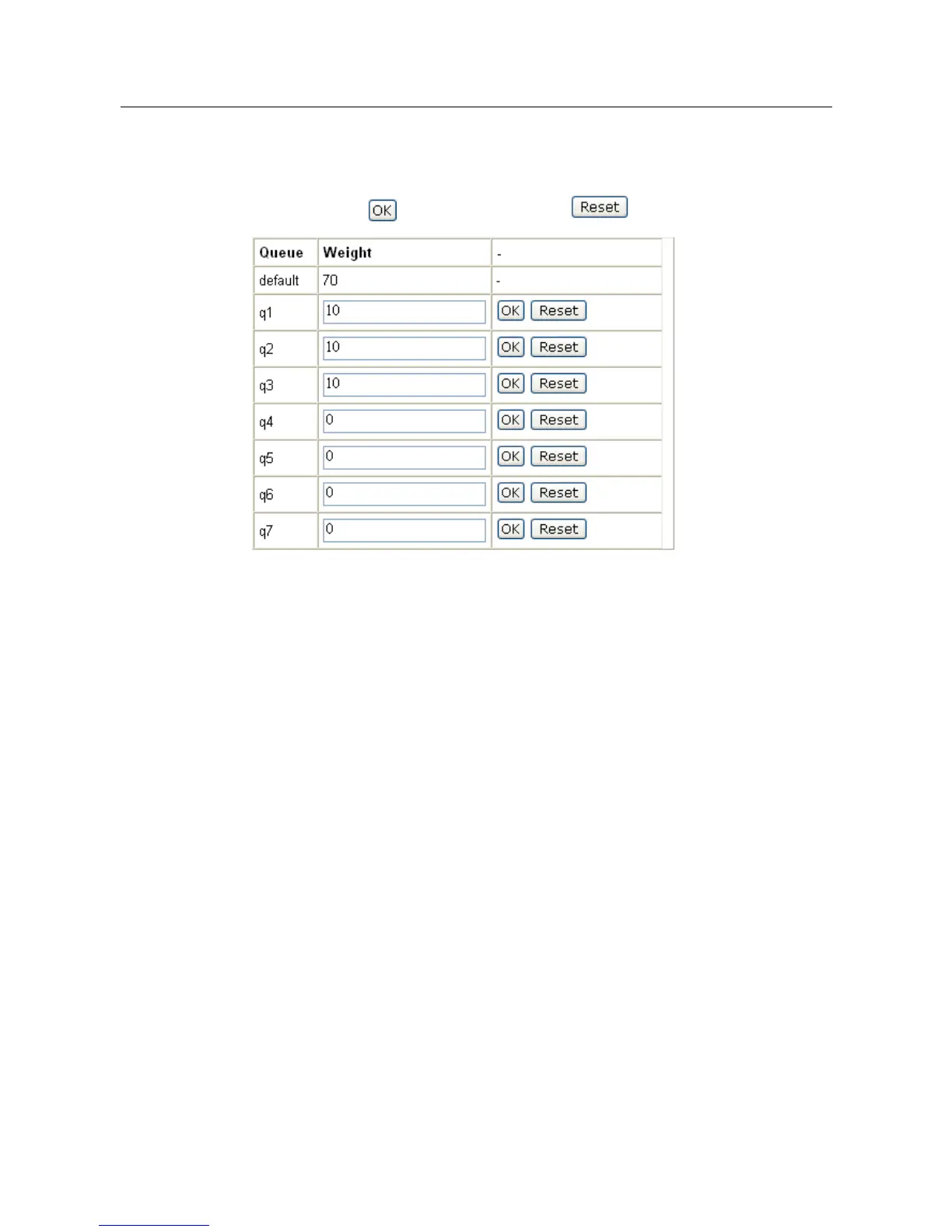
User will be able to edit and decide the weighted percentage of the weighted
queues profile by clicking on the “Edit” link for the specific profile. The weighting
page will then be displayed as shown below. Enter the percentage the specific
queue and click to save the changes or to clear the percentages.
QoS with priority mode
When using this method, scheduler for transporting will totally based on the priority.
Therefore, packets with the highest priority will get to send first and only when the
highest priority packets have all been sent will the second priority packets being
sent.
#> scheduler add profile spriority priority
This command adds a profile named spriority with priority queuing, which provides
prioritized treatment to higher priority traffic.
#> scheduler show profile spriority
This command shows the profile spriority.
QoS with weighted queues
When using this method, scheduler for transporting will based on the weight of
percentage. Each queue will contain the percentage weight and these weights will
identify the total percentage that will get to send on every transmission. For
example:
#> scheduler add profiles swf2q wf2qplus
This command adds a profile named swf2q. Wf2qplus (Worst Case Weighted Fair
Queuing Plus) service discipline is a service discipline distributes the link
bandwidth among participating queues in ratio of their respective configured
weights.



 To Next Page