PAMSPAN501x G.SHDSL.bis EFM Gateway
-57
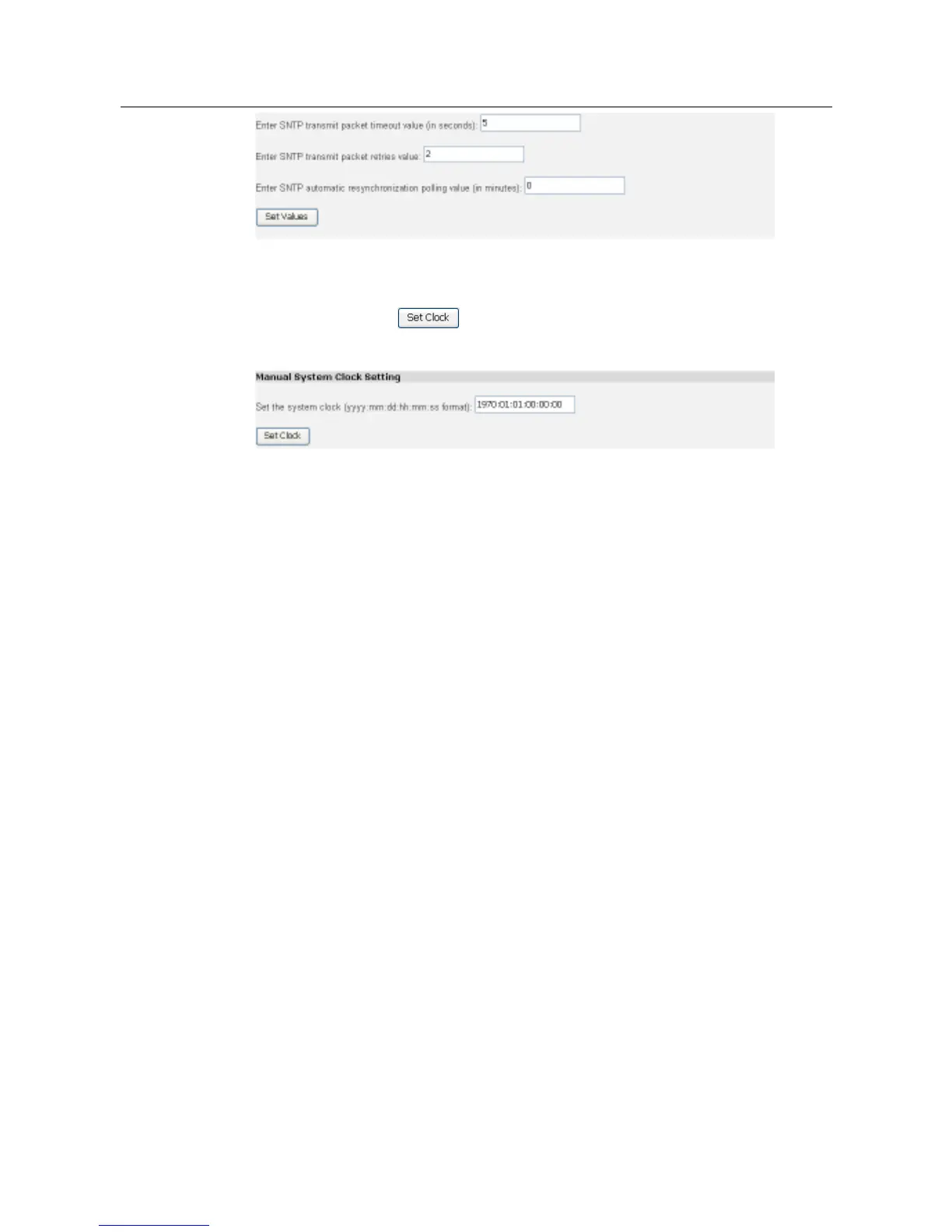
Manually setting the System clock
Enter the date and time in the text box in yyyy:mm:dd:hh:mm:ss format to set the
system clock, then click to validate your settings.
Note: if manually setting the system clock, the local time will follow the internal clock
set by the user.
3.2.3.7.1 Command Line Interface for SNTP Client
You can use the command line interface to configure the SNTP client. Below are
some examples:
To enable/disable the SNTP client in a particular access mode, use the
command:
#> sntpclient set mode {unicast|broadcast|anycast} {enable|disable}
For example, to enable broadcast mode, enter:
#> sntpclient set mode broadcast enable
To disable broadcast mode, enter:
#> sntpclient set mode broadcast disable
To add a server, use the command:
#> sntpclient add server {ipaddress <sntpipaddress> | hostname
<sntphostname>}
To add a server to the list using either the server’s IP address or hostname,
enter:



 To Next Page