PAMSPAN501x G.SHDSL.bis EFM Gateway
-49
Now enable the DHCP:
#> dhcprelay enable
#> dhcpserver enable
Now you will be able to use DHCP Relay and DHCP Server simultaneously.
3.2.3.5 DNS Client
This option allows you to:
• Create a list of server addresses. This enables you to retrieve a domain name for a
given IP address.
• Create a domain search list. DNS client uses this list when a user asks for the IP
address list for an incomplete domain name.
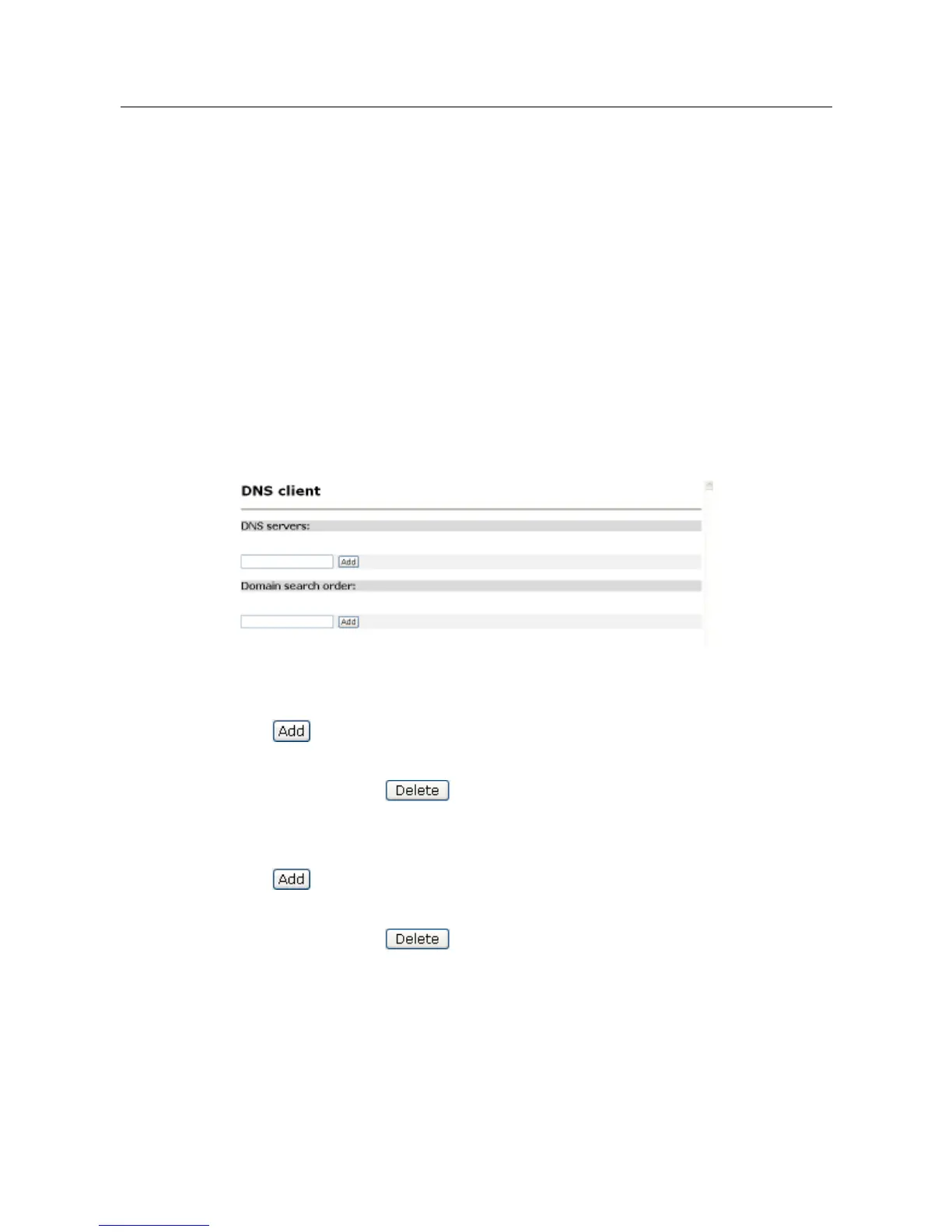
Click on DNS client from the Configuration menu. The following page will be displayed:
Configuring DNS servers
1. Type the IP address of the unknown domain name in the DNS servers text box.
2. Click . The IP address appears in the DNS servers table. You can add a
maximum of three server IP addresses. Each IP address entry has a Delete button
associated with it. Click to remove an IP address from this list.
Configuring DNS search domains
1. Type a search string in the Domain search order text box.
2. Click . The search string is displayed in the Domain search order table. You can
add a maximum of six search strings. Each search string entry has a Delete button
associated with it. Click to remove a string from this list.
3.2.3.5.1 Command Line Interface for DNS Client
You can also use the command line interface (CLI) to configure the DNS client.
Below are some examples:



 To Next Page