PAMSPAN501x G.SHDSL.bis EFM Gateway
-28
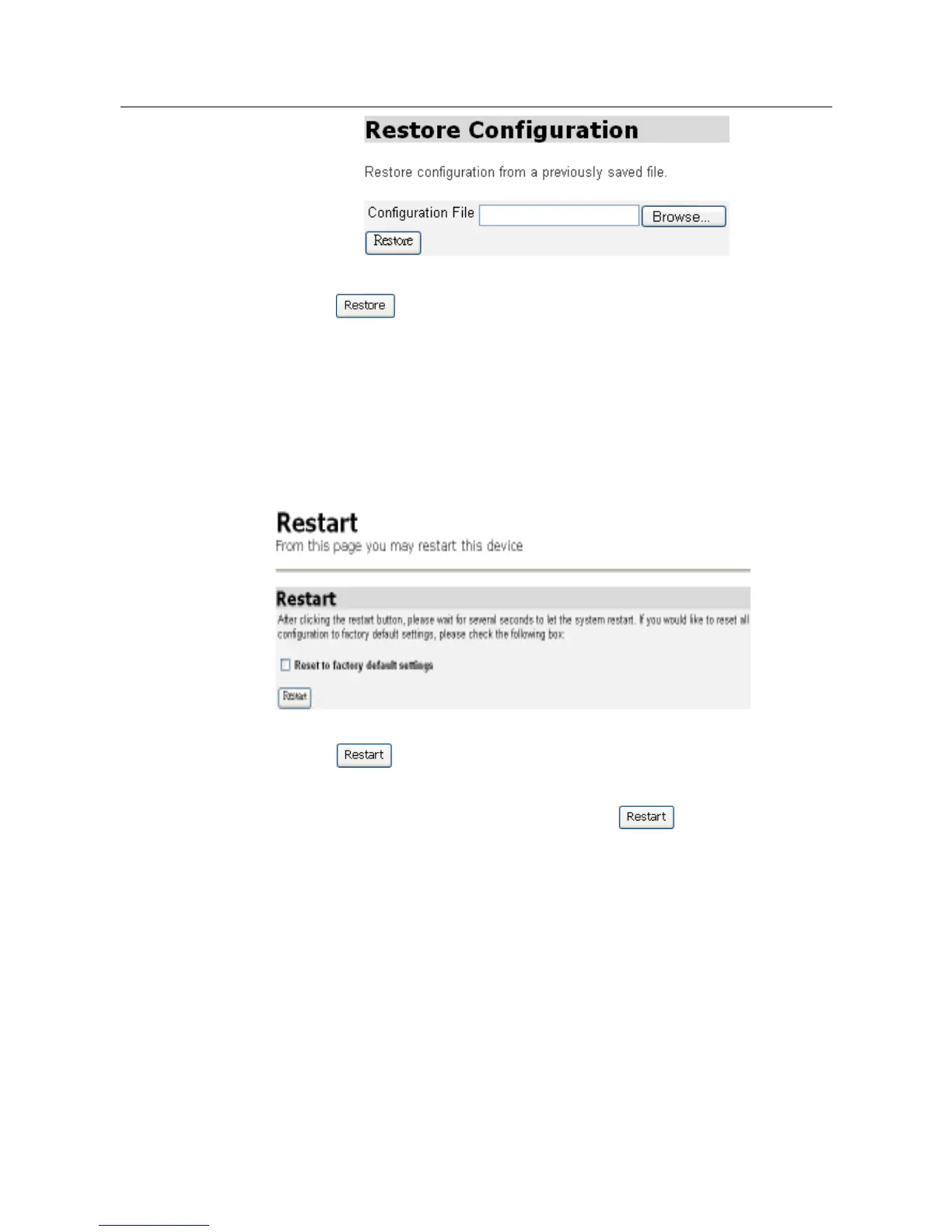
2. Click . The page will be refreshed and a Configuration Restored
message will be displayed giving details of the number of bytes uploaded.
3.2.2.6 Restart
This page allows the PAMSPAN501X to be restarted and has the same effect
as resetting the PAMSPAN501X by pressing the reset button on the hardware.
1. From the System menu, click Restart. The following page will be displayed:
2. Click to reset the PAMSPAN501X. The Restart page also provides
an option to restart and
restor the factory default settings. Check the Reset to
factory default settings checkbox, and then click . Monitor the console
status output to check the reset progress.
3. After the login and password prompt is displayed, login as usual (with login =
admin, password = admin), and then refresh the browser that is running
EmWeb. The Status page will be displayed and the PAMSPAN501X has been
reset.



 To Next Page