PAMSPAN501x G.SHDSL.bis EFM Gateway
-48
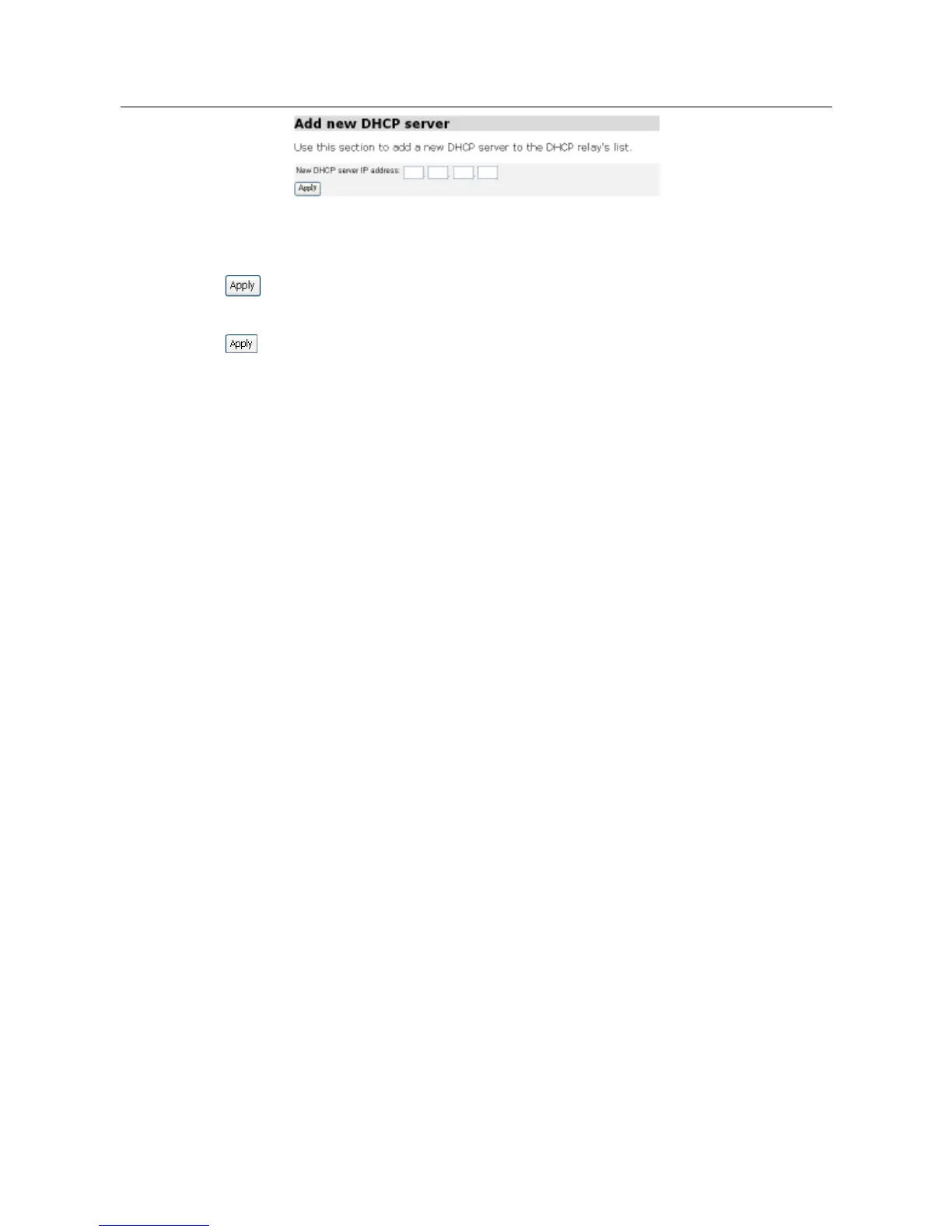
Editing/deleting entries in the DHCP relay list
1. To edit an entry, click on an IP address and enter the new details, and then click
.
2. To delete an entry, check the Delete box for a specific IP address, and then click
.
3.2.3.4.1 Command Line Interface for DHCP Relay
You can also use the command line interface (CLI) to configure the DHCP relay
by using the following examples:
To add a DHCP server subnet to the DHCP relay’s list of server IP addresses,
use the following command:
#> dhcprelay add server 192.168.1.0
You need to update the DHCP relay in order for this addition to take effect by
entering:
#> dhcprelay update
Simultaneous use of DHCP Relay and DHCP Server
To configure this, you must first disable both the DHCP server and the DHCP
relay:
#> dhcprelay disable
#> dhcpserver disable
Bind the DHCP server to the LAN interface:
#> dhcpserver add interface iplan
Bind the DHCP relay to the wireless LAN interface and the WAN interface:
#> dhcprelay add interface wlan_filtered
#> dhcprelay add interface ipwan



 To Next Page