PAMSPAN501x G.SHDSL.bis EFM Gateway
-20
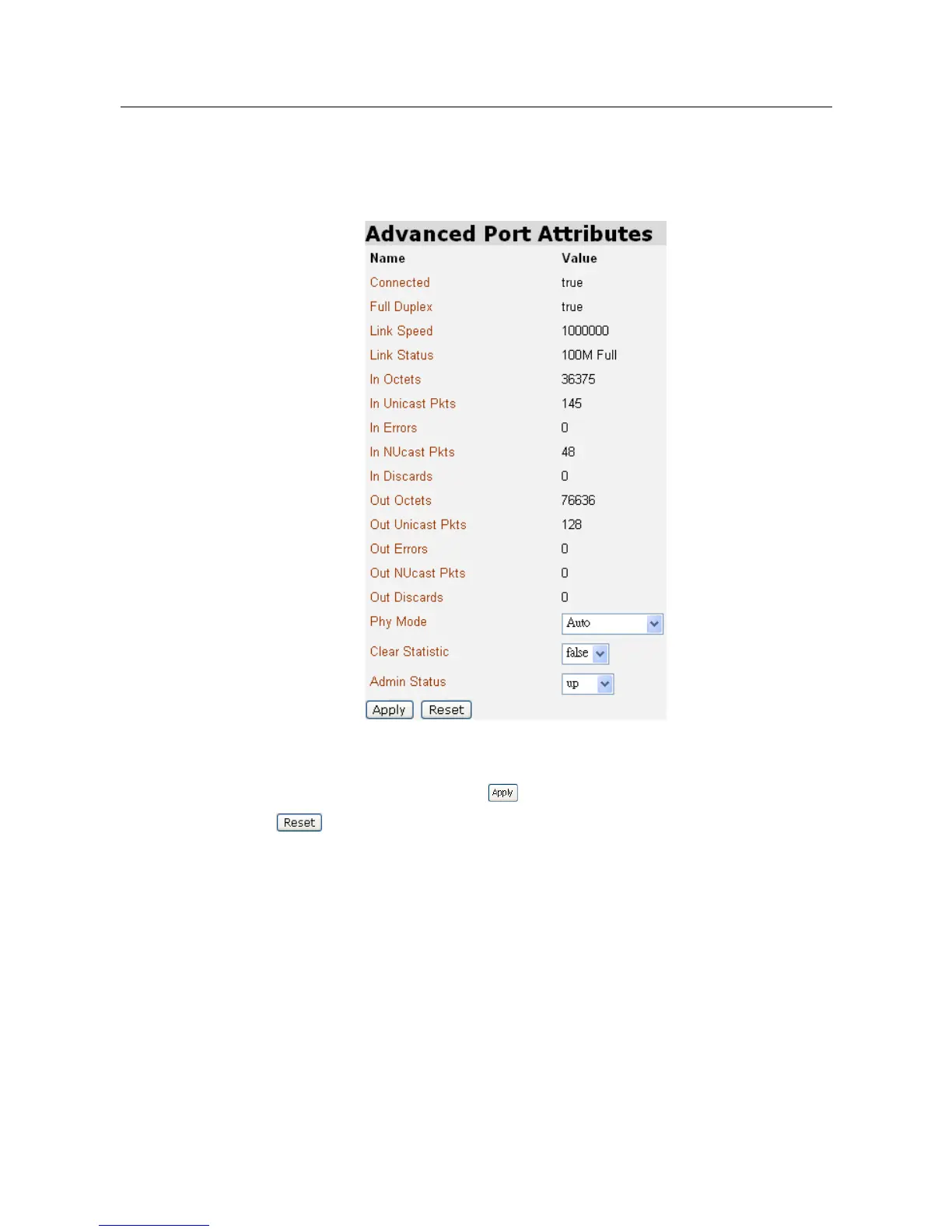
8. This page allows you to view or carry out advanced configuration of your
Ethernet port attributes. For instance, Click View advanced attributes on Eth1
Port Configuration, and then the Advanced Eth1t Port Configuration page will
be displayed.
Set the Ethernet port as either enabled or disabled via the Admin Status
drop-down list, and then click to update the advanced configuration, or
to revert to the default advanced configuration settings. Click Return
to basic attributes to return to the Eth1 Port Configuration page.
3.2.1.3 Routing Table
Routing Table is a matrix with a network control protocol, which gives the
hierarchy of link routing at each node.
The Routing Table screen allows you to view the routing table built in the
device.



 To Next Page