PAMSPAN501x G.SHDSL.bis EFM Gateway
-65
4. Once the table is configured, click . The table is
refreshed and the reserved mapping is added to the NAT configuration.
To delete a reserved mapping setup, click the Delete hyperlink, and then click
.
Click Return to Interface List to display the Security Interface Configuration page.
3.2.4.1.8 Configuring Firewall policies
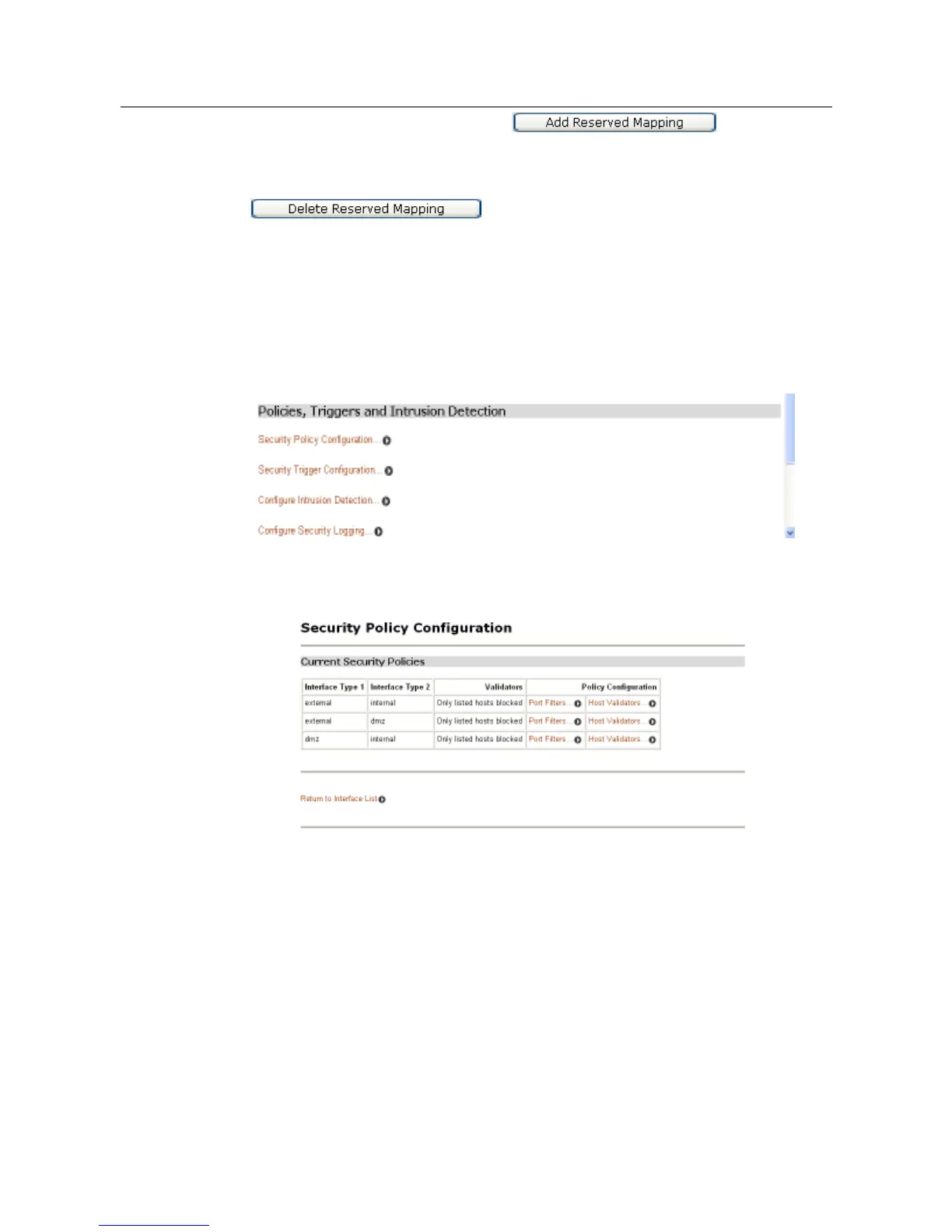
To configure firewall policies, click Security Policy Configuration from the Policies,
Triggers and Intrusion Detection page, as shown in the following figure.
The Security Policy Configuration table will then be displayed which contains
details of each Firewall policy.
The policies can now be configured to include portfilters and validators.
A portfilter is an individual rule that determines what kind of traffic can pass
between two interfaces specified in an existing policy.
To configure a portfilter:
1. From the Current Security Policies table, click the Port Filters link for the policy
that is to be configured. The page displayed contains three Add Filter hyperlinks
that allow three different kinds of portfilter to be created:
• For a TCP/UDP port filter, click Add TCP or UDP Filter. The following page will be
displayed:



 To Next Page