PAMSPAN501x G.SHDSL.bis EFM Gateway
-26
3.2.2.4 Firmware Update
This option allows firmware images to be uploaded to the PAMSPAN501X using
HTTP.
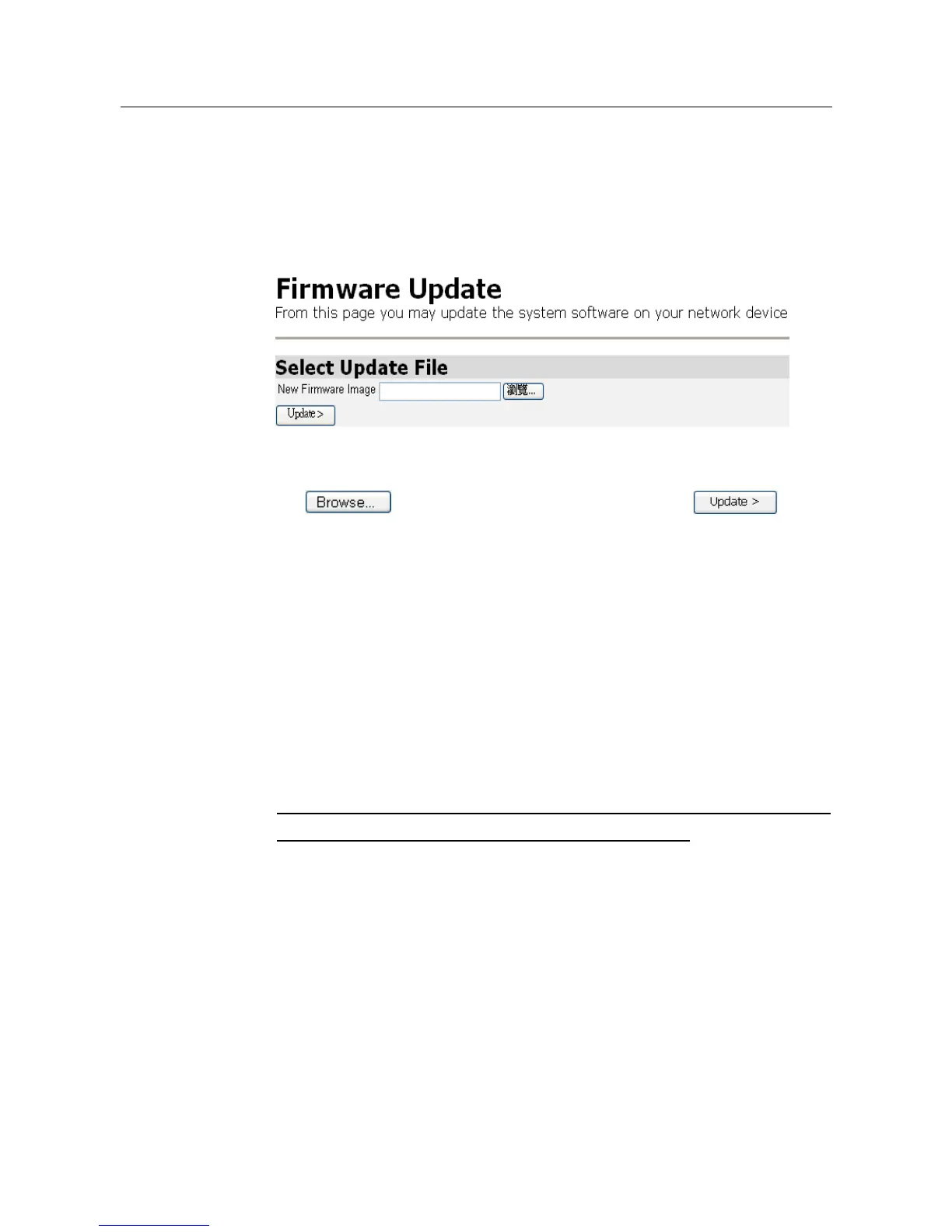
1. From the System menu, click Firmware update. The following page will be
displayed:
2. Enter the location of the new firmware image that is to be uploaded, or use
the button to browse and select the file. Click .
3. Once the file has been uploaded to the RAM of your device, it is written to
the Flash ROM. A status page will be displayed confirming whether the upload
is complete or indicating how much of the file (in bytes and as a percentage)
has been written to the Flash ROM.
4. Once the file has been written to flash, the Firmware Update page is
refreshed. The page confirms completion of the update and requests that the
PAMSPAN501X be restarted in order to use the new firmware. Click Restart in
the system menu.
Note: Please do not power-off the device while updating firmware or saving the
configuration as this might cause the device to malfunction.
5. After updating the firmware, it is strongly suggested that the device is
restarted and the default configuration is recalled as this will prevent any
incompatible configuration between the former and the current firmware
versions. To do this, check the Reset to factory default settings box on the
Restart page in the system menu.



 To Next Page