PAMSPAN501x G.SHDSL.bis EFM Gateway
-23
3.2.2 System Pages
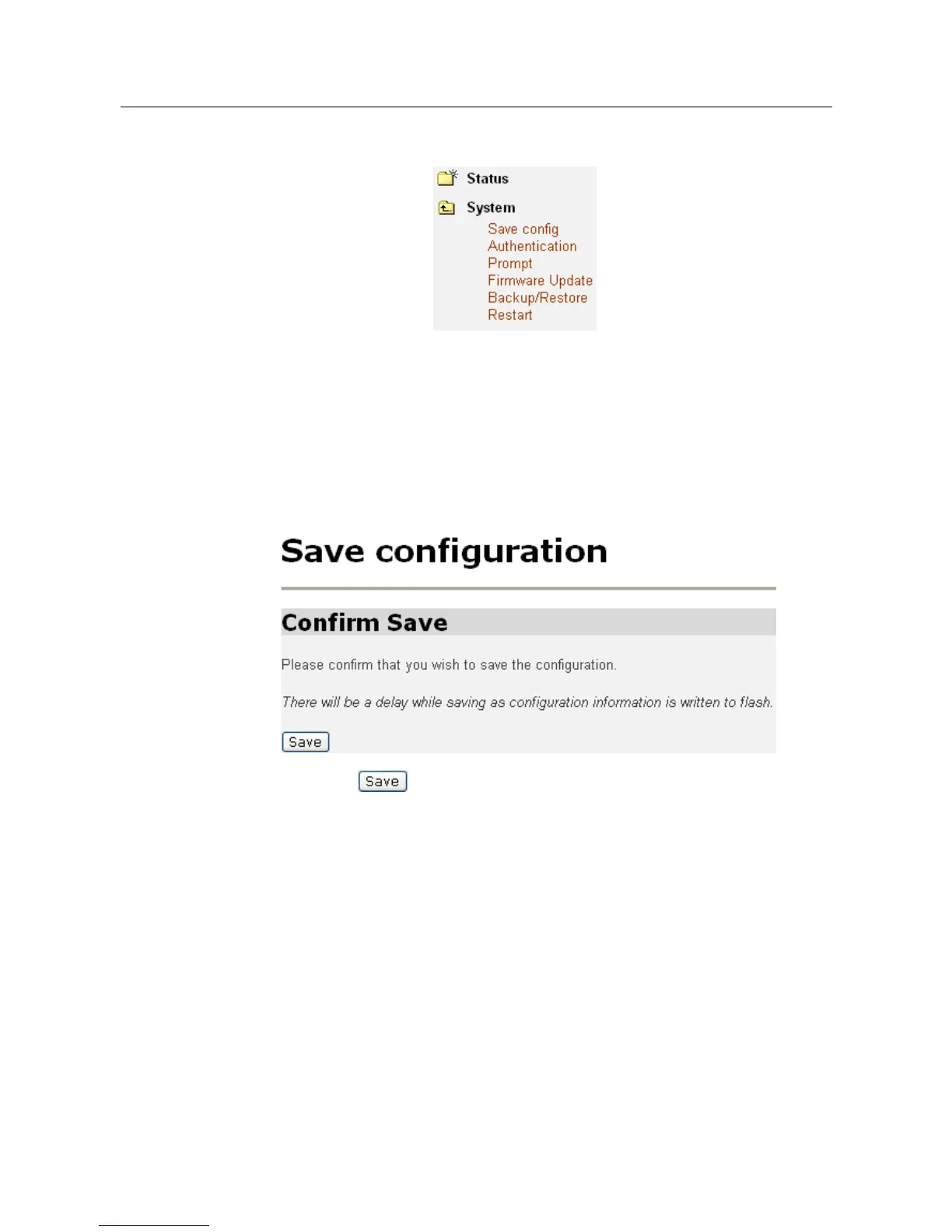
Click on System menu, the following options appear:
The System menu contains options including, Firmware Update, Backup/Restore and
Restart Router, Prompt, Save configuration and Authentication. They will be
introduced in the following sections.
3.2.2.1 Save config
To save your current configuration to Flash ROM:
1. From the System menu, click on Save configuration. The following page is
displayed:
2. Click on to save your current configuration in the device.
After a short time the configuration is saved and the following confirmation
message is displayed: Saved information model to file //flashfs/im.conf



 To Next Page