PAMSPAN501x G.SHDSL.bis EFM Gateway
-24
3.2.2.2 Authentication
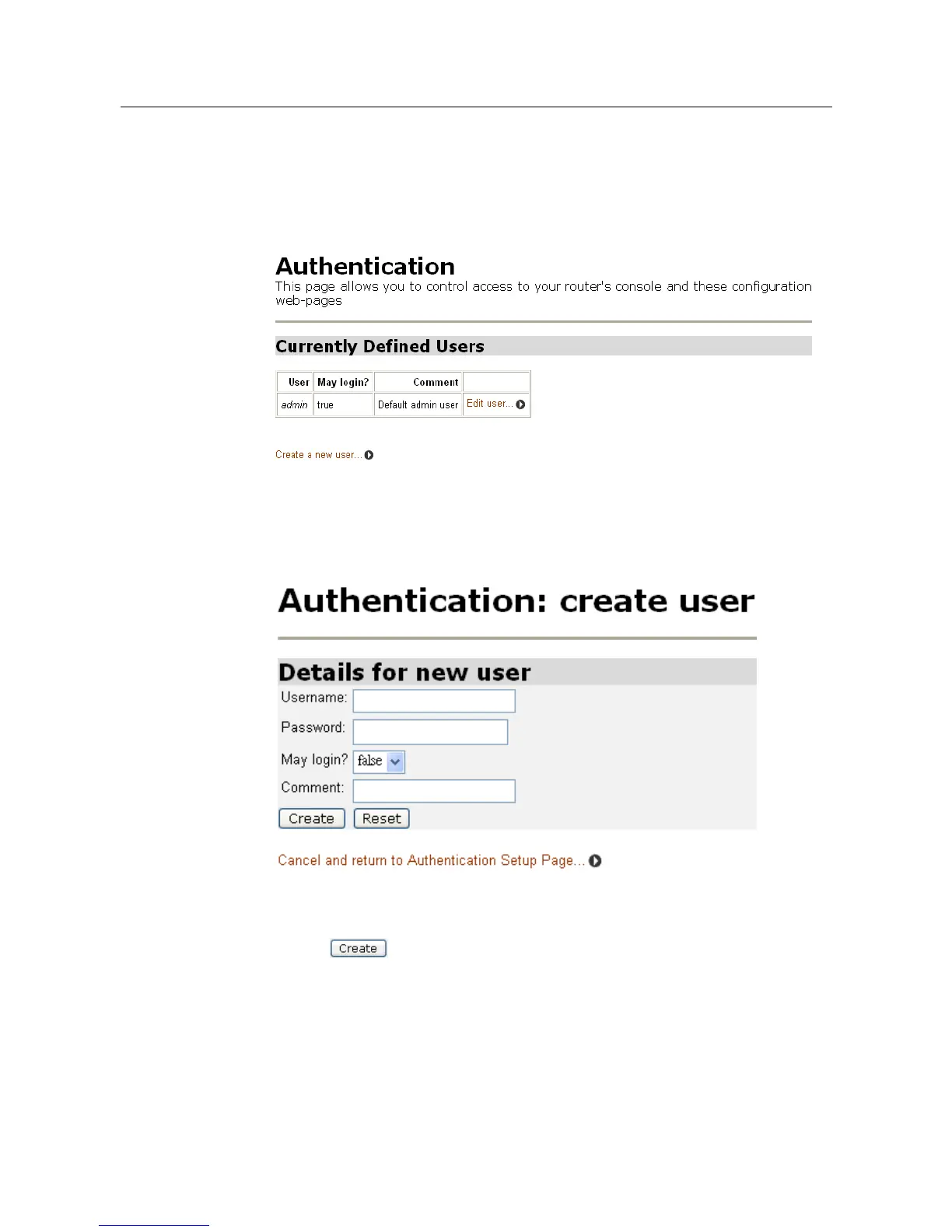
This option allows accounts for users who access the PAMSPAN501X to be
administered. Click Authentication via the System menu. The following page will
be displayed:
To creating a new login account
1. Click Create a new user. The following page will be displayed:
2. Enter the desire information details for the new user into the username,
password and comment text fields.
3. Click . The Authentication page will be displayed. The table now
contains details for the user that has just been created.



 To Next Page