PAMSPAN501x G.SHDSL.bis EFM Gateway
-40
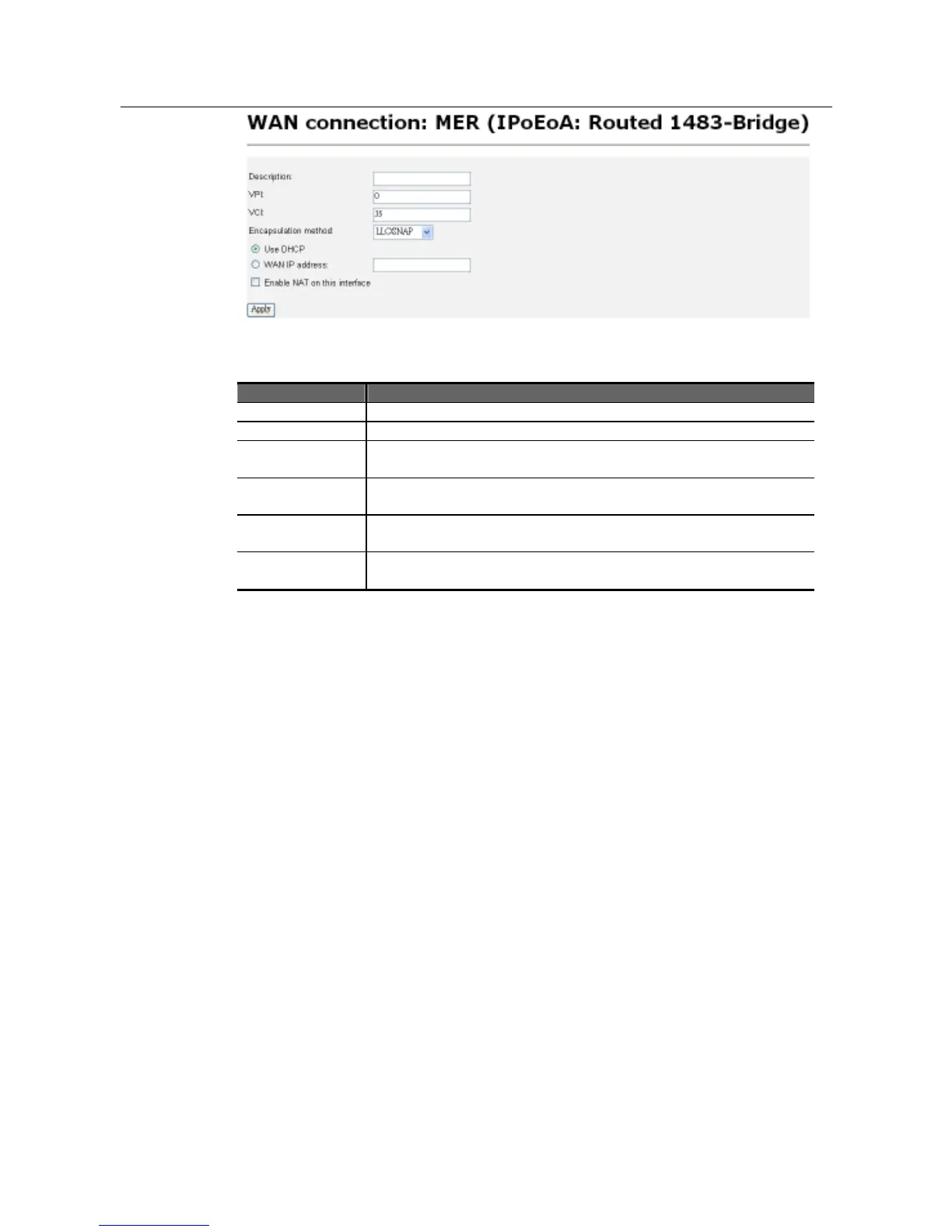
Field Definition of MER (IPoEoA)
Field Definition
Description: Text explanation of the service.
VPI: ID number for the service. Must match on the CPE side
VCI: Secondary ID number for the service. Must match on the CPE
side
Encapsulation
method:
Packet format. Choose between LLC/SNAP or VcMux
IP address
Use DHCP to assign the IP automatically or choose WAN to
assign the IP manually.
Enable NAT on
this interface
Check the box to enable NAT on this interface.
3.2.3.2.1 Command Line Interface for WAN
Users can also use a Command Line Interface to configure a WAN. Below are
some examples:
#> rfc1483 add transport <name> <port> <vpi> <vci> {llc|vcmux}
{bridged|routed}
This command creates a named RFC1483 transport and allows the following
parameters to be specified:
• The ATM port that will transport RFC1483 data.
• VPI (Virtual Path Identifier)
• VCI (Virtual Circuit Identifier)
• LLC or VcMux encapsulation (optional)
• Bridged or Routed (optional)
The port/VPI/VCI combination must be unique for each transport.
#> bridge add interface <eth1>
This command adds a interface name <eth1> to the bridge.
#> bridge attach <eth1> <eth1>
This command attaches an existing eth1 transport to an existing eth1 bridge
interface to allow data to be bridged via the transport. Only one transport can be
attached to an interface. If you use this command when there is already a transport
attached to the interface, the previous transport is replaced by the new one.



 To Next Page