PAMSPAN501x G.SHDSL.bis EFM Gateway
-44
Creating a fixed host
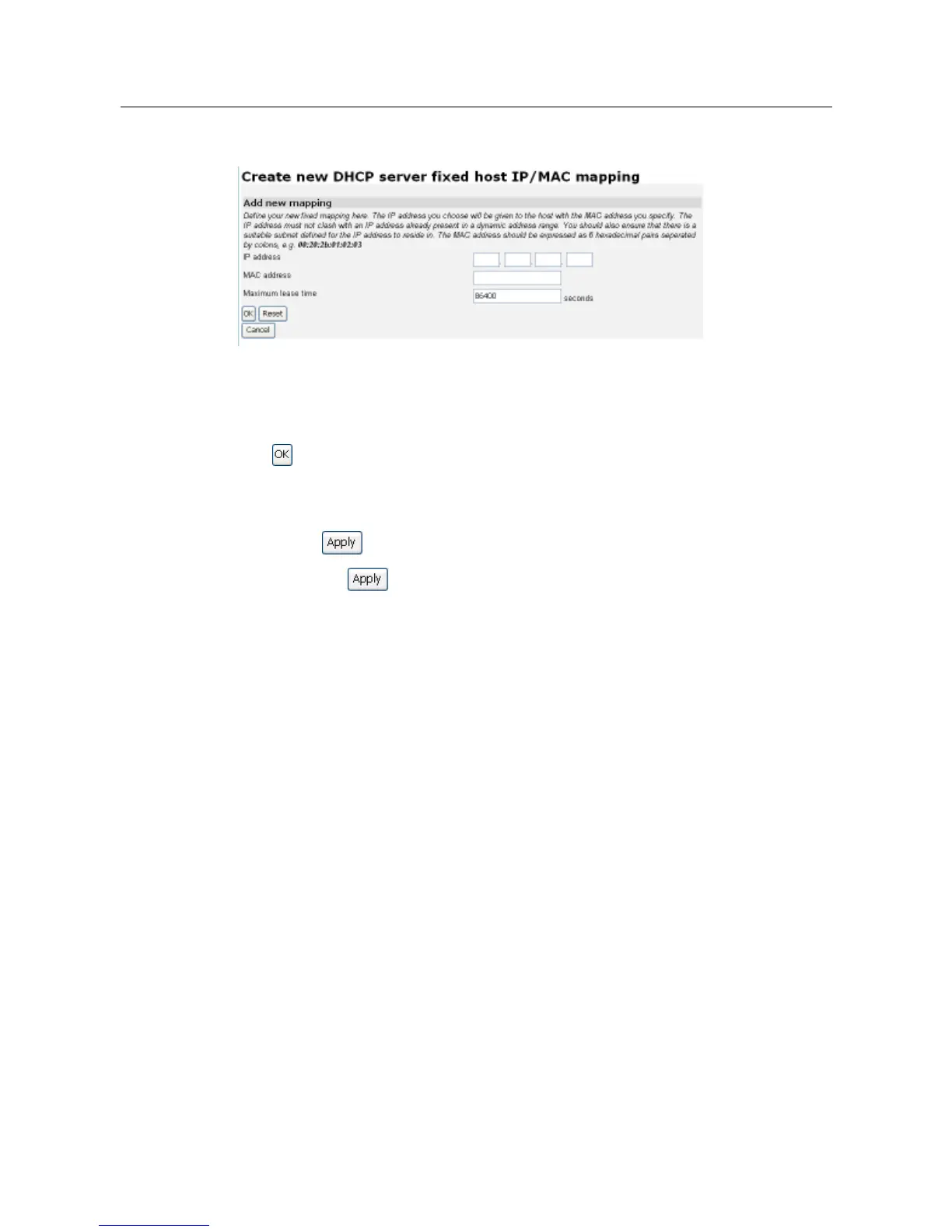
1. Click on the Create new Fixed Host link. The following page will be displayed:
2. Complete the following:
a.
Type in the IP address that will be given to the host with the specified MAC address.
b.
Type in the MAC address and the maximum lease time (default is 86400 seconds).
3. Click . The DHCP Server page will be displayed, and details of your new fixed host
will be displayed under the Existing DHCP fixed IP/MAC mappings sub-heading. To edit
a fixed mapping, click on the IP address, MAC address or max lease time, make a new
entry and click . To delete a fixed mapping, check the Delete box for a specific
mapping and click .
3.2.3.3.1 Command Line Interface for DHCP Server
You can also use a command line interface (CLI) to configure the DHCP server.
Below are some examples:
(Please add numbering for the CLI commands)
Enable DHCP server:
#> dhcpserver enable
Create a DHCP server subnet configuration that already exists and the default and
maximum lease times are set as follows:
#>
dhcpserver add subnet LAN 192.168.1.0 255.255.255.0 192.168.1.2
192.168.1.21
The following options set the IP address of the DNS server and the default
Gateway respectively
:
#> dhcpserver subnet LAN add option domain-name-servers 192.168.2.30
#> dhcpserver subnet LAN add option routers 192.168.3.40



 To Next Page