PAMSPAN501x G.SHDSL.bis EFM Gateway
-43
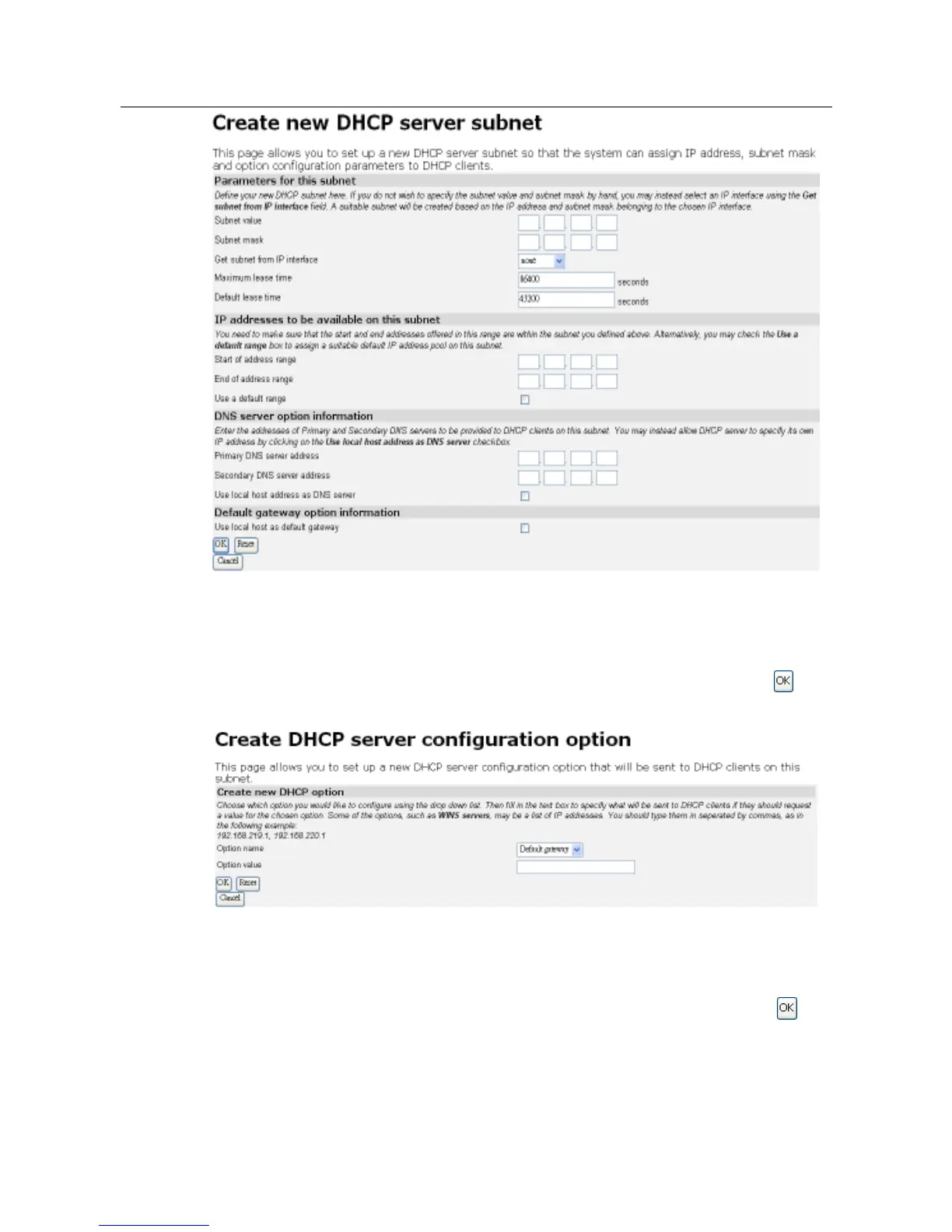
2. This page also allows you to add additional option information. At the bottom of the
page, click on the Create new DHCP option link.
3. Click on the Option name drop-down list and select a name as shown below. Type a
value that matches the selected option name in the Option value text box. Click .
4. The Edit DHCP server subnet page will be displayed as shown below, and details of
your new option will be displayed under the Additional option information sub-heading.
To delete an existing option, check the Delete box for a specific option and click .



 To Next Page