PAMSPAN501x G.SHDSL.bis EFM Gateway
-62
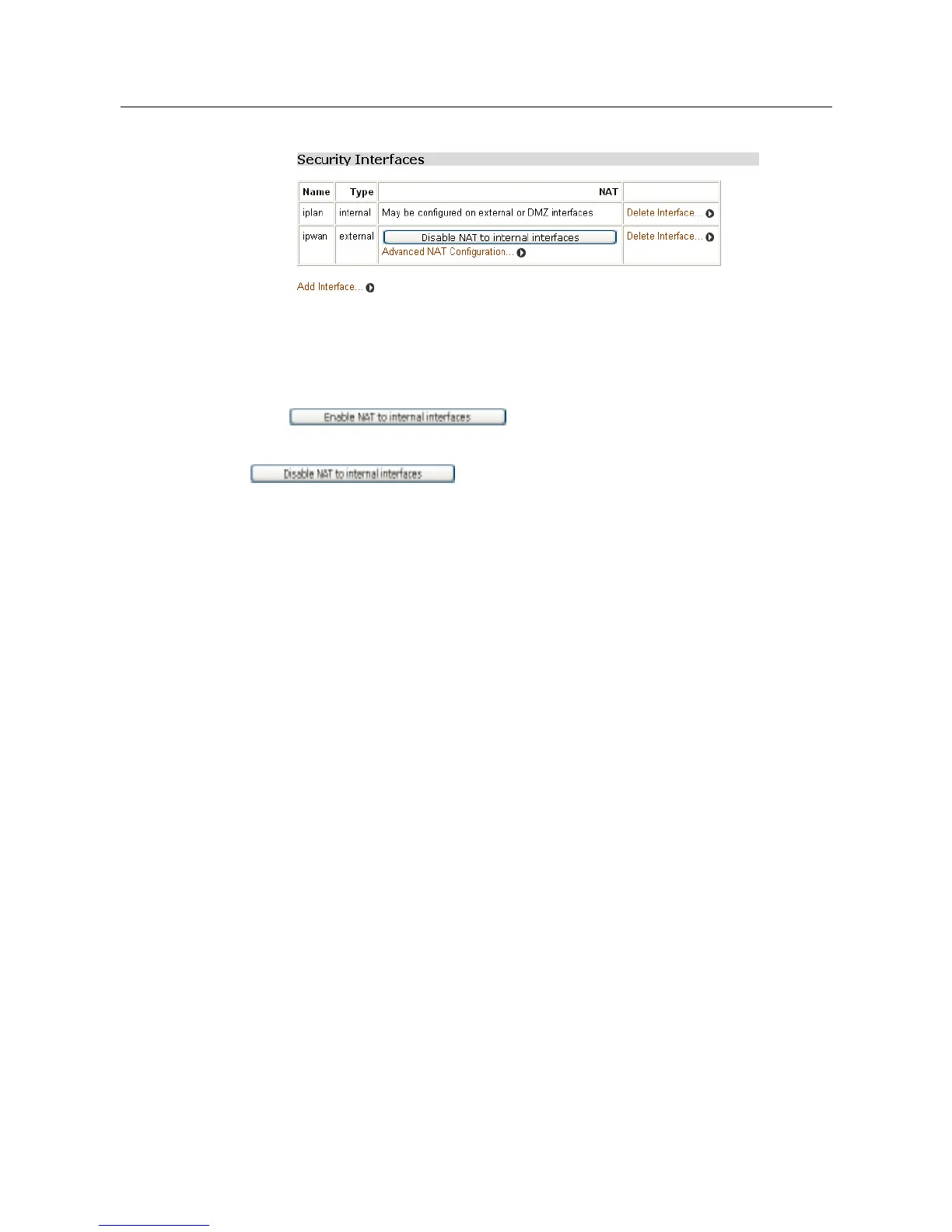
and an internal interface are created, the table will be as below:
The NAT column for the external interface indicates that NAT to internal interfaces
can be enabled. If a DMZ interface has also been configured, this column will also
include an Enable NAT to DMZ interfaces button.
4. To enable NAT between the external interface and the internal interface type,
click . The Security page is refreshed and NAT is
enabled. To disable NAT between these interfaces, click
.
Once NAT between interfaces has been enabled, you can:
• Configure global addresses
• Configure reserved mappings
3.2.4.1.6 Configuring NAT global addresses
Global address pools allow a pool of outside network addresses to be created that
is visible outside your network. Before global addresses can be configured, NAT
needs to be configured.
To set up a global address pool on existing NAT enabled interfaces:
1. From the NAT Security Interfaces table, click the Advanced NAT Configuration
hyperlink for the interface to which a global pool is to be added. The following page
will be displayed:



 To Next Page