PAMSPAN501x G.SHDSL.bis EFM Gateway
-25
To editing/deleting a login account
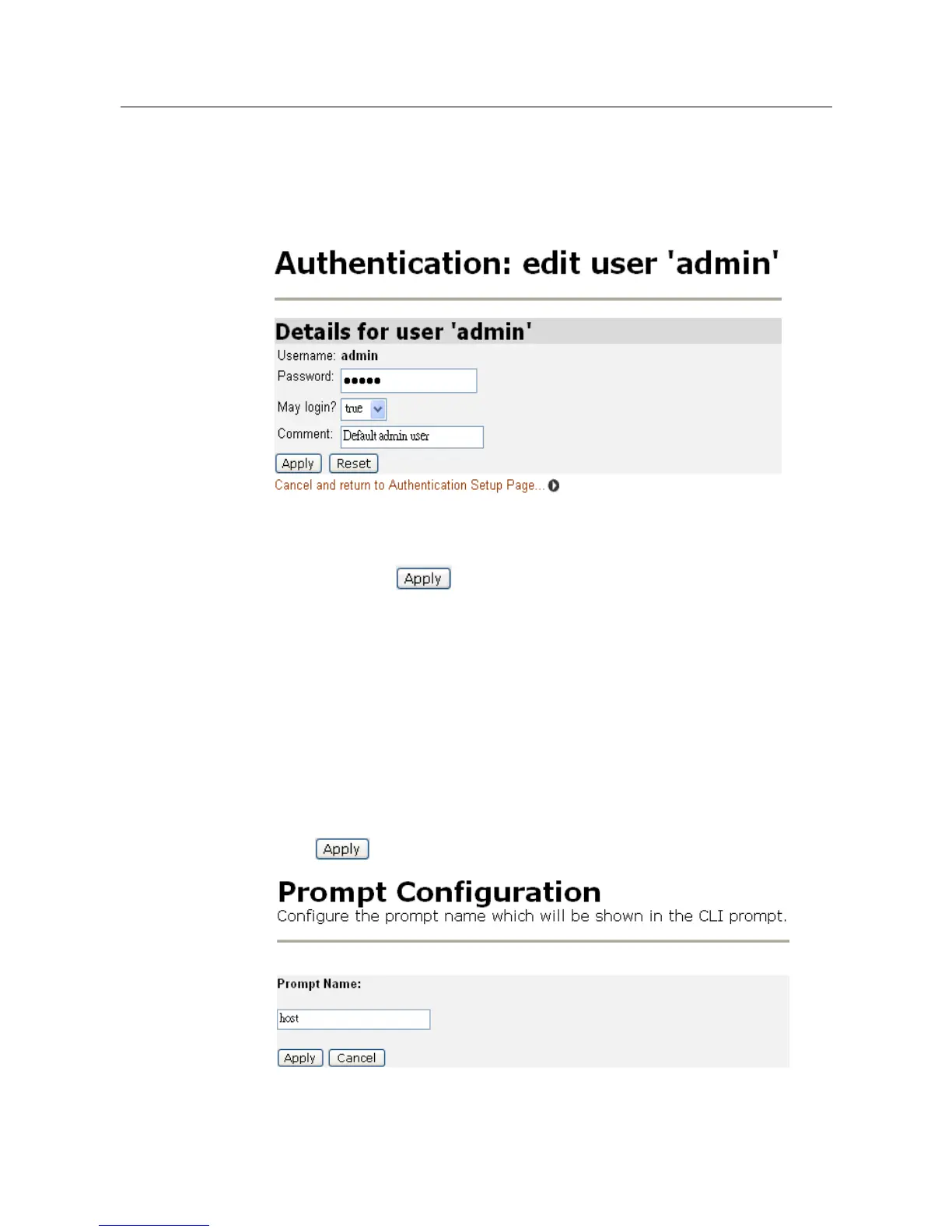
1. The Authentication page table contains an Edit user hyperlink for each user
account entry. Click a link and the following page will be displayed:
This page allows:
• Details for a specific user account to be updated. Modify the necessary text
boxes then click .
• A user account to be deleted. Click the Delete this user button.
2. Once a user account has been edited or deleted, the Authentication page will
be displayed and the table will reflect any changes that have been made on the
Edit user page.
3.2.2.3 Prompt
This configuration allows user to configure the prompt name which will be
shown in the CLI prompt. Enter the name you wish to show in CLI prompt and
click .



 To Next Page