PAMSPAN501x G.SHDSL.bis EFM Gateway
-92
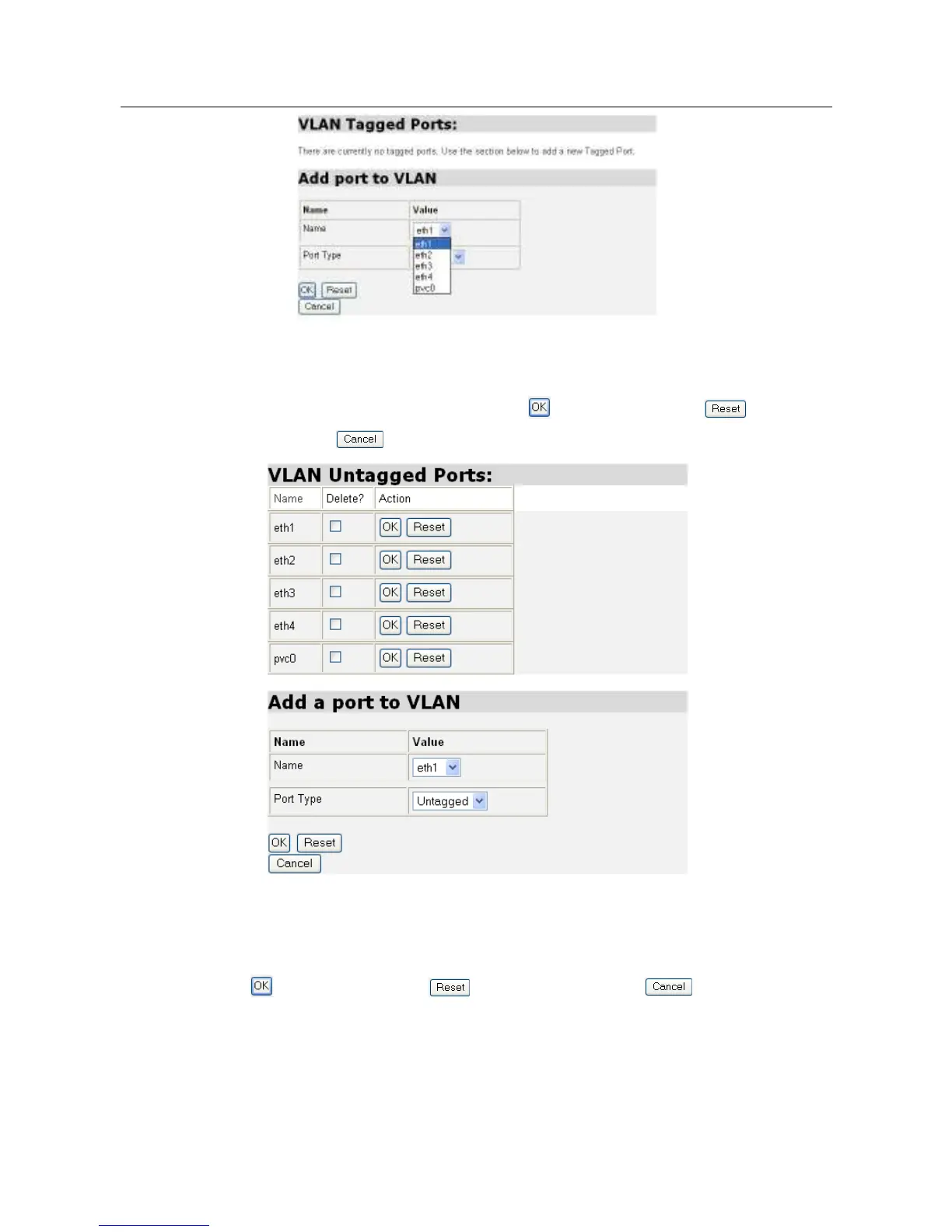
3.2.4.4.2 Edit untagged Ports
As shown in the following figure, a specific untagged port can be added to or
deleted from the VLAN Interface. Click to save the settings, to clear the
settings, or to return to the previous page.
Click Create a new VLAN and the Create a new VLAN page will be displayed, as
shown in the following figure. On this page, a new VLAN Interface can be created
by configuring the VLAN name, the VLAN ID and FDB Name respectively. Click
to save the settings, to clear the settings, or to return to the
previous page.



 To Next Page