PAMSPAN501x G.SHDSL.bis EFM Gateway
-60
3.2.4.1.1 Enabling Security
Security must be enabled before Firewall and/or Intrusion Detection can be enabled.
In the Security State section:
1.
Select the Security Enabled radio button.
2.
Click to update the Security State.
3.2.4.1.2 Enabling Firewall and/or Intrusion Detection
A security interface must be created before Firewall and/or Intrusion Detection can
be enabled.
Once a security interface has been created:
1. Select the Firewall Enabled and/or Intrusion Detection Enabled radio buttons.
2. Click to update the Security State.
3.2.4.1.3 Setting a default Security Level
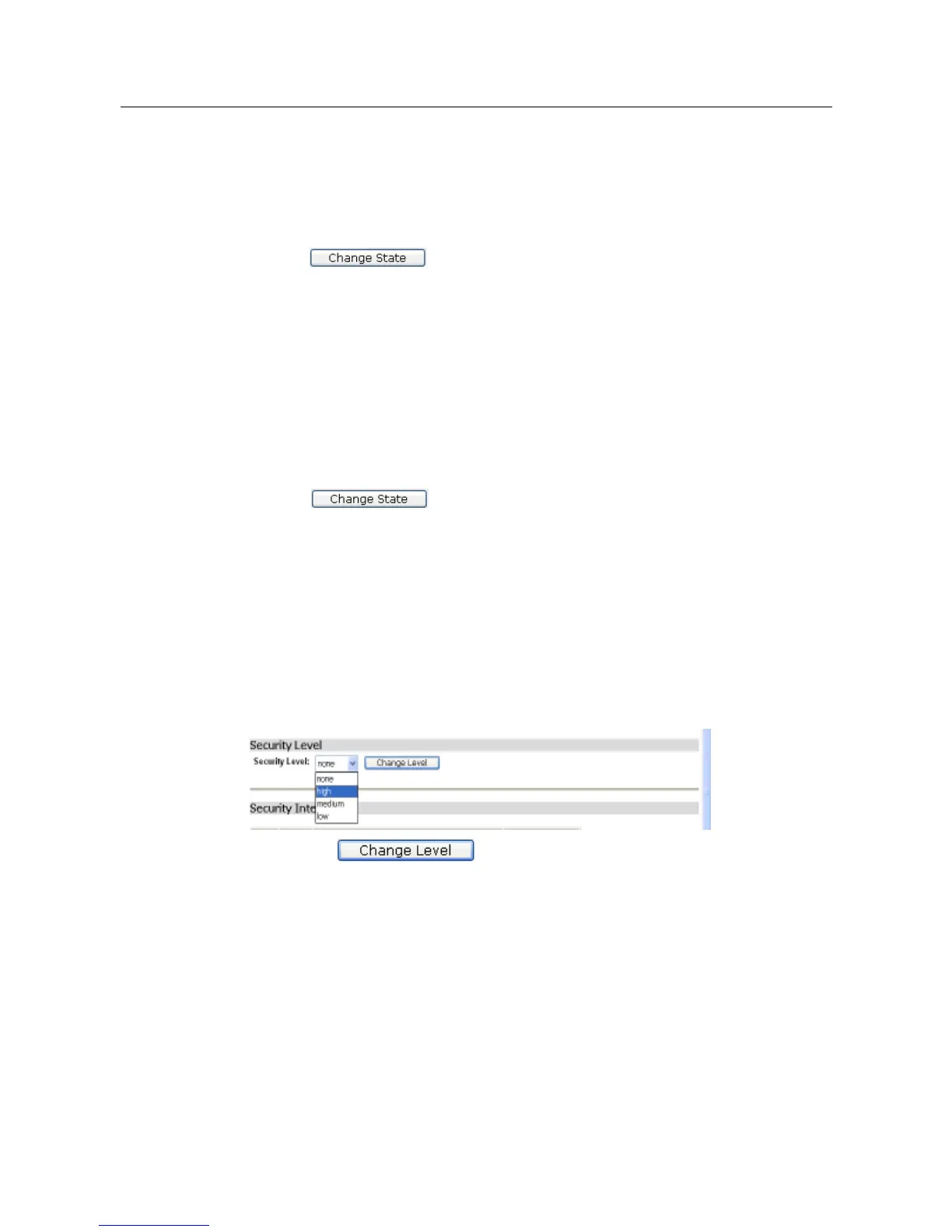
Both Security and Firewall must be enabled in order to set a default Security Level.
1. In the Security Level section, click on the Security Level drop-down list.
2. Select the level that you want to set; which can be either none, high, medium or
low.
3. Click the button to save the changes.
3.2.4.1.4 Configuring Security Interfaces
Security Interfaces are based on existing LAN services. A LAN service must be
created for each Security Interface that you want to configure.
For details of how to create LAN services,
1.
From the Security Interfaces section, click Add Interface and the Add Interface
page will be displayed:



 To Next Page