PAMSPAN501x G.SHDSL.bis EFM Gateway
-16
3.2.1 Status Pages
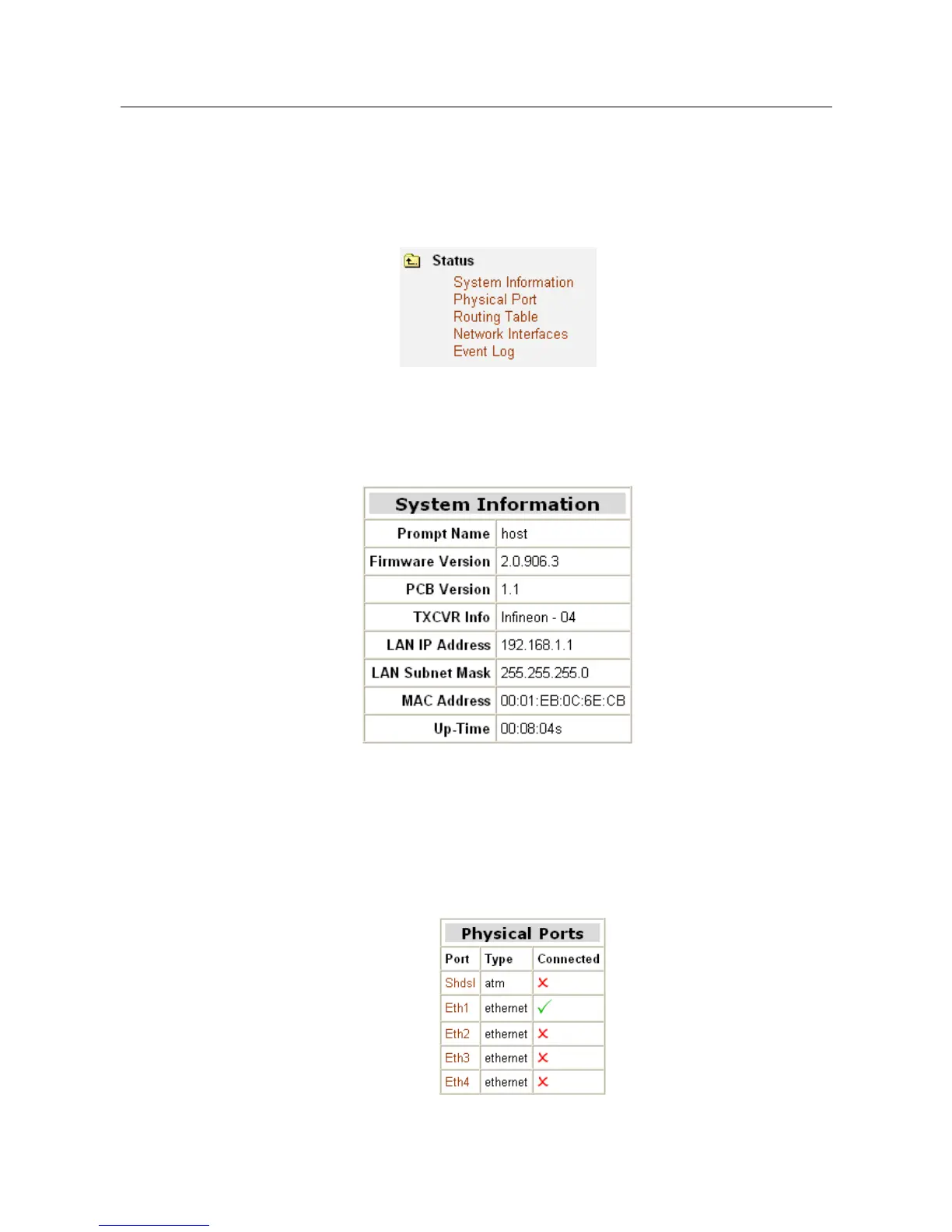
The Status homepage contains information about the current configuration of
PAMSPAN501x. It provides an overview of the current image configuration. The page
contains the following sections:
3.2.1.1 System Information
Click System Information on Status menu, and then System information page
will be displayed as shown below:
3.2.1.2 Physical Port
This option allows you to configure the ports available on your PAMSPAN501X,
depending on the type of image that you intend to boot.
Configuring ports
1. From the Status menu, click on Physical Port. The physical ports available on
your device will be displayed.



 To Next Page