PAMSPAN501x G.SHDSL.bis EFM Gateway
-17
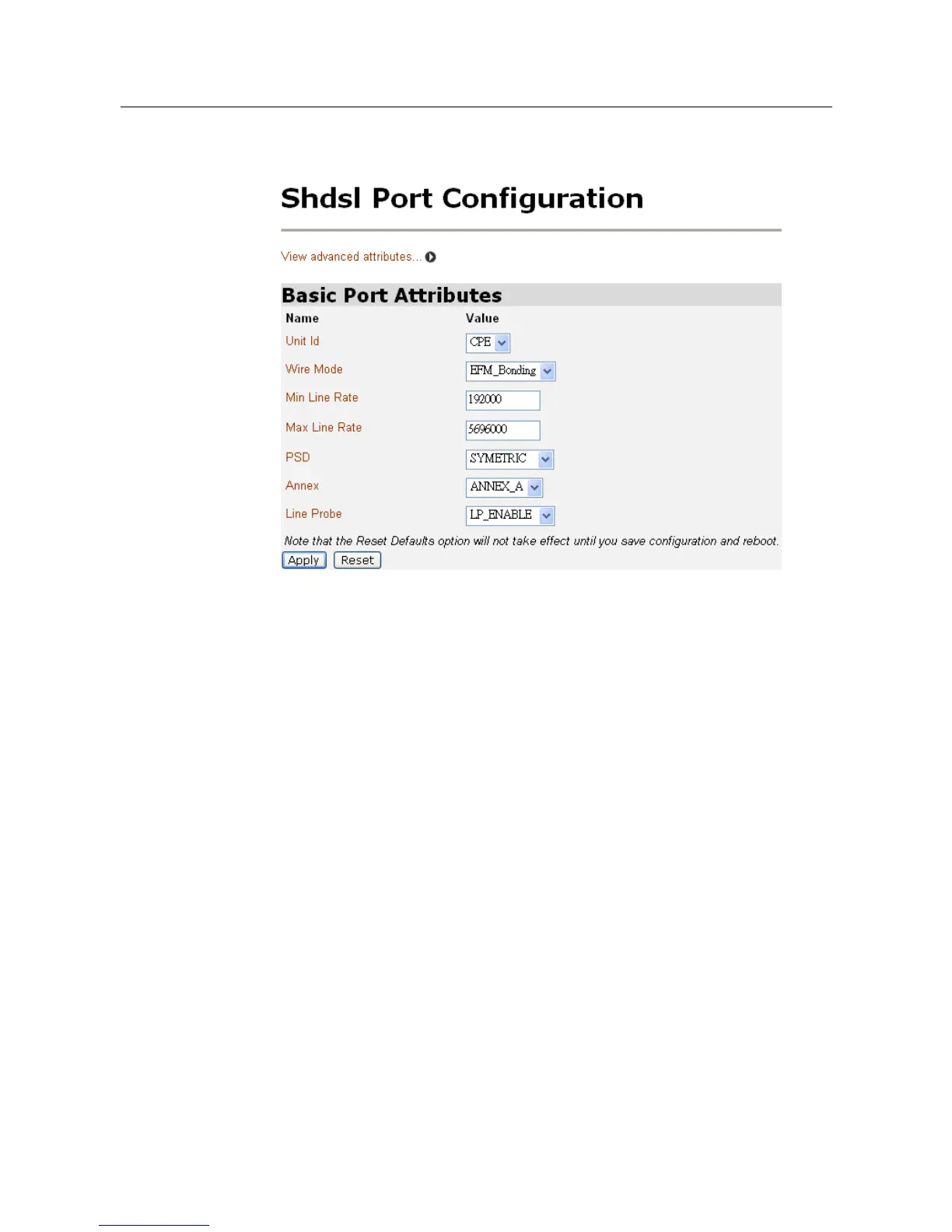
2. Click on Shdsl. The Shdsl Port Configuration page will be displayed:
3. This page allows you to carry out advanced configuration of your SHDSL
port attributes. From the Shdsl Port Configuration page, click View advanced
attributes. The Shdsl Port Configuration page will be displayed. “Shdsl” is the
default SHDSL port name created in the PAMSPAN501X. You can configure
the SHDSL parameters on this page.



 To Next Page