PAMSPAN501x G.SHDSL.bis EFM Gateway
-91
3.2.4.4 VLAN
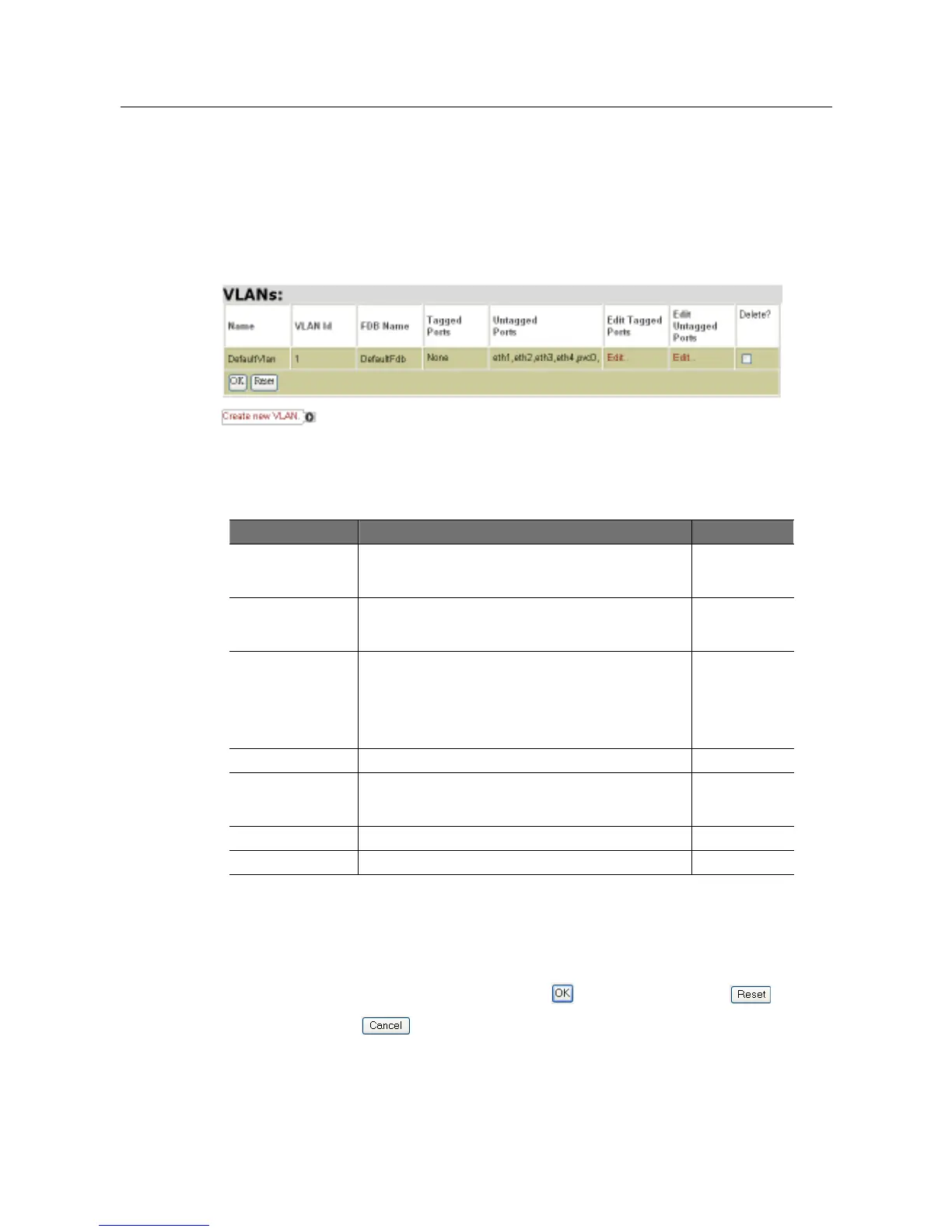
The current maximum number of VLAN groups allowed is 15. To configure the VLAN,
click VLAN configuration and then the VLAN Interfaces page will be displayed, as
shown in the following figure. Currently existing VLAN Interfaces can be configured or
a new VLAN Interface can be created via this page.
The following table gives the range of values for each option, which can be specified
with this command and a default value.
Option Description Default value
Name An arbitrary name that identifies the VLAN Interface and
can consist of one or more letters or a combination of
letters and digits, but cannot start with a digit.
DefaultVlan
VLAN ID The VLAN ID that the user wants to assign to the VLAN
name. The valid values for the VLAN ID range between
1 and 4094.
1
FDB Name The name of an existing Filtering Database with which
the user wants the VLAN Interface to be associated. If
the FDB already exists, the VLAN Interface becomes
associated with that FDB. If the FDB does not exist, it is
created and the VLAN Interface becomes associated
with it.
DefaultFdb
Tagged Ports The tagged port list for the VLAN Interface
None
User priority The untagged port list for the VLAN Interface eth1, eth2,
eth3, eth4,
pvc0
Edit Tagged Ports Clicking on
Edit
allows users to edit tagged ports
Edit untagged Ports
Clicking on Edit allows users to edit untagged ports
3.2.4.4.1 Edit Tagged Ports
As shown in the following figure, a specific tagged port can be added to the VLAN
Interface using name drop-down list. Click to save the settings, to clear
the settings, or to return to the previous page.



 To Next Page