PAMSPAN501x G.SHDSL.bis EFM Gateway
-96
3.2.4.5 SHDSL
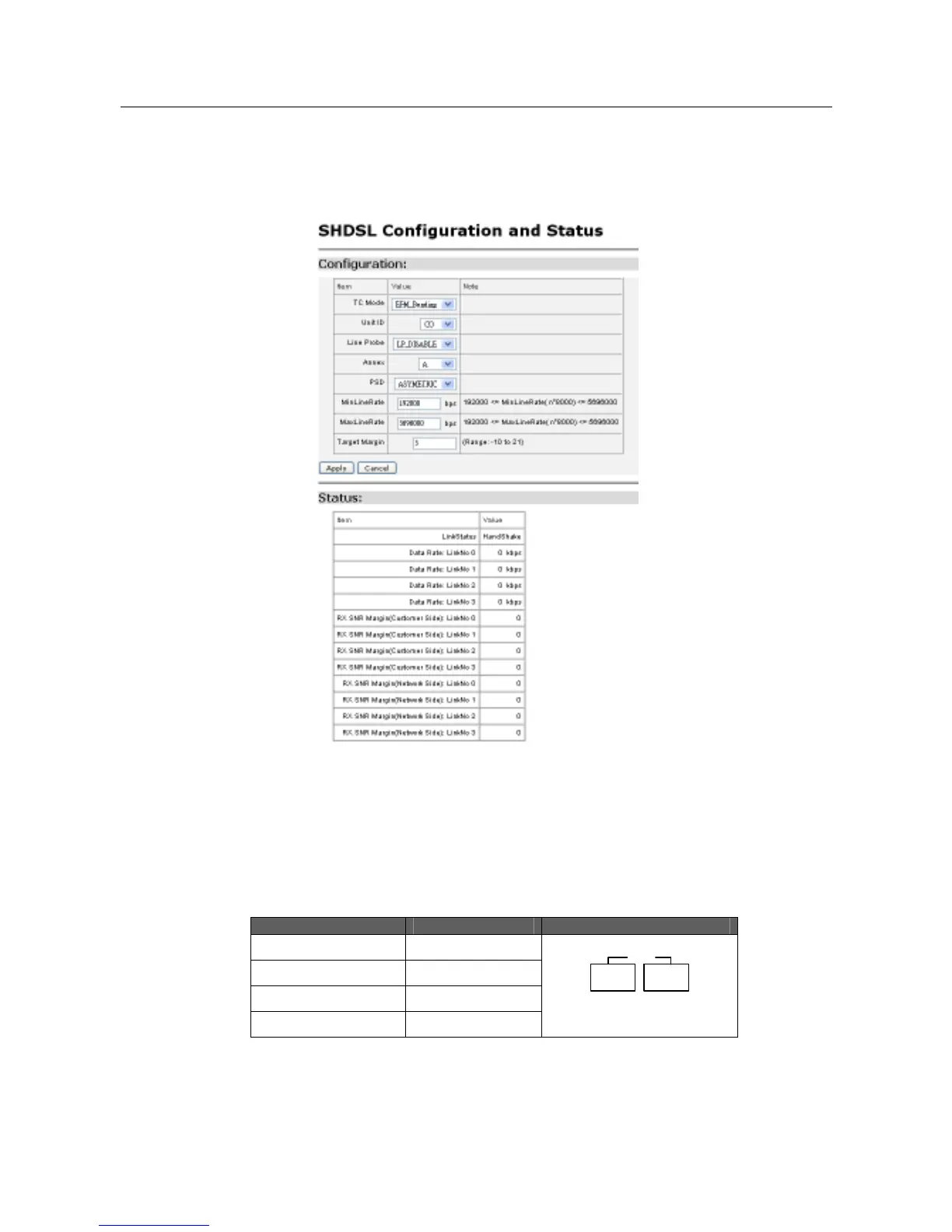
This option allows you to configure the SHDSL port on your router, Click on SHDSL
Configuration via the Advanced menu. The SHDSL Port Configuration page appears
promptly:
“Shdsl” is the default port name of SHDSL created in PAMSPAN501x where stands
for ATM/EFM port. You can configure simple SHDSL parameters in this page. The
procedure is shown as follows:
1. In the Role drop-down list, you can set the device as CPE or CO.
2. If to set PAMSPAN501x’s Wire mode, click on Wire Pair drop-down list to select
the Wire Pair number needed.
Wire Mode DSL Pair to Use Illustration
2-WireMode 1
4-WireMode 1,2
6-WireMode 1,2,3
8-WireMode 1,2,3,4
DSL
1 2 3 4



 To Next Page