PAMSPAN501x G.SHDSL.bis EFM Gateway
-100
3.2.4.6.2 To add a scheduler for QoS
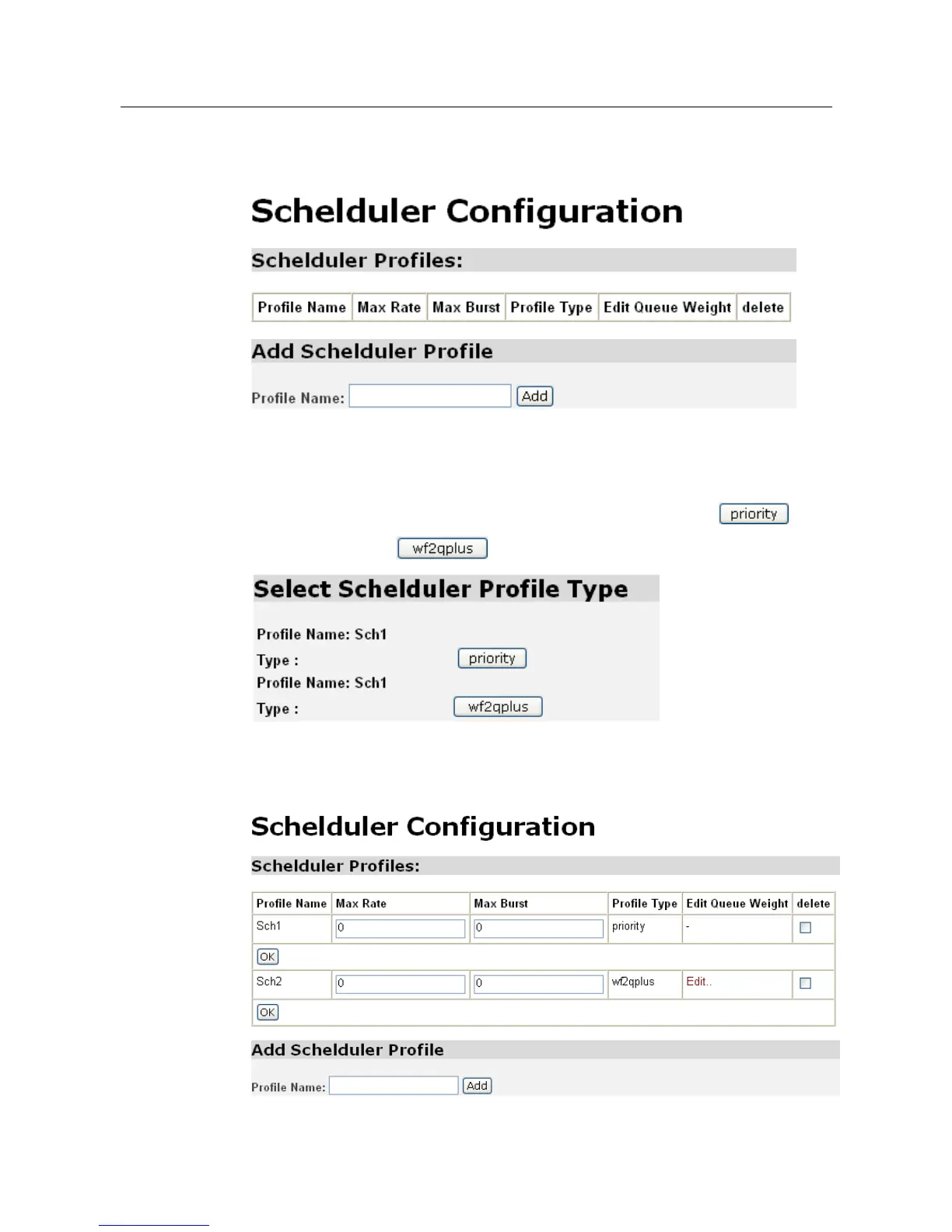
There are two methods of adding a scheduler for QoS. One is QoS with priority
mode and another is QoS with the weighted queues.
Enter the name for the Scheduler Profile and click “Add” to create the new profile.
Upon clicking “Add”, the following page will be displayed for user to choose the
method for the QoS scheduler, Priority or Weighted Queues. Click for
the priority type and for the weighted queue type.
After clicking on the desired scheduler profile type, the profile will then be created
and appear on the QoS main page.



 To Next Page