PAMSPAN501x G.SHDSL.bis EFM Gateway
-27
3.2.2.5 Backup/Restore
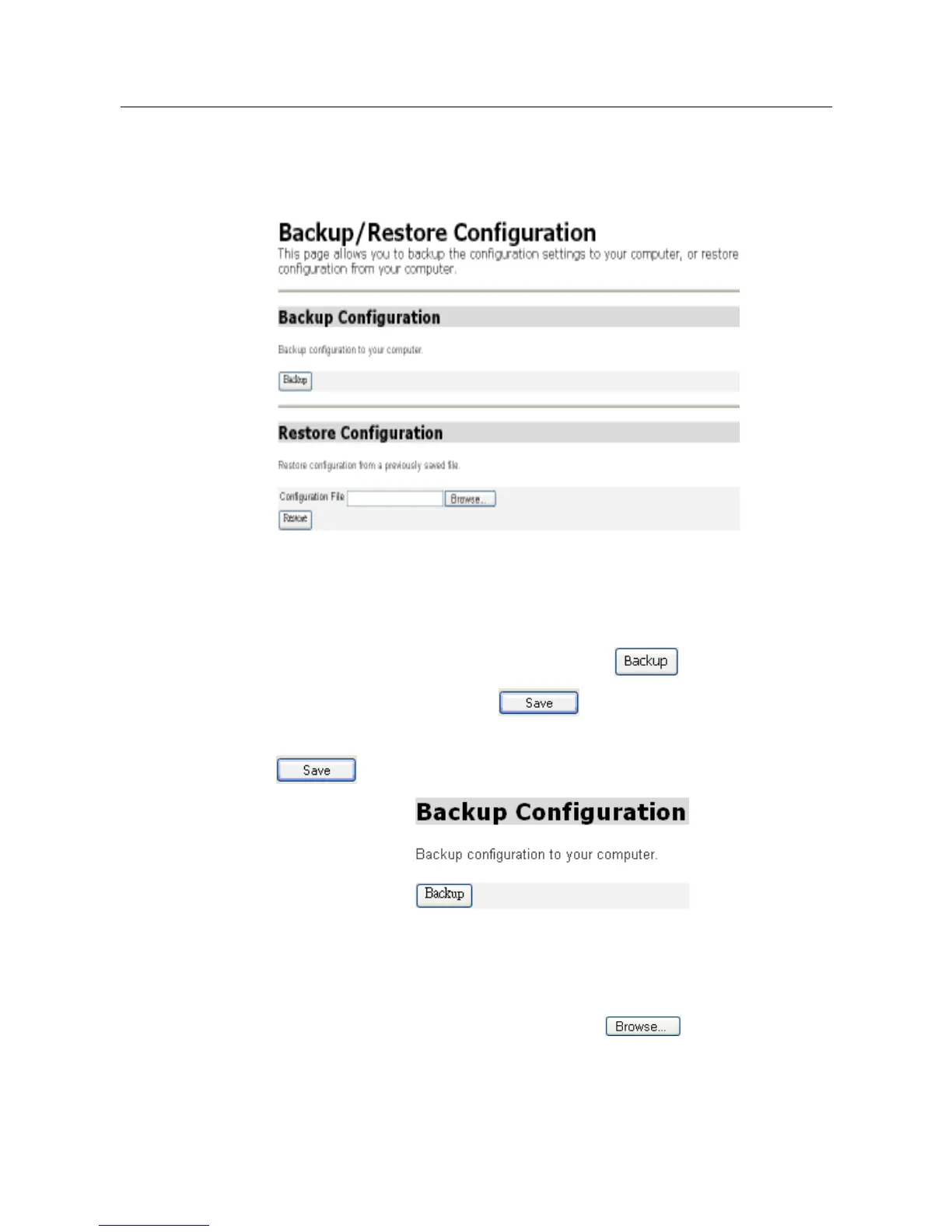
From the System menu, click Backup/restore. The following page will be
displayed. This page allows the configuration to be backed up to, or restored
from, another computer.
Backing up your configuration
1. From the Backup Configuration section, click . The File Download
window will be displayed. Click . The Save As window will then be
displayed. Select a directory in which to save the backup configuration and click
.
Restoring a configuration
1. In the Restore Configuration section as shown below, click in the
Configuration File text box and enter the network path of the file that is to be
restored. If the path details are unknown, click and locate the file
using the Choose file window.



 To Next Page