PAMSPAN501x G.SHDSL.bis EFM Gateway
-105
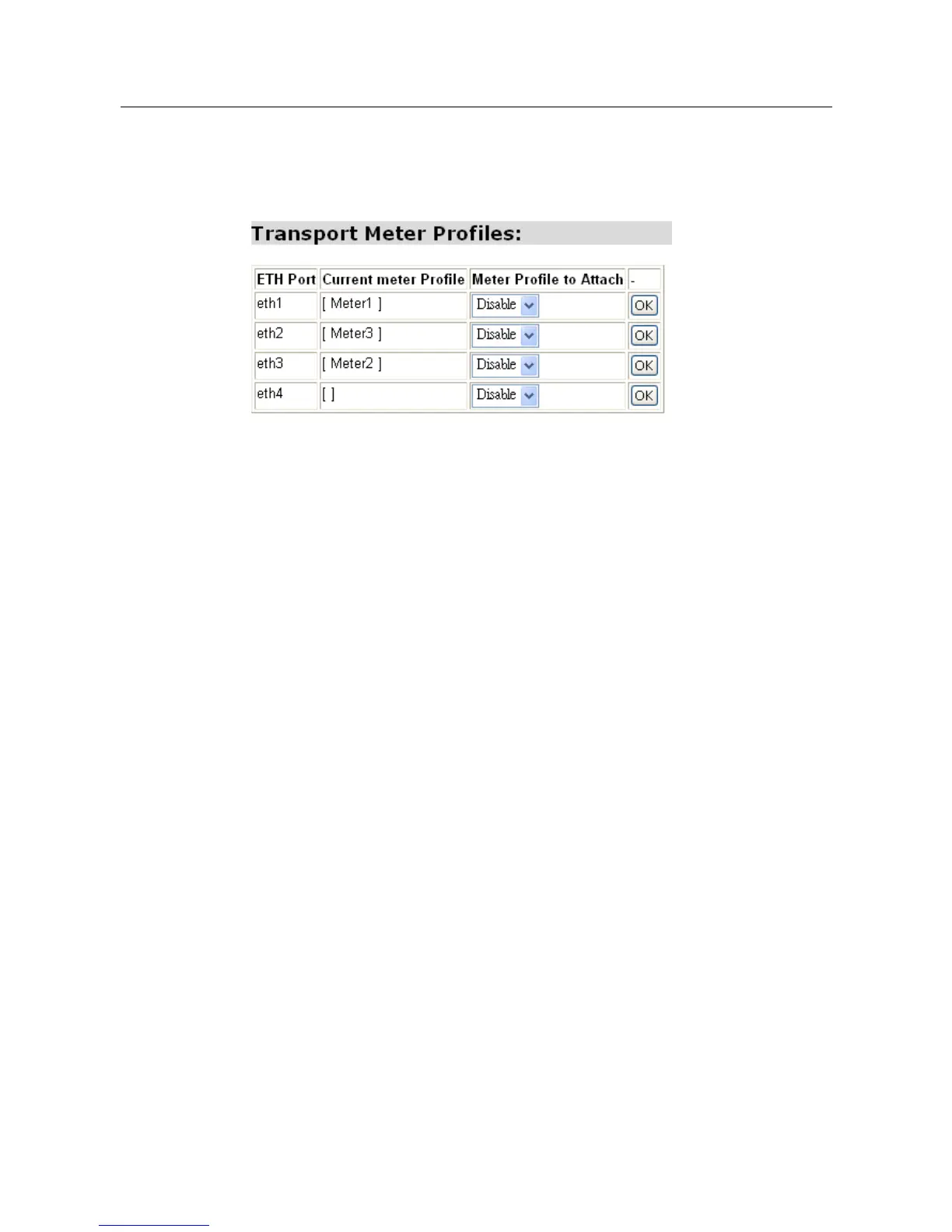
Follow the same sequence as attaching scheduler and classifier when attaching an
existing meter profile to an existing transport. Click the drop-down list corresponded
to the transport and choose the meter to attach and then click “OK” to save the
configuration as shown below.
802.1P QoS
For this function, only a scheduler should be attached to the HSL transport. (If a
classifier has attached on an ingress transport, you should remove it from this
ingress transport.)
#> transports set HSL scheduler profile spriority
This
command
sets
an
existing
scheduler
profile
on
an
existing
transport.
The
outgoing
traffic
on
the
transport
will
be
scheduled
according
to
the
configuration of
the
scheduler
profile. It
sets HSL scheduler to follow the rule in profile spriority.
#> transports show HSL
This command shows the information on the HSL transport.
TOS/DSCP QoS
For this function, you should set a scheduler to the HSL transport and a classifier to
an ingress Ethernet transport. Below are the examples:
#> transports set HSL scheduler profile spriority
#> transports show HSL
#> transports set ETH1 classifier profile cdscp
#> transports show ETH1
The specific PPPoE QoS
For a PPPoE ingress packet, its QoS behavior in this system will be depended on
what strict priority it carries or follow the classifier rule that attached on it. However,
if a PPPoE packet carries both a strict priority and a classifier rule, then its QoS
behavior will only follow the classifier rule and ignore the priority it carries.



 To Next Page