520 MULTIMEDIA
Aux Switches
After pressing the “Aux Switches” button on the touchscreen, the following settings will be available:
Compass Settings — If Equipped
After pressing the “Compass Settings” button on the touchscreen, the following settings will be available:
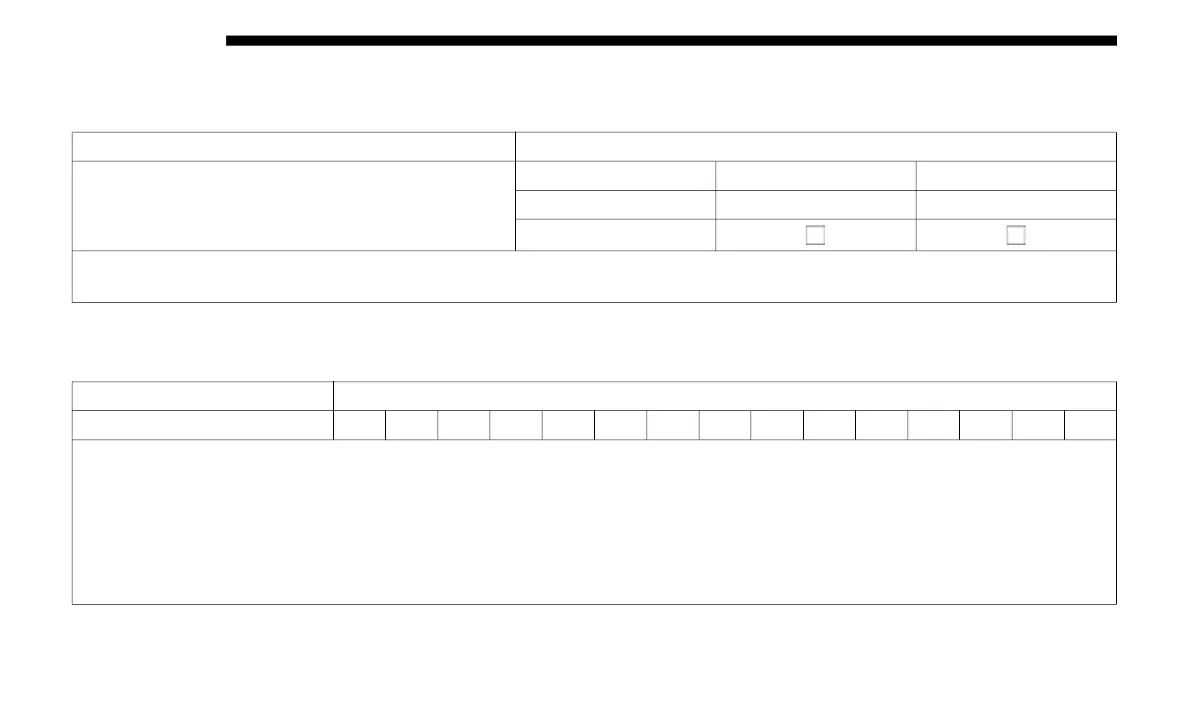
Setting Name Selectable Options
Aux 1-4
Type Latching Momentary
Power Source Battery Ignition
Recalled Last State
NOTE:
Holding last state conditions are met when switch type is set to latching and power source is set to ignition.
Setting Name Selectable Options
Variance 1 2 3 4 5 6 7 8 9 10 11 12 13 14 15
NOTE:
• Compass Variance is the difference between Magnetic North and Geographic North. To compensate for the differences the
var
iance should be set for the zone where the vehicle is driven, per the zone map. Once properly set, the compass will auto-
matically compensate for the differences, and provide the most accurate compass heading.
• K
eep magnetic materials away from the top of the instrument panel, such as iPod’s, Mobile Phones, Laptops and Radar
Det
ectors. This is where the compass module is located, and it can cause interference with the compass sensor, and it may
give false readings.














 To Next Page