534 MULTIMEDIA
Aux Switches — If Equipped
After pressing the Aux Switches button on the touchscreen, the following settings will be available:
Audio
After pressing the Audio button on the touchscreen, the following settings will be available:
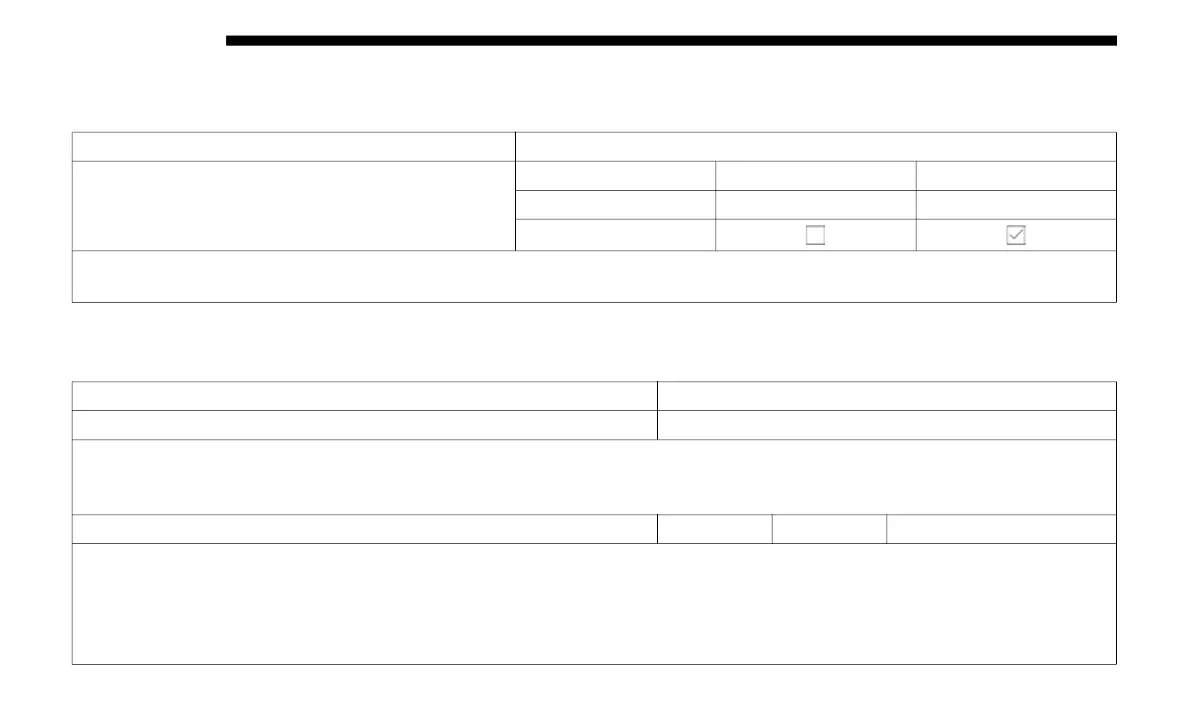
Setting Name Selectable Options
Aux 1-4
Type Latching Momentary
Power Source Battery Ignition
Recalled Last State
NOTE:
Holding last state conditions are met when switch type is set to latching and power source is set to ignition.
Setting Name Selectable Options
Balance & Fade Speaker Icon
NOTE:
When in this display, you may adjust the Balance & Fade of the audio by pressing and dragging the Speaker Icon toward any
loca
tion in the box.
Equalizer Bass Mid Treble
NOTE:
When in this display, you may adjust the “Bass”, “Mid”, and “Treble” settings. Adjust the settings with the + and – setting
butt
ons on the touchscreen or by selecting any point on the scale between the + and – buttons on the touchscreen. Bass/Mid/
Treble also allow you to simply slide your finger up or down to change the setting as well as press directly on the desired
setting.














 To Next Page