MULTIMEDIA 591
2. Connect your Android™-powered smartphone to one of
the media USB ports in your vehicle. If the Android
Auto™ app was not downloaded, the first time you plug
your device in, the app will begin to download.
NOTE:
Be sure to use the factory-provided USB cable that came with
your p
hone, as aftermarket cables may not work.
Android Auto
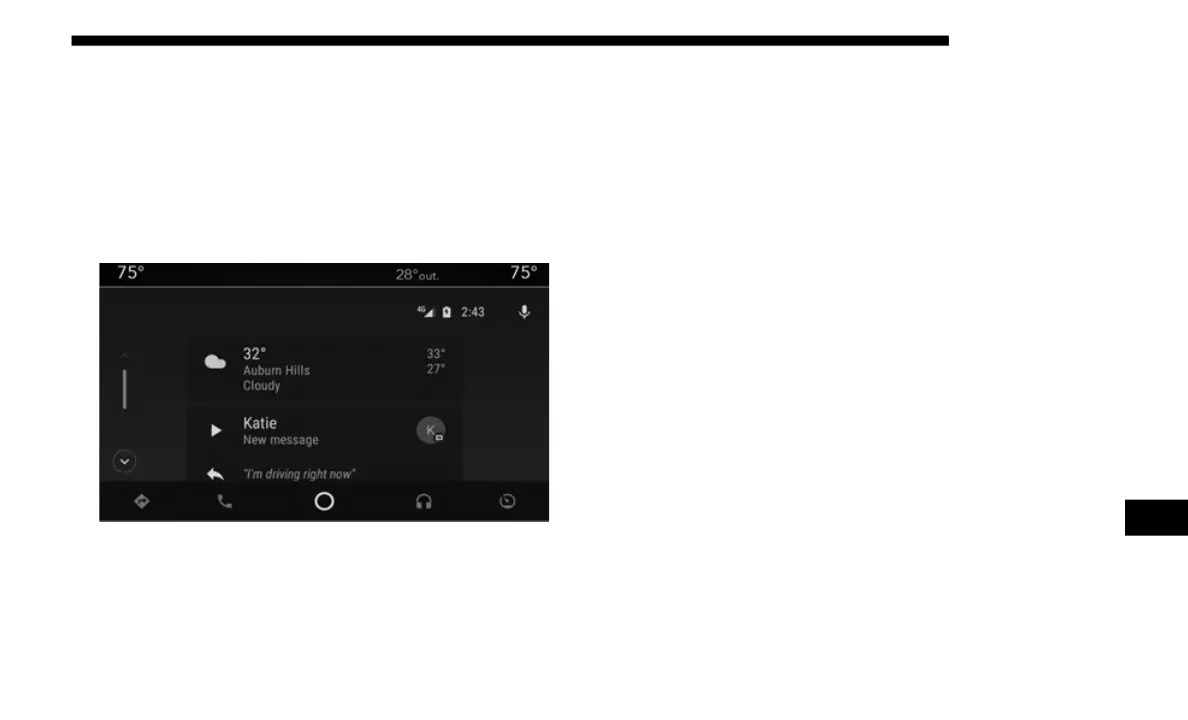
3. Once the device is connected and recognized, the
“Pho
ne” icon on the drag & drop menu bar changes to the
Android Auto™ Icon. Android Auto™ should launch,
but if it does not, refer to “Android Auto™ And Apple
CarPlay® Tips And Tricks” in this section for the proce
-
dure to enable the feature “AutoShow”. You can also
launc
h it by touching the Android Auto™ icon on the
touchscreen.
Once Android Auto™ is up and running on your Uconnect
system
, the following features can be utilized using your
smartphone’s data plan:
• Google Maps™ for navigation
• Googl
e Play Music, Spotify, iHeart Radio, etc. for music
• Hand
sfree Calling, and Texting for communication
• Hund
red of compatible apps
NOTE
:
To use Android Auto™, make sure you are in an area with
cellu
lar coverage. Android Auto™ may use cellular data and
your cellular coverage is shown in the upper right corner of
the radio screen.
9














 To Next Page