MULTIMEDIA 597
Apple CarPlay® Messages
Just like Phone, Apple CarPlay® allows you to use
Siri to send or reply to text messages. Siri can also
read
incoming text messages, but driver’s will not be
able to read messages, as everything is done via voice.
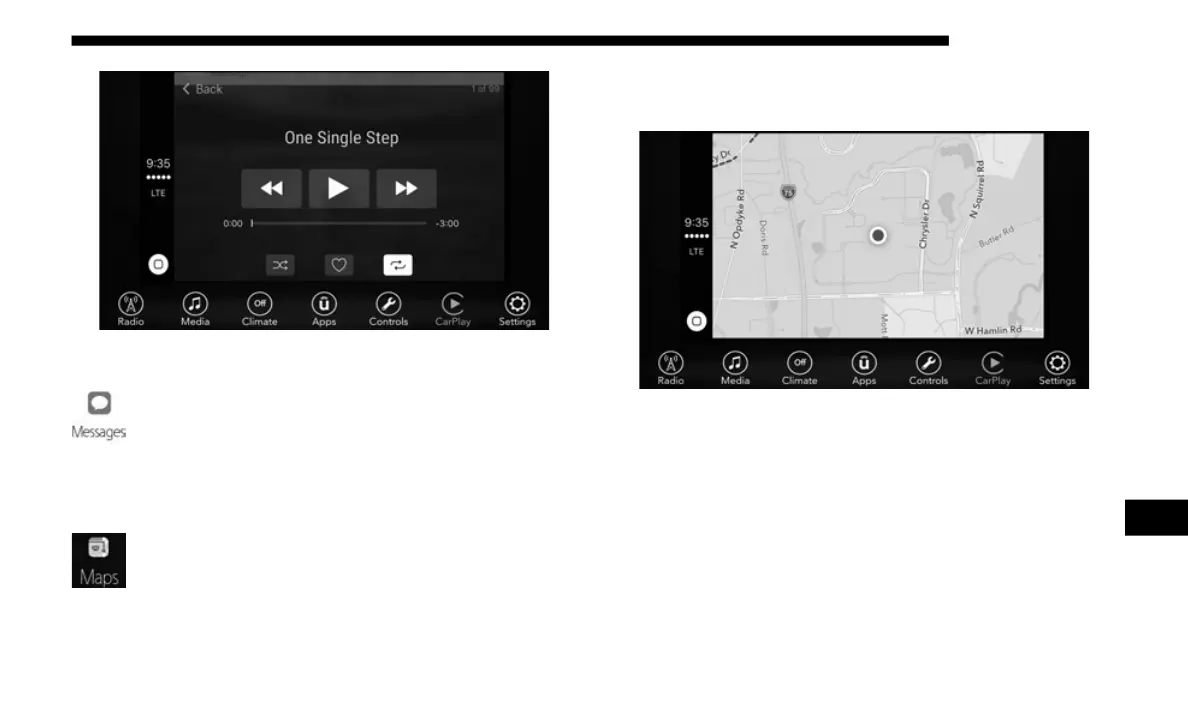
Apple CarPlay® Maps
To use your Apple Maps® for navigation on your
Uconnect system, launch Apple CarPlay®, and push
and h
old the VR button on the steering wheel to use
Siri to set your desired destination. Alternatively, choose a
nearby destination by pressing Destinations and selecting a
category, by launching Siri from the destinations page, or
even by typing in a destination.
Apple CarPlay® Maps
NOTE:
If the Voice Recognition (VR) button is not held, and is only
pushe
d, the built-in Uconnect VR prompts you and any navi-
gation command said launches the built-in Uconnect naviga-
tion system.
Apple CarPlay® Apps
To use a compatible app with Apple CarPlay®, you must
have
the compatible app downloaded, and you must be
signed in to the app.
9














 To Next Page