MULTIMEDIA 643
CarPlay®. Push and hold the VR button on the steering
wheel, or press and hold the Home button within Apple
CarPlay®, to activate Siri, which recognizes natural voice
commands to use a list of your iPhone’s® features:
• Phone
• Musi
c
• Mess
ages
• Maps
•
Addi
tional Apps
Appl
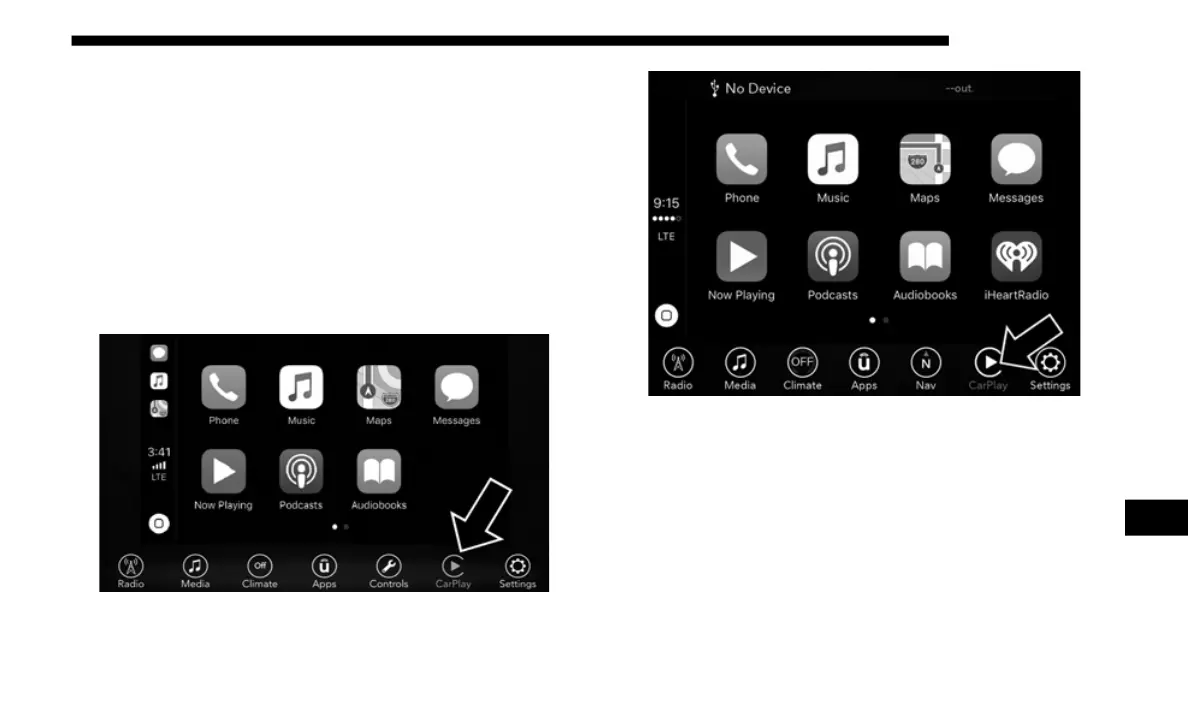
e CarPlay® On 7-inch Display
Apple CarPlay® On 8.4-inch Display
Refer to "Apple Carplay®" in "Media Mode" in "Uconnect 4
with 7
-inch Display" section or in the Uconnect Owner's
Manual Supplement for further information
NOTE:
Requires compatible iPhone®. See dealer for phone compat-
ibility. Data plan rates apply. Vehicle user interface is a
produ
ct of Apple®. Apple CarPlay® is a trademark of
Apple® Inc. iPhone® is a trademark of Apple® Inc., regis-
tered in the US and other countries. Apple® terms of use and
priva
cy statements apply.
9














 To Next Page