100
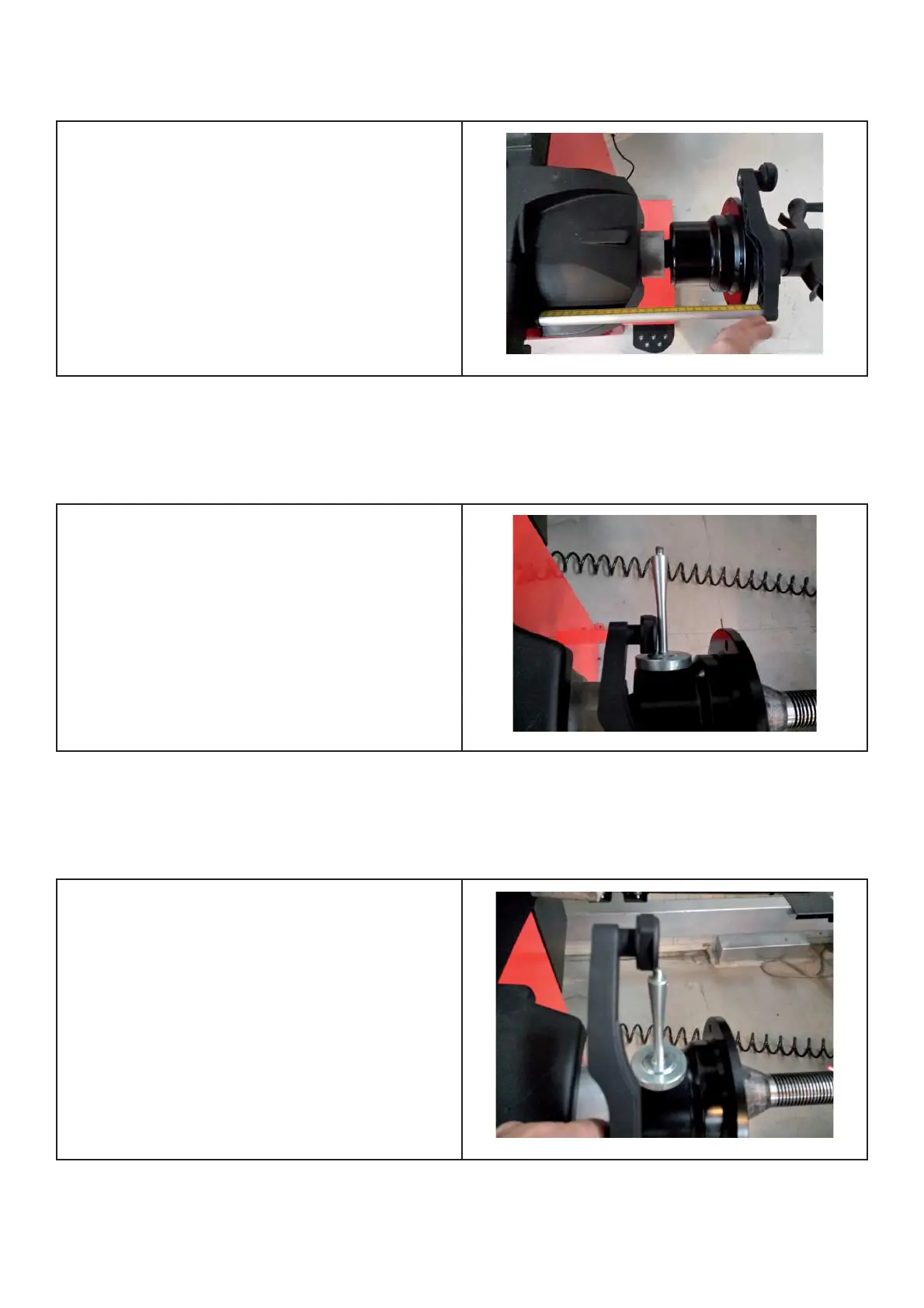
Step 2: Move gauge arm to calibration position 2. Press acknowledge key to con! rm step 2.
Gauge arm extended to max extension
Step 3: Move gauge head to calibration position 3. Press acknowledge key to con! rm step 3.
Position 1 of calibration template, or head of
calibration weight
Step 4: Move gauge head to calibration position 4. Press acknowledge key to con! rm and quit the calibration.
Position 2 of calibration template, or tip
(screw) of calibration weight
Comments: None



 To Next Page