Figure 4-17 Motor controller assembly
4.11.1.2.1 Removal of the motor controller assembly from the fuselage
1. Ensure the master switch of the system is switched off.
2. Remove the B5 Cover (2) by unscrewing the four bolts located in the corners of the
cover.
3. Undo the Bug wiper connector back plate (3) by loosening its two fastening bolts.
4. The battery cable can be pulled through the grommet and the B5 Cover (2) is
completely removed.
5. Remove the four D-sub connectors (11) located on the right side of the motor
controller assembly.
6. Remove the Motor controller box cover (1).
7. Loosen the three Cable glands (6) to ensure they are not clamping the wires anymore.
8. Remove the Ground bolt (5).
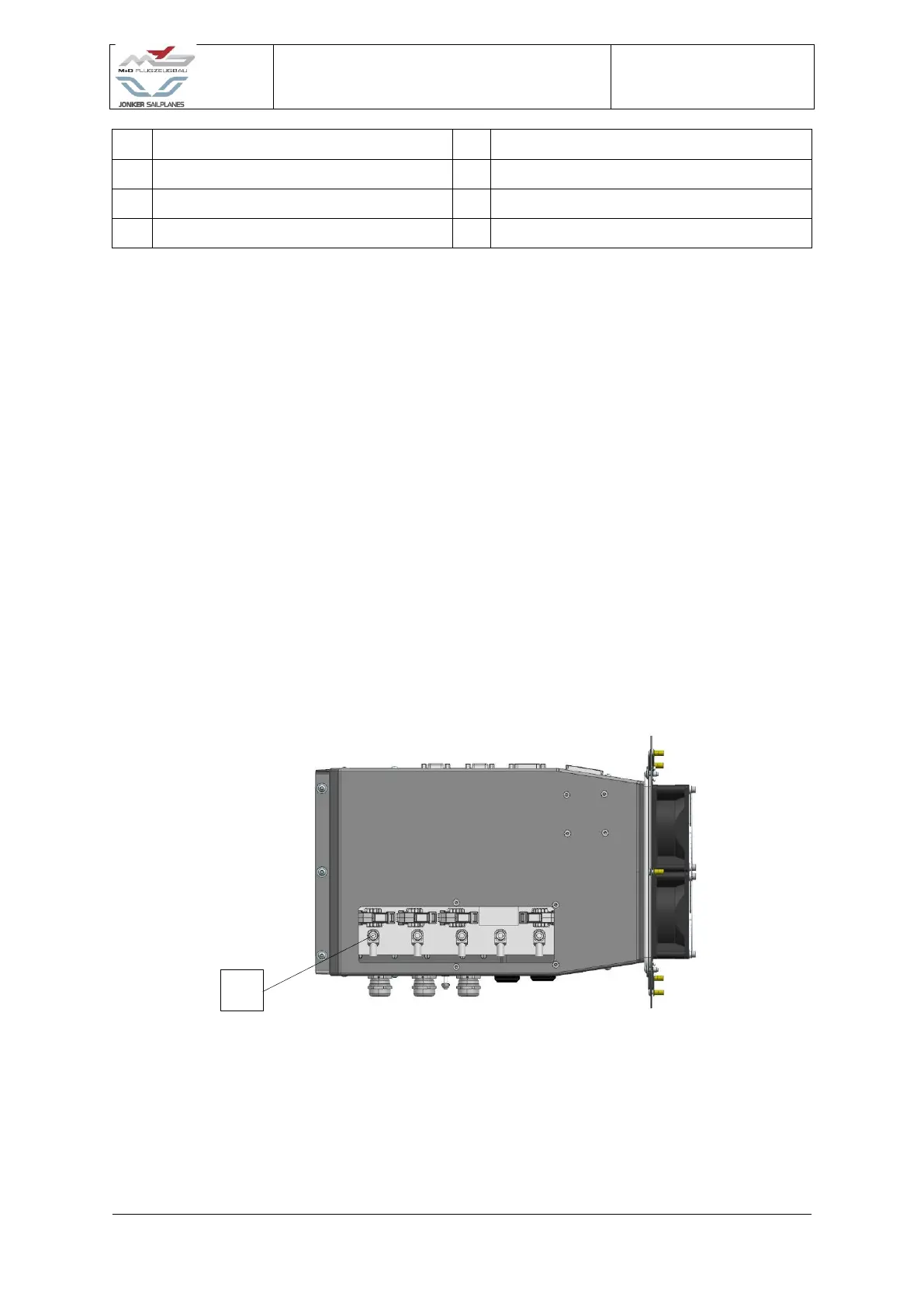
Figure 4-18 Motor controller assembly top view
9. Loosen the five bolts retaining the High voltage ring terminals (14) and remove the
high voltage wires from the box.


 To Next Page
 Loading...