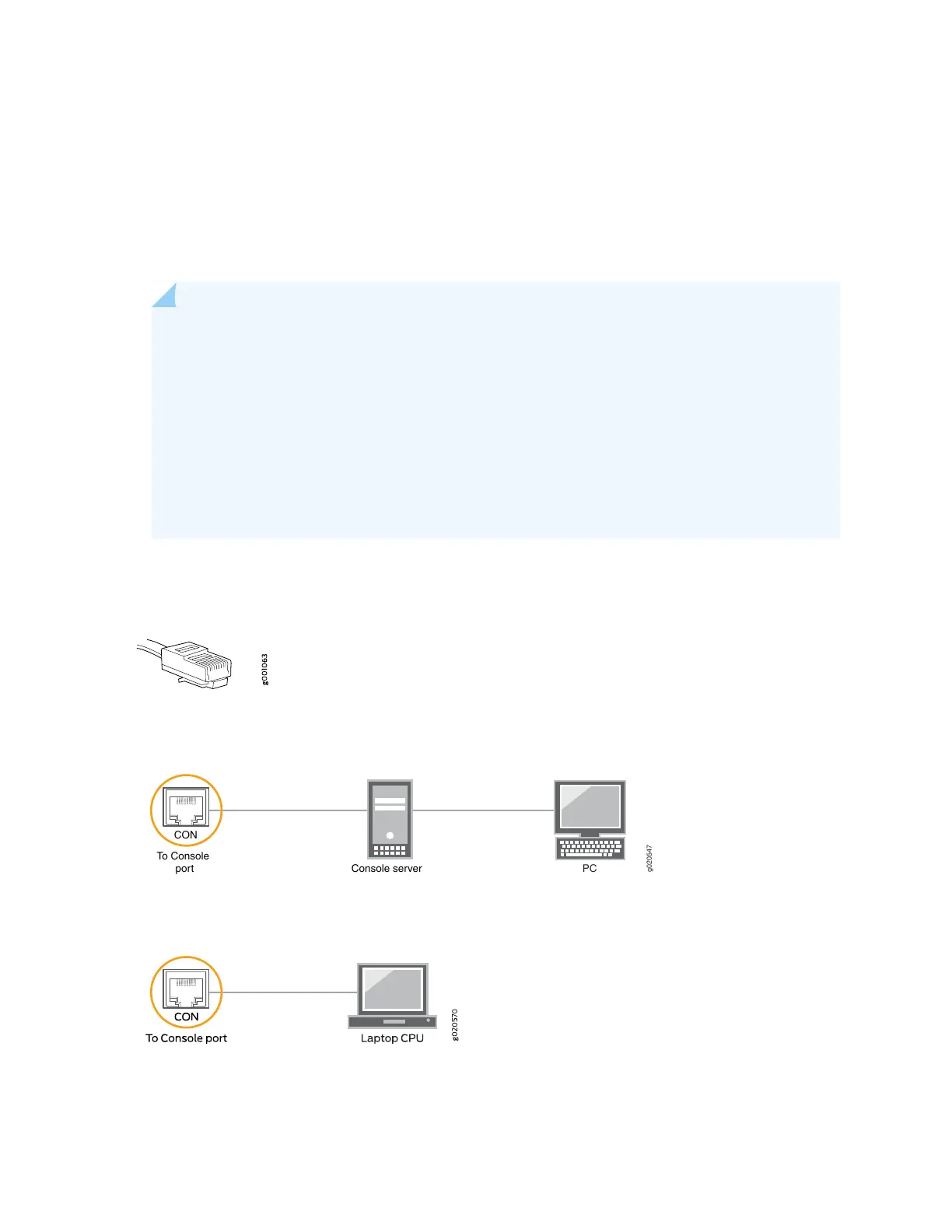
To connect a management console:
1. Turn off power to the console device.
2. Plug the RJ-45 end of the serial cable (see Figure 41 on page 104) into the CON port on the router.
3. Plug the female DB-9 end into the device's serial port.
NOTE:
For console devices, configure the serial port to the following values:
•
Baud rate—9600
•
Parity—N
•
Data bits—8
•
Stop bits—1
•
Flow control—none
Figure 41: Console and Auxiliary Cable Connector
Figure 42: Connecting the MX204 Router to a Management Console Through a Console Server
g020547
CON
To Console
port Console server
PC
Figure 43: Connecting the MX204 Router Directly to a Management Console
104



 To Next Page