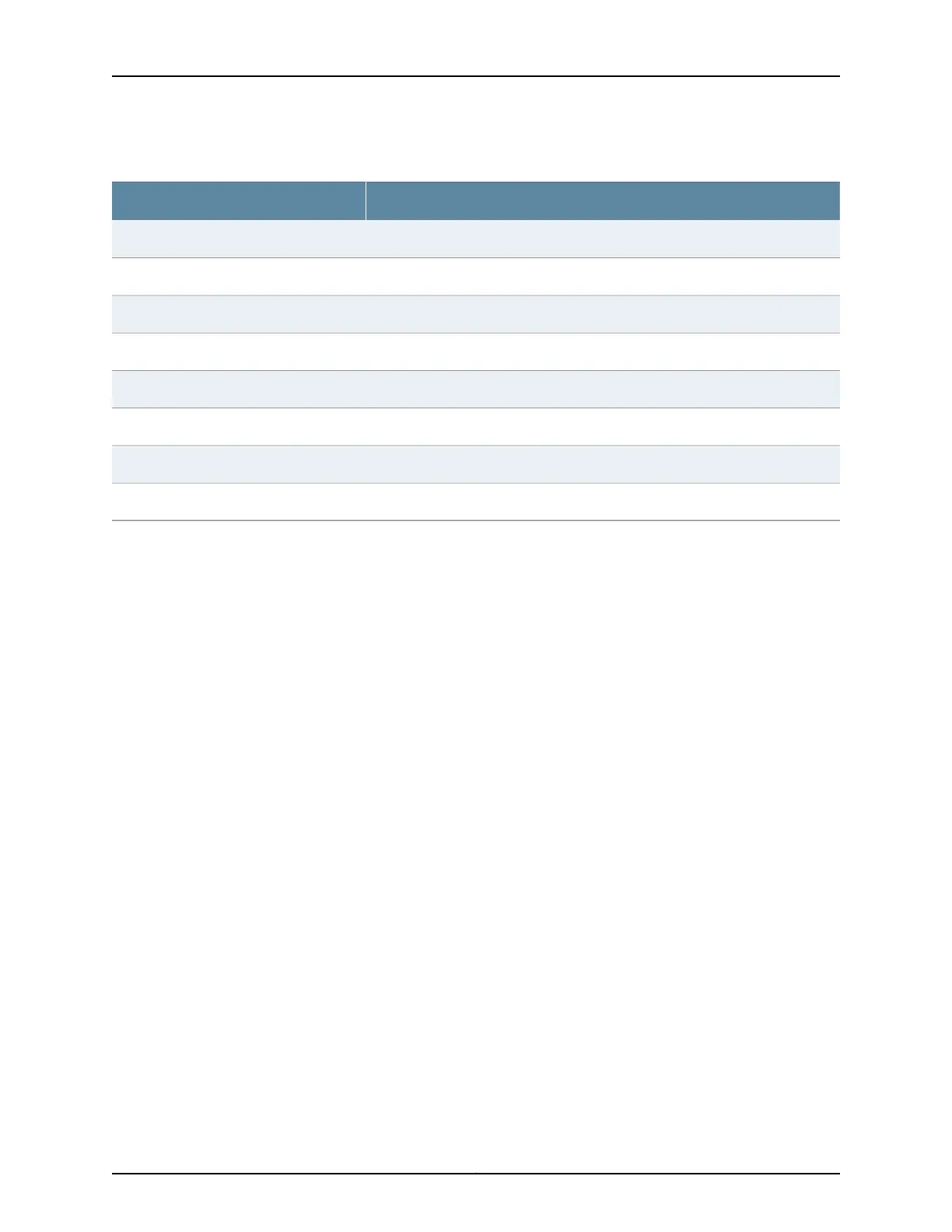
Table 22: show virtual-network functions Output Fields (continued)
Field DescriptionField Name
Name of the VNFName
Status of the VNF. Possible values are Running, Shutdown, or Undefined.State
Indicates whether or not the IP address of the VNF is reachable.Liveliness
IP address of the VNFIP Address
Number of virtual CPUsVCPUs
Maximum amount of memory available to the VNFMaximum Memory
Amount of memory used by the VNFUsed Memory
SourceTarget
Sample Output
show virtual-network-functions vjunos0
user@host> show virtual-network-functions vjunos0
ID Name State Liveliness
--------------------------------------------------------------------------------
2 vjunos0 Running alive
show virtual-network-functions vjunos0 detail
user@host> show virtual-network-functions vjunos0 detail
Virtual Network Function Information
-------------------------------------
Id: :2
Name: :vjunos0
State: :Running
Liveliness: :Up
IP Address: :192.168.1.2
VCPUs: :1
Maximum Memory: :2000896 KiB
Used Memory: :2000896 KiB
Block Devices
----------------------------
Target | Source
----------------------------
hda | /junos/images/0/vjunos.img
hdb | /junos/images/0/vjunos-data.img
hdc | /junos/images/0/vjunos-config.img
hdd | /junos/images/0/vjunos-platform.img
Copyright © 2017, Juniper Networks, Inc.146
JDM User Guide for NFX250 Network Services Platform










 To Next Page