Voicetron
QUINTET
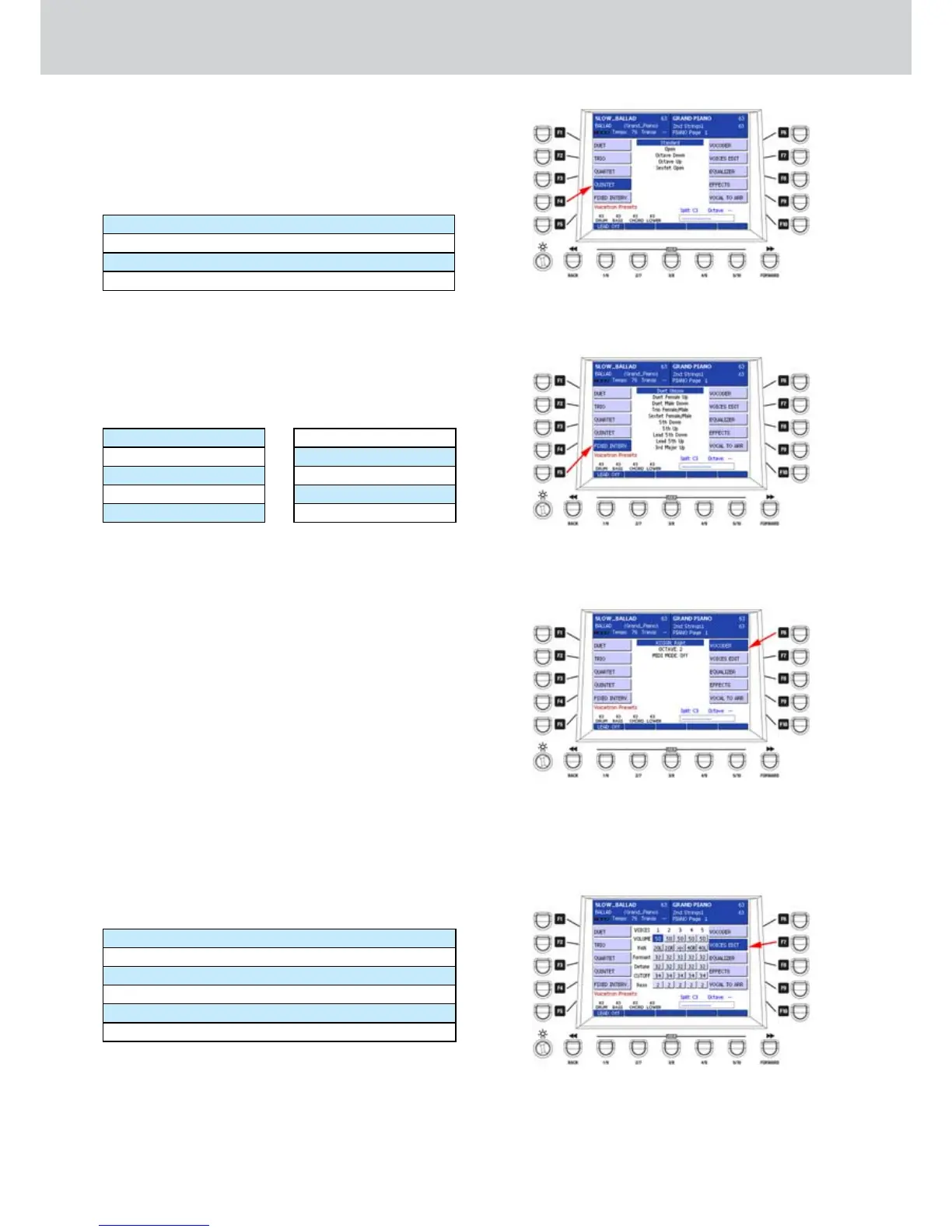
By pressing the F4 button the list of QUINTET effects
similar to Figure 310 will appear from which you can
choose one of the available quintet effects by using
the CURSOR § ¶
bu
t
tons
or the DATA/VALUE
wheel:
Standard
Open
Octave Down
Sextet Open
FIXED INTERV.
By pressing the F5 button the list of FIXED INTERV.
effects similar to Figure 311 will appear from which
you can choose one of the available fixed interval
effects by using the CURSOR § ¶
buttons
or the
DATA/VALUE wheel:
Duet Unison
Duet Female Up
Duet femal Down
Trio Female/Male
Sextet Female/Male
5th Down
5th Up
Lead 5th Down
Lead 5th Up
3rd Major Up
VOCODER
By pressing the F6 button the list of VOCODER effects
similar to Figure 312 will appear from which you can
edit the parameters of the vocoder effect. Select
a parameter with the CURSOR § ¶
buttons
and
change the value by using the DATA/VALUE wheel:
ASSIGN (values Right, Left)
OCTAVE (values -2, -1, 0, +1, + 2, auto)
MIDI MODE (values ON/OFF): in this mode the
VOCODER is active for the MIDI melody track.
VOICES EDIT
By pressing the F7 button the list of VOICES EDIT
parameters similar to Figure 313 will appear. Here you
can edit the harmonization parameters up to 5 voices.
Select a vertiacal parameter by using the CURSOR
§ ¶
bu
t
tons
and the horizontal parameter by using
the CURSOR
Ó Á
buttons.
Modify the value of each
selected parameter of the 5 voices (VOICES from 1 to
5) by using the DATA/VALUE wheel:
VOLUME (values 0–63)
PAN (values 64R >|< 63L)
FORMANT (values 0–63)
DETUNE (values 0–63)
CUTOFF (values 0–38)
RESONANCE (values 0–7)
Figure 310
Figure 311
Figure 312
Figure 313



 To Next Page