EQUALIZER
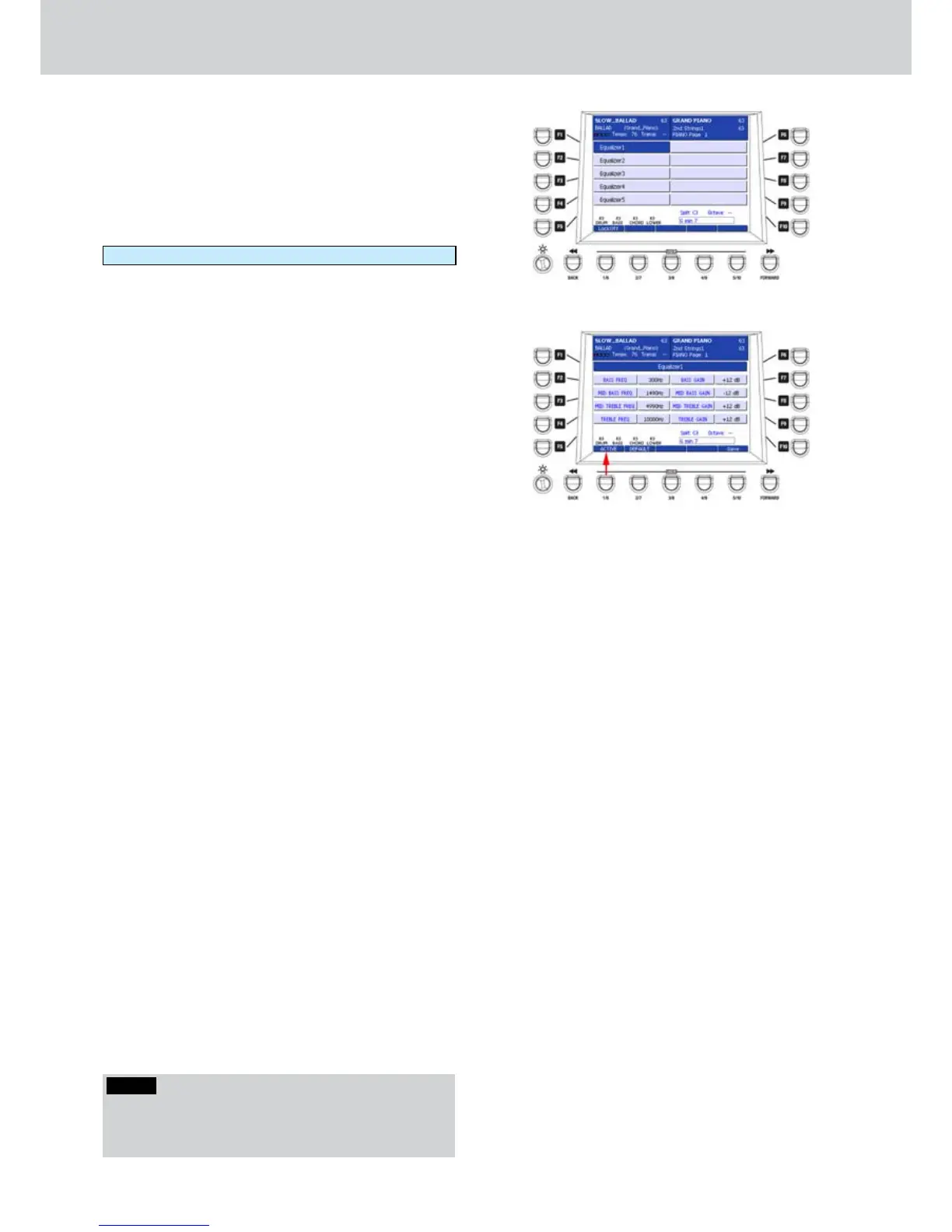
By pressing the F7 button on the DSP page, you can
access the EQUALIZER screen, as shown in Figure
247. Here you can select the EQUALIZER type to set
as global equalization of the keyboard.
5 Equalizer Presets are available. Just press one
of the F1-F5 buttons to select the corresponding
Equalizer type:
Equalizer1 ... Equalizer5
When you activate an Equalizer Preset you can set
the option Lock:On/Off as for the previous effects.
By pressing the EDIT button on the front panel, you
can access the parameters of the selected Equalizer
Preset, as shown in Figure 248. The parameters are
identical for all the five Equalizer effects:
F1– Equalizer (choose from 1 to 5)
F2– BASS FREQ: bass frequency (values 80–970 Hz)
F3– MID BASS FREQ: mid-bass frequency (values
1050–1770 Hz)
F4– MID TREBLE FREQ: mid-high frequency (values
3020–5290 Hz)
F5– TREBLE FREQ: high frequency (values 6090–
14830 Hz)
F7– BASS GAIN: bass gain (values +/-12 dB)
F8– MID BASS GAIN: mid-bass gain (values +/-12 dB)
F9– MID TREBLE GAIN: mid-high gain (values +/-12
dB)
F10– TREBLE GAIN: high gain (values +/-12 dB)
Press the USER 1 button (ACTIVE) to enable the
Equalizer
as shown by the arrow on Figure 248.
The USER 2 button (DEFAULT) resets the
parameters to the default values.
After you set the parameters you can to store the
custom Equalizer by pressing the USER 5 button
(SAVE) or the SAVE button on the front panel. A brief
message SAVE DATA TO DISK will appear.
Figure 247
Figure 248
NOTE
By pressing the CURSOR
Ó Á
buttons together you
set the default frequency value of the EQ band or the
Gain value of the EQ band to 0.



 To Next Page