FOOTSWITCH
▀
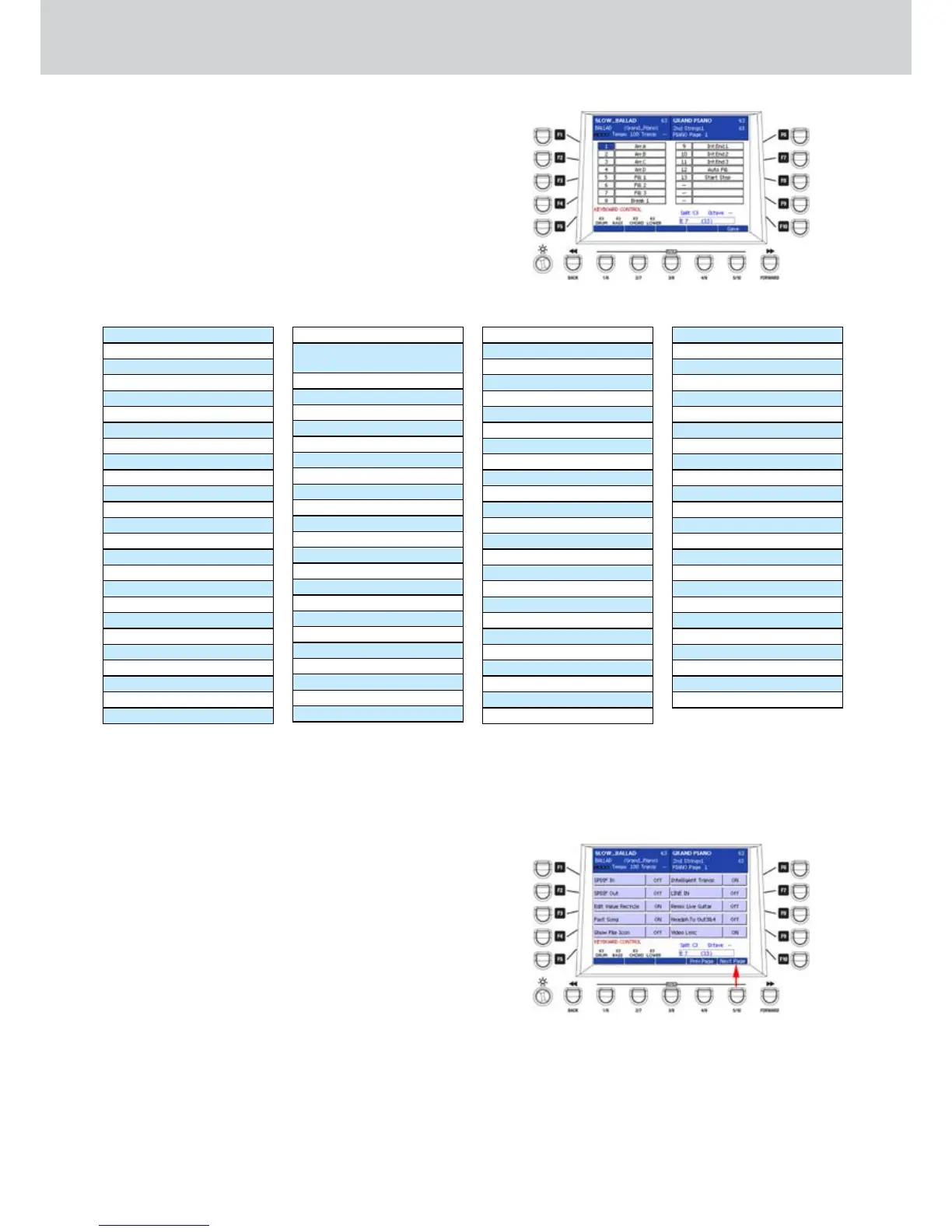
By pressing the F8 button from the KEYBOARD •
CONTROL page, you can activate the
FOOTSWITCH screen (Figure 262), where you
can assign the functions to the pedalboard
connected on the rear. The optional FS13
pedalboard has 13 functions, to which you can
assign any parameter of the keyboard. By using
the CURSOR
§ ¶
buttons
select one of the
13 functions of the pedal and assign one of the
parameters of the table below, by using the
CURSOR
§ ¶
buttons
or the DATA/VALUE
:
Figure 262
Sustain,
Soft,
Sostenuto
Arr. A,
Arr. B
Arr. C
Arr. D
Fill 1 ~ 4
Fill In
Break 1 ~ 4
ReIntro
Int.End 1
Int.End 2
Int.End 3
Start Stop
FillToArr.
Key Start
Key Stop
Hold
Tempo +
Tempo -
Transp +
Transp -
VoiceListTo Arr.
Auto Fill
After Fill
Arr. Mute
Inter. Gtr.
Manual Bass
Bas. Mono/Poly
Swing Bass
BassToRoot
Bassist
Bass Sust.BassToLowest
Lower Mute
Low. Off Stop
Lower1 Hold
Lower2 Hold
PianistPianistSust.
Accordion
Swell
Left Drum
Fade Out
Manual Drum
Crash
Play Kick1
Play Kick2
Only Kick
Drum&Bass
Kick Off
Snare Off
HiHat Off
Cymbal Off
Tom/FX Off
Rimshot Off
Latin1 Off
Latin2 Off
Latin3 Off
ClapFx Off
minor
7th
m7th
5+
dim
6+
7th+
MIDI Reset
Lead Mute
Lyric On/Off
Zoom
A.Play On/Off
Loop On/Off
Text Page +
Text Page -
Cross Fade
Wha-Wha
Reverb
Chorus
Echo/Delay
Dist. Overdr.
Voicetron
Micro On/Off
Micro Talk
Voice Down
Voice Up
Regis Down
Regis Up
2nd Voice
Harmony
Double
Rotor On/Off
Rotor Slow/Fast
Arabic 1 ~ 16
Right Boost
Exit
Style Stop
Pause/Count In/Rest
Aftertouch
Portamento
Once you set the FOOTSWITCH parameters you can
save them by pressing the USER 5 button (SAVE)
or the SAVE button on the front panel. A brief SAVE
DATA TO DISK message will appear.
UTILITY
By pressing the F9 button from the KEYBOARD
CONTROL page you can activate the UTILITY screen
(Figure 263), where you can enable/disable the
following functions:
F1– SPDIF In: enables/disables the digital SPDIF In
port (values ON/OFF).
F2– SPDIF Out: enables/disables the digital SPDIF
Out port (values SPDIF/MAIN). The SPDIF volume
is controlled by using the S/PDIF-LINE IN (SFX)
slider of the PLAYER section.
F3– Edit Value Recycle: enables/disables the recycle
of the volume, effect send, etc. parameters type
Values ON/OFF.
F4– Fast Song: eliminates measures at the beginning
of the Midi file, usually Count In or Setup Measure.
Values ON/OFF.
F5– Show File Icon: enables/disables the icons display
for the file types. Values ON/OFF.
Figure 263



 To Next Page