VIDEO MODE
▀
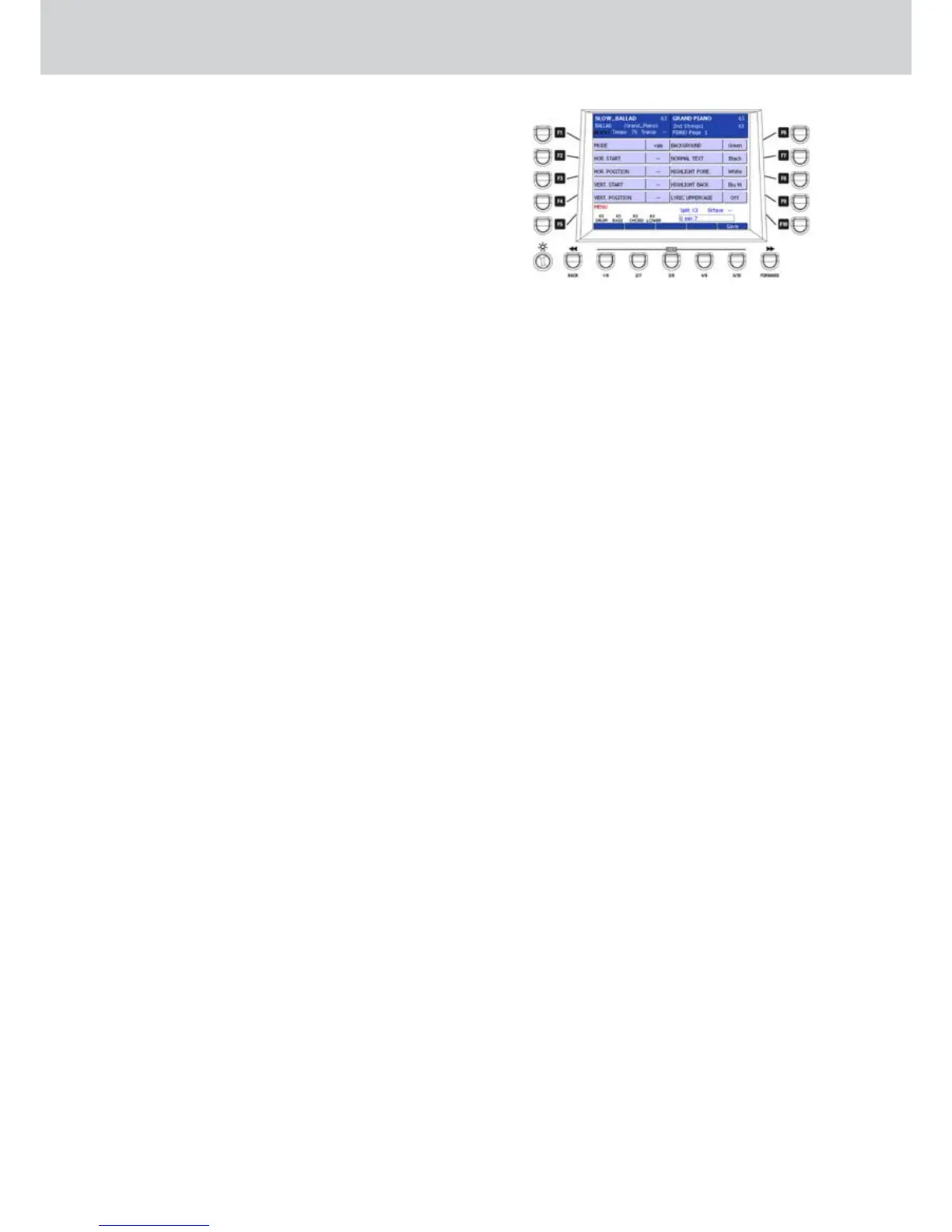
From the main page of the MENU, press the F7 •
button (VIDEO MODE) to open the page for the
video settings (Figure 273). By using the F1-
F10 buttons you can open the following settings
pages:
F1 - MODE: sets the VGA video output for lyric
display (karaoke) or as MIRROR (all that
you see in the display is mirrored on a VGA
monitor).
F2 - HOR. START: sets the horizontal start
position.
F3 - HOR. POSITION: horizontal position.
F4 - VERT. START: sets the vertical start
position.
F5 - VERT. POSITION: vertical position.
F6 - BACKGROUND: sets the background
colour.
F7 - NORMAL TEXT: sets the normal text colour.
F8 - HIGHLIGHT FORE: sets the highlighted
text fore colour.
F9 - HIGHLIGHT BACK: sets the highlighted text
background colour.
F10 - LYRIC UPPERCASE: sets upper/lower case
for lyric text (karaoke).
Figure 273



 To Next Page