160 | 13 Global menus and settings
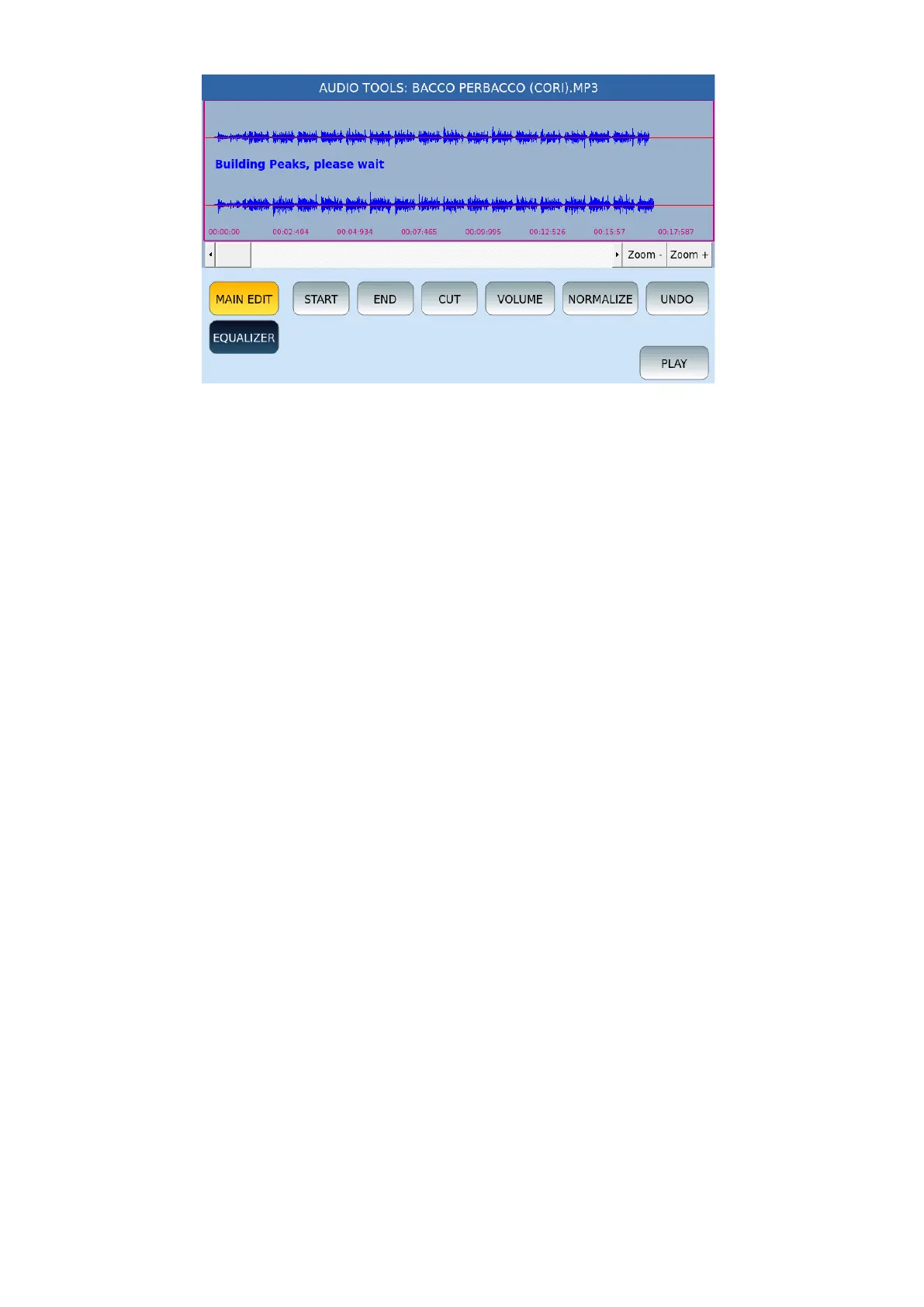
Once loaded, the AUDIO TOOLS functions are available:
• A horizontal scroll bar allows you to move along the audio sample from start to finish.
• ZOOM +/ZOOM-: Touch these two buttons to zoom in or out of the graphic
representation of the sample.
• MAIN EDIT and EQUALIZE: These two buttons allow you to view and manage the
buttons that follow.
In MAIN EDIT mode, the buttons on the screen are:
• START: This button allows you to set the selection start point and places the cursor at
the beginning of the sample.
• END: This button allows you to set the selection start point and places the cursor at
the end of the sample.
• CUT: Define the part on which to act by touching the initial and final cut point on the
screen or through the selection points defined with START and END; Then, press the
CUT button to cut the selected swatch portion.
• VOLUME: Press this button to open a video window in which to indicate the % volume
change: from -95% to +200%. Press APPLY to confirm.
• NORMALIZE: This button directly normalizes the sample by acting on the amplitude of
the audio signal.
• UNDO: Undoes the last operation.
• PLAY: This button plays the audio track.
In EQUALIZER mode, the buttons on the screen are:
• EQ: FLAT, PRESET1, PRESET2, PRESET3 e PRESET4
• LOW (-12 dB/+12 dB)
• MID-LOW (-12 dB /+12 dB)
• MID-HI (-12 dB /+12 dB)
• APPLY EQ: Once you have set the previous values, press APPLY EQ to confirm the
changes.



 To Next Page