13 Global menus and settings | 161
When you leave the sampler, by pressing the EXIT button on the front panel, EVENT-X asks
you whether you want to save the changes applied to the audio sample.
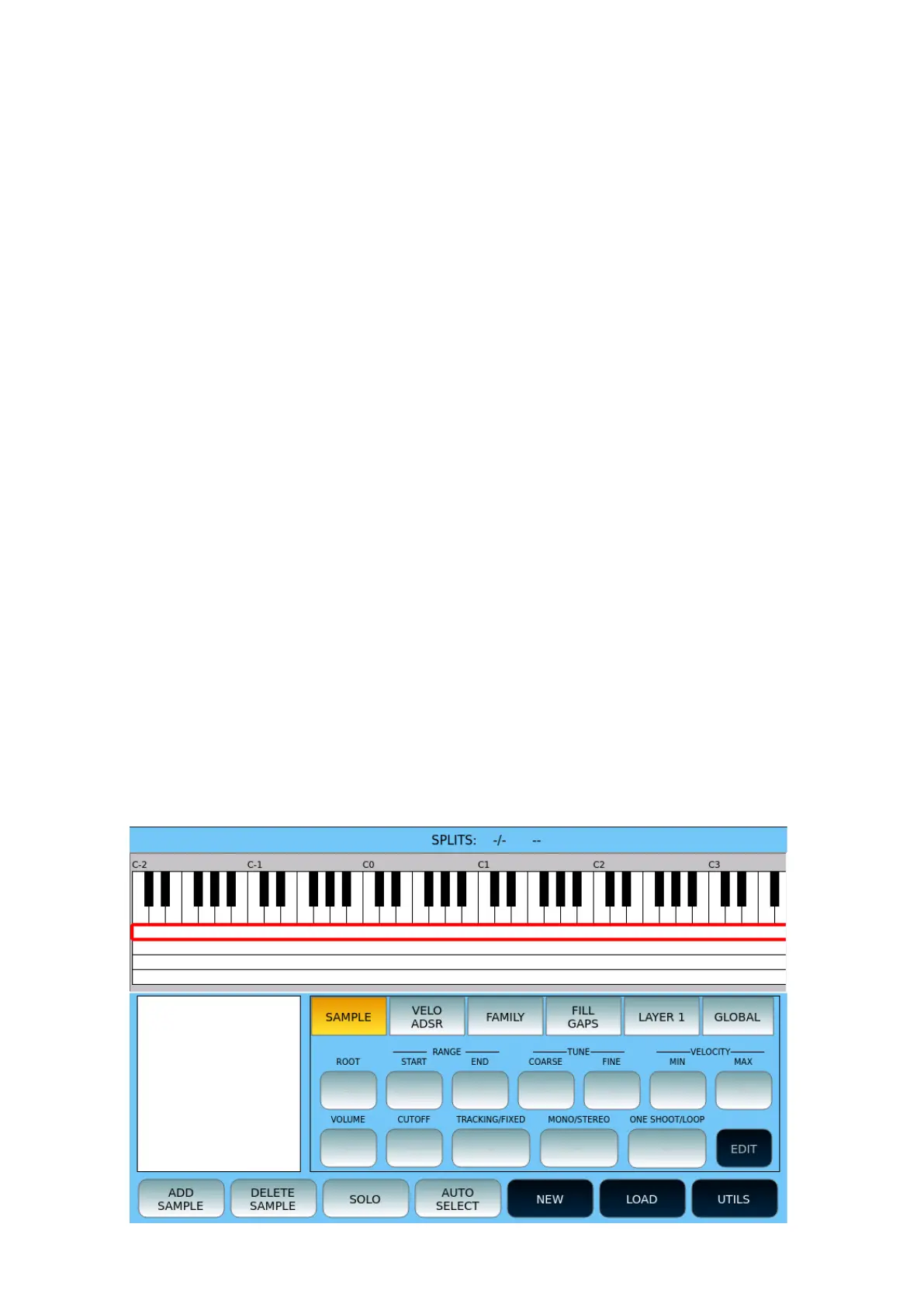
SAMPLER
This page allows you to load new samples into the FLASH memory and create new
INSTRUMENTS to be used as GM entries.
Definitions:
• Split or zone is a sample assigned to a range of notes for playback, with the modes
defined by the parameters of editing, volume, ADSR filters and so on.
• A Sample is a WAV file, suitably treated and cut with a maximum duration of about 6
seconds.
• INSTRUMENT and MS3 are synonymous. An MS3 consists of 4 layers of 32 splits
each.
• The maximum number of instruments that make up a Sound Bank is 128.
• The internal format is a WAV file (16 bit mono, sample rate 44,100 Hz).
• If the sampling rate is other than 44,100 Hz, an automatic resample to 44,100 Hz will
be performed.
• A Sample must be a 16-bit WAV file (mono or stereo) with a sampling rate of 44,100
Hz.
Working Folders:
• The folder where the MS3 files are saved and uploaded is \INSTRUMENT.
• The workbook where the user should save WAV samples in bulk or organized into
subfolders for editing is \SAMPLE.
SAMPLER home page



 To Next Page