05 Player | 69
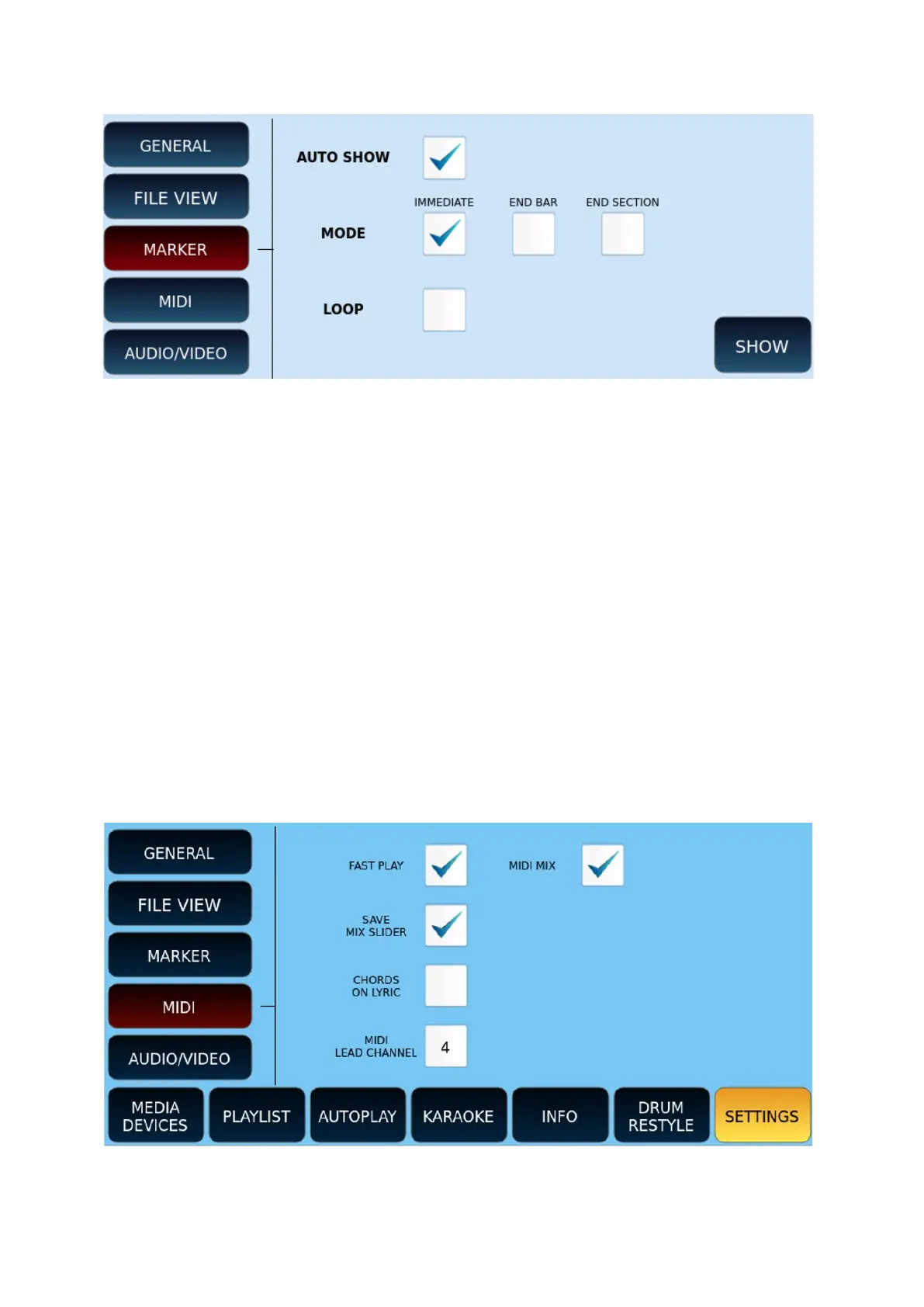
MARKER
Options:
• AUTO SHOW: Automatically shows the MARKER selection window when starting a
song (MIDI file only).
• MODE: determines how the PLAYER jumps to a marking position.
• IMMEDIATE: immediately jumps to the selected marker point.
• END BAR: Jumps to the selected marker point after completing the current
measurement.
• END SECTION: Jumps to the selected marker point after completing the current
section (for example, after completing the verse).
• LOOP: Playback loops measurements between two Marker points.
• SHOW: Press the SHOW button on the screen to display the list of Marker points. This
is useful in cases where you have not activated AUTO SHOW before starting a song
containing MARKER events.
MIDI
Options:



 To Next Page