Features of your vehicle
284
Sliding door
ON or the driver's door is closed
with the smart key with you.
You can activate or deactivate the
Easy Access Function from the User
Settings Mode on the LCD display.
For more details, refer to "User set
-
tings mode" on page 4-96. If your
vehicle is equipped with infotain
-
ment system, please refer to the
infotainment system manual sepa
-
rately supplied.
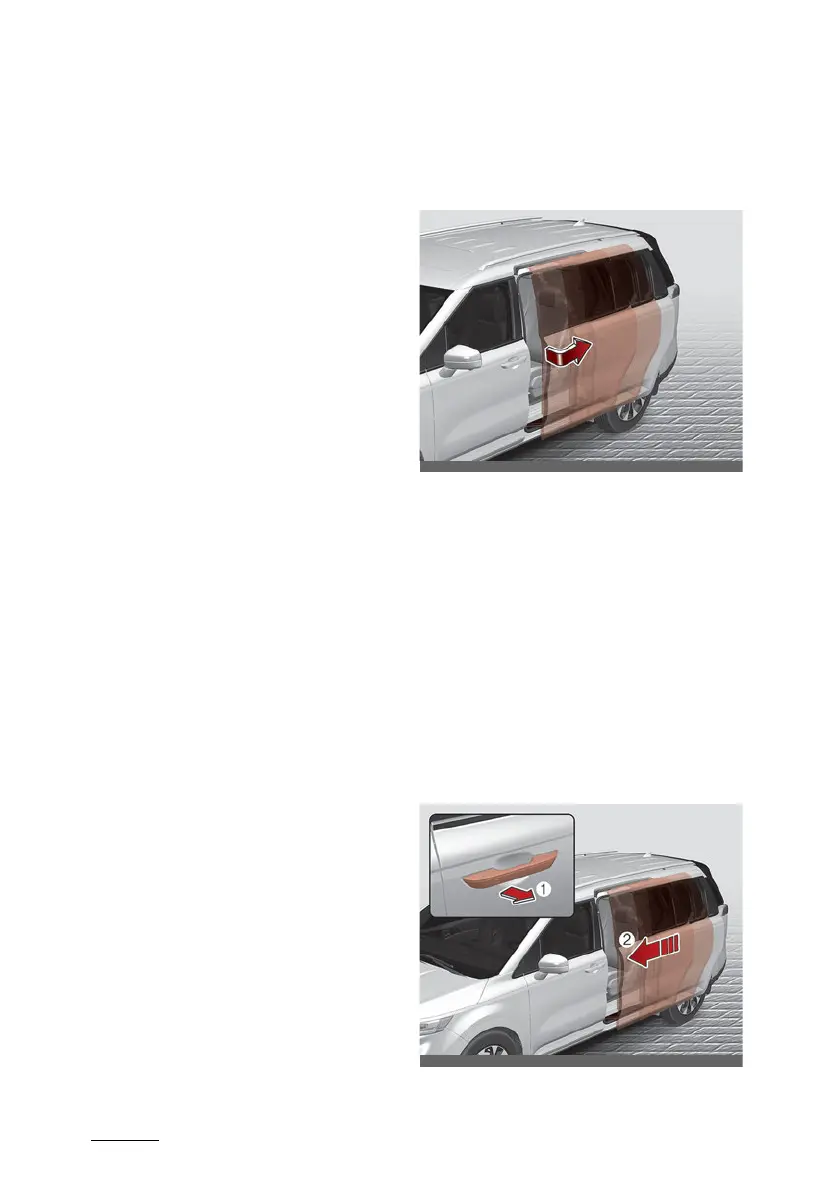
Sliding door
Opening the sliding door
䳜 Once the doors are unlocked, it
may be opened by pulling the
door handle and sliding the door
towards the rear of the vehicle
(for manual sliding doors).
䳜 Once the doors are unlocked, it
may be opened by pulling the
door handle once. And then the
sliding door will be opened (for
power sliding doors).
Closing the sliding door



 To Next Page