153
6
6
Driving your vehicle Smart Cruise Control (SCC)
Smart Cruise Control settings
Setting features
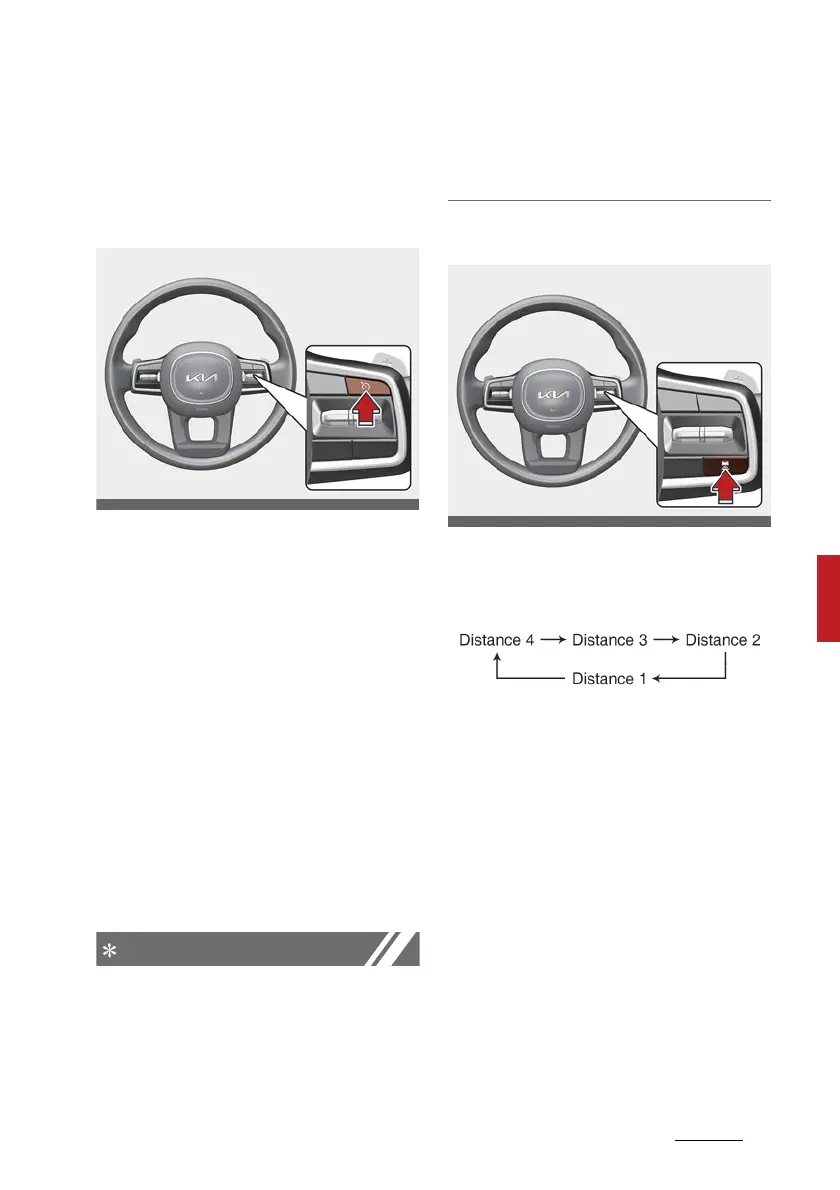
To turn on Smart Cruise Control
Press the Driving Assist button to
turn on the function. The speed will
be set to the current speed on the
cluster.
䳜 If there is no vehicle in front of
you, the set speed will be main
-
tained.
䳜 If there is a vehicle in front of you,
the speed may be adjusted to
maintain the distance to the vehi
-
cle ahead. If the vehicle ahead
accelerates, your vehicle will
travel at a steady cruising speed
after accelerating to the set
speed.
䳜 If your vehicle speed is between
0~30 km/h (0~20 mph) when you
press the Driving Assist button,
the Smart Cruise Control speed
will be set to 30 km/h (20 mph).
䳜 The Driving Assist button symbol
may vary depending on your vehi
-
cle option.
To set vehicle distance
Each time the Vehicle Distance but
-
ton is pressed, the vehicle distance
changes as follows:
If you drive at 90 km/h (56 mph),
the distance is maintained as fol
-
lows:
䳜 Distance 4 - approximately 52.5
m (172 ft.)
䳜 Distance 3 - approximately 40 m
(130 ft.)
䳜 Distance 2 - approximately 32.5
m (106 ft.)
䳜 Distance 1 - approximately 25 m
(82 ft.)



 To Next Page