187
6
6
Driving your vehicle Rear Cross-Traffic Collision-Avoidance Warning
(RCCW)
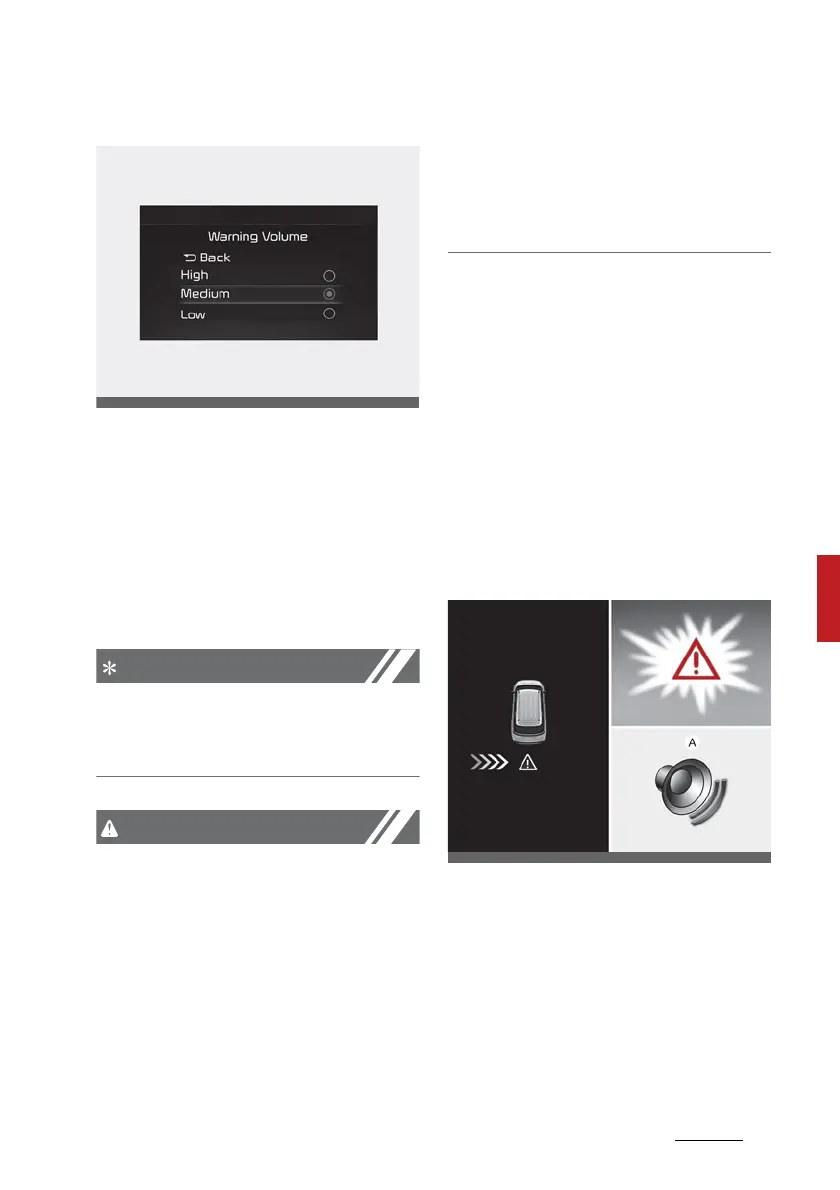
Warning Volume
To change the warning volume, With
the engine on, select Infotainment
system 'Setting → Driver Assistance
→ Warning volume' from the Set
-
tings menu to change the Warning
Volume to 'High', 'Medium' or 'Low'
for Rear Cross-Traffic Collision-
Avoidance Warning.
If you change the Warning Volume,
the Warning Volume of other Driver
Assistance systems may change.
䳜 The setting of the Warning Timing
and Warning Volume applies to all
functions of the Rear Collision-
Avoidance Warning.
䳜 Even though 'Normal' is selected
for Warning Timing, if the vehicles
from the blind spot area
approaches at high speed, the ini
-
tial warning activation time may
seem late.
䳜 Select 'Late' for Warning Timing
when traffic is light and when
driving speed is slow.
Rear Cross-Traffic Collision-Avoid
-
ance Warning operation
Warning
Rear Cross-Traffic Collision-Avoid
-
ance Warning will warn and control
the vehicle depending on collision
level
䳜 Collision Warning
Collision warning



 To Next Page