Driving your vehicle
1806
Highway Driving Assist (HDA)
For your safety, change the Set
-
tings after parking the vehicle at a
safe location.
Warning Volume
With the vehicle on, select 'Driver
Assistance → Warning Volume' from
the Settings menu to change the
Warning Volume to 'High', 'Medium',
or 'Low' for Highway Driving Assist.
If you change the Warning Volume,
the Warning Volume of other Driver
Assistance systems may change.
Highway Driving Assist operation
Basic function
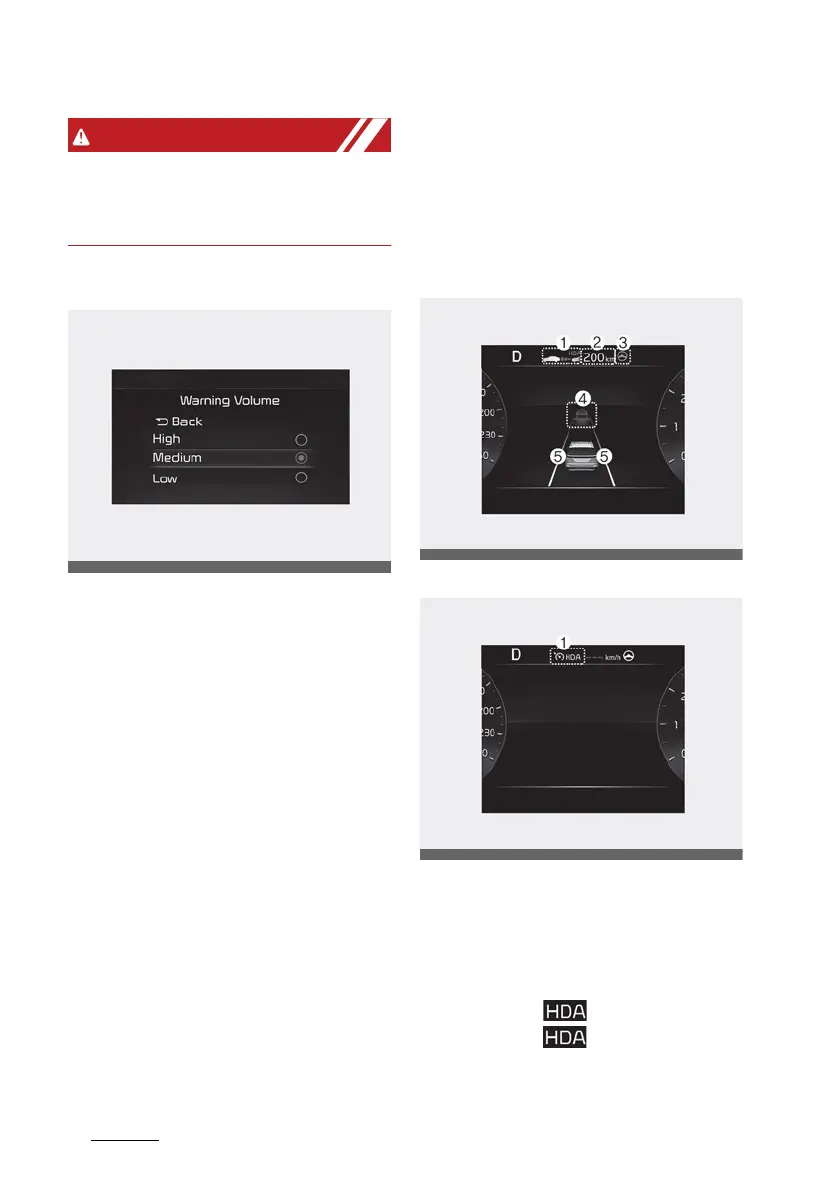
Highway Driving Assist display and
control
You can see the status of the High
-
way Driving Assist operation in the
Driving Assist view on the cluster.
Refer to "LCD display modes" on
page 4-89.
Highway Driving Assist will be dis
-
played as below depending on the
status of the function.
Operating State
Standby State
1. Highway Driving Assist indicator,
whether there is a vehicle ahead
and the selected distance level are
displayed.
䳜 Highway Driving Assist indicator
- Green ( ): Operating state
- White ( ): Standby state
2. Set speed is displayed.



 To Next Page