169
6
6
Driving your vehicle Navigation-based Smart Cruise Control (NSCC)
tion-based Smart Cruise Control and
deselect to turn off the function.
When there is a problem with Navi
-
gation-based Smart Cruise Control,
the function cannot be set from the
Settings menu.
Navigation-based Smart Cruise
Control operation
Operating conditions
Navigation-based Smart Cruise
Control is ready to operate if all of
the following conditions are satis
-
fied:
䳜 Smart Cruise Control is operating
䳜 Driving on main roads of high
-
ways (or motorways)
For more details on how to operate
Smart Cruise Control, refer to
"Smart Cruise Control (SCC) (if
equipped)" on page 6-152.
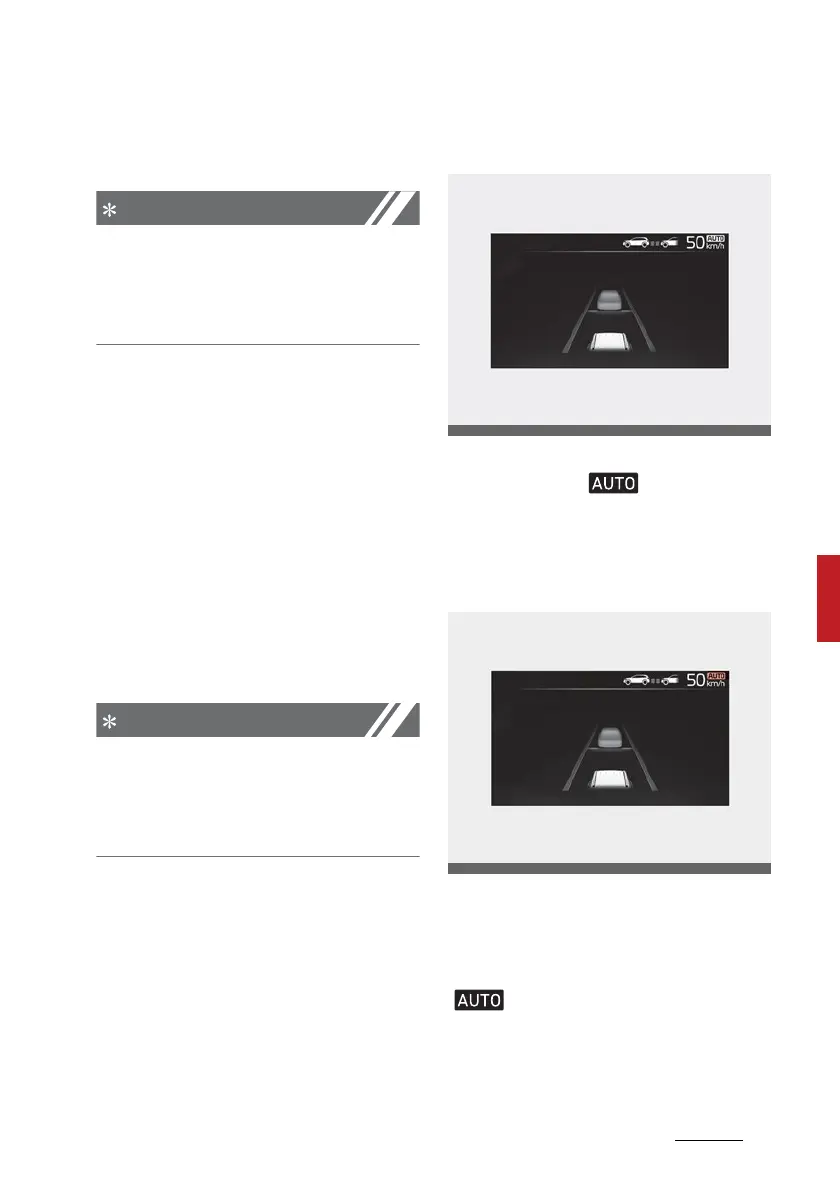
Navigation-based Smart Cruise
Control display and control
When Navigation-based Smart
Cruise Control operates, it will be
displayed on the cluster as follows:
Navigation-based Smart Cruise
Control standby
If the operating conditions are satis
-
fied, the white ( ) symbol will
illuminate.
Navigation-based Smart Cruise
Control operating
If temporary deceleration is
required in the standby state and
Navigation-based Smart Cruise
Control is operating, the green
( ) symbol will illuminate on the
cluster.
If the Highway Set Speed Auto
Change function operates, the green



 To Next Page