Features of your vehicle
964
LCD display
Tyre pressure status
This mode displays information
related to Tyre Pressure.
* For more details, refer to "Tyre
Pressure Monitoring System
(TPMS) (if equipped)" on page 7-
10.
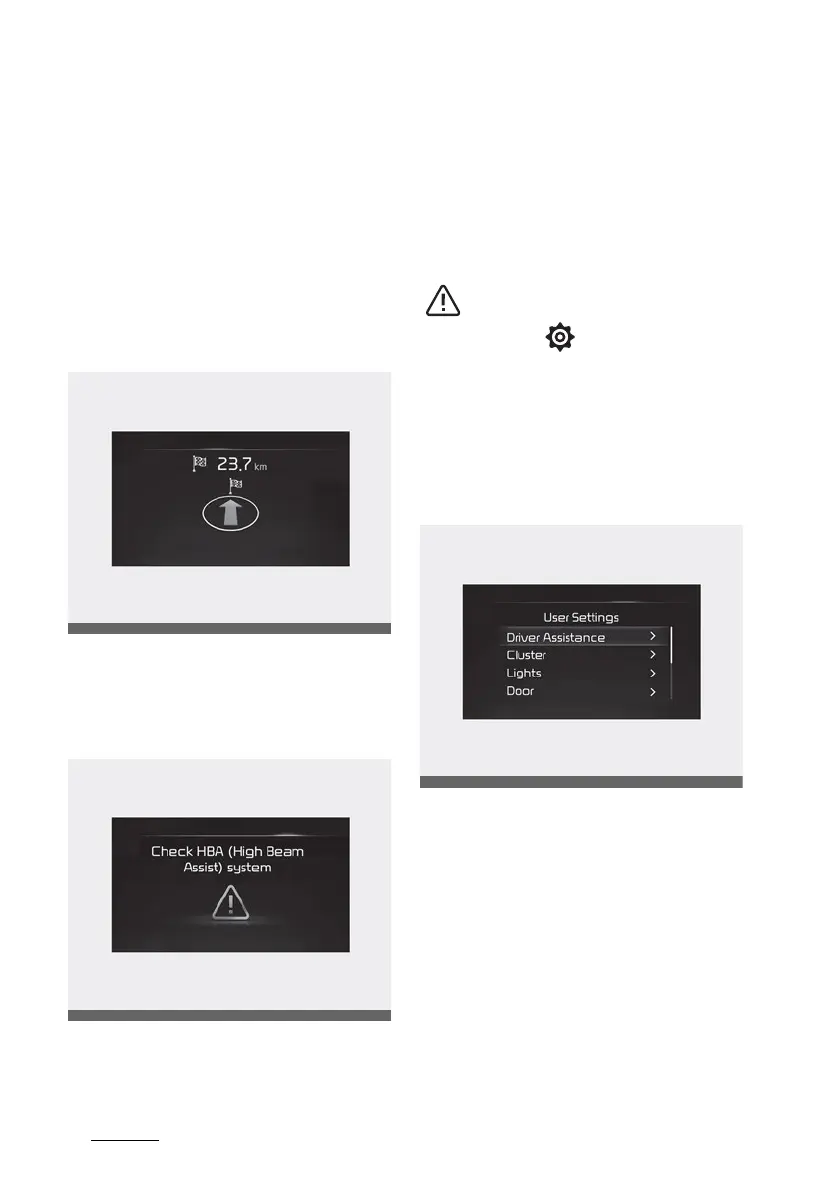
Turn By Turn (TBT) mode (if
equipped)
This mode displays the state of the
navigation.
Master warning mode
This warning light informs the driver
the following situations.
䳜 LED headlamp malfunction (if
equipped)
䳜 Lamp malfunction
䳜 High Beam Assist malfunction (if
equipped)
At this time, a Master Warning icon
( ) will appear beside the User
Settings icon ( ), on the LCD dis
-
play. If the warning situation is
solved, the master warning light will
be turned off and the Master Warn
-
ing icon will disappear.
User settings mode
In this mode, you can change the
settings of the instrument cluster,
doors, lamps, etc.
1. Driver Assistance
2. Cluster
3. Lights
4. Door
5. Convenience
6. Units
7. Language
8. Default



 To Next Page