Features of your vehicle
1324
Surround View Monitor (SVM)
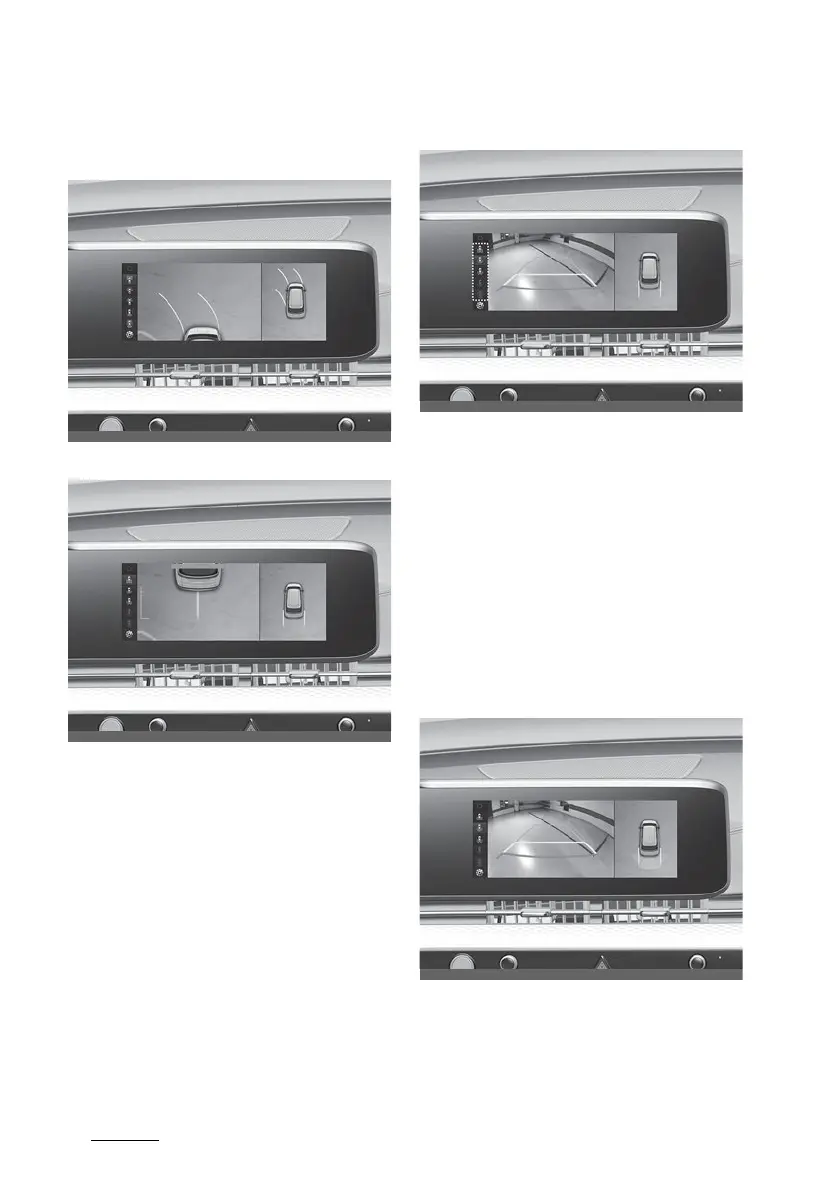
Top View Parking Guidance
Front top view
Rear top view
䳜 When the 'Top View Parking Guid
-
ance' is selected, parking guidance
is displayed on the right side of
the Surround View Monitor
screen.
䳜 You may see the front top view or
the rear top view when using
front top view and Top View Park
-
ing Guidance.
Rear View Parking Guidance
䳜 When the 'Rear View Parking
Guidance' is selected, parking
guidance is displayed in the rear
view.
䳜 The horizontal guideline of the
Rear View Parking Guidance
shows the distance of 0.5 m (1.6
ft.), 1 m (3.3 ft.) and 2.3 m (7.6
ft.) from the vehicle.
Parking Distance Warning
䳜 When the 'Parking Distance Warn
-
ing' is selected, parking distance
warning is displayed on the right



 To Next Page