177
4
4
Features of your vehicle Manual climate control system
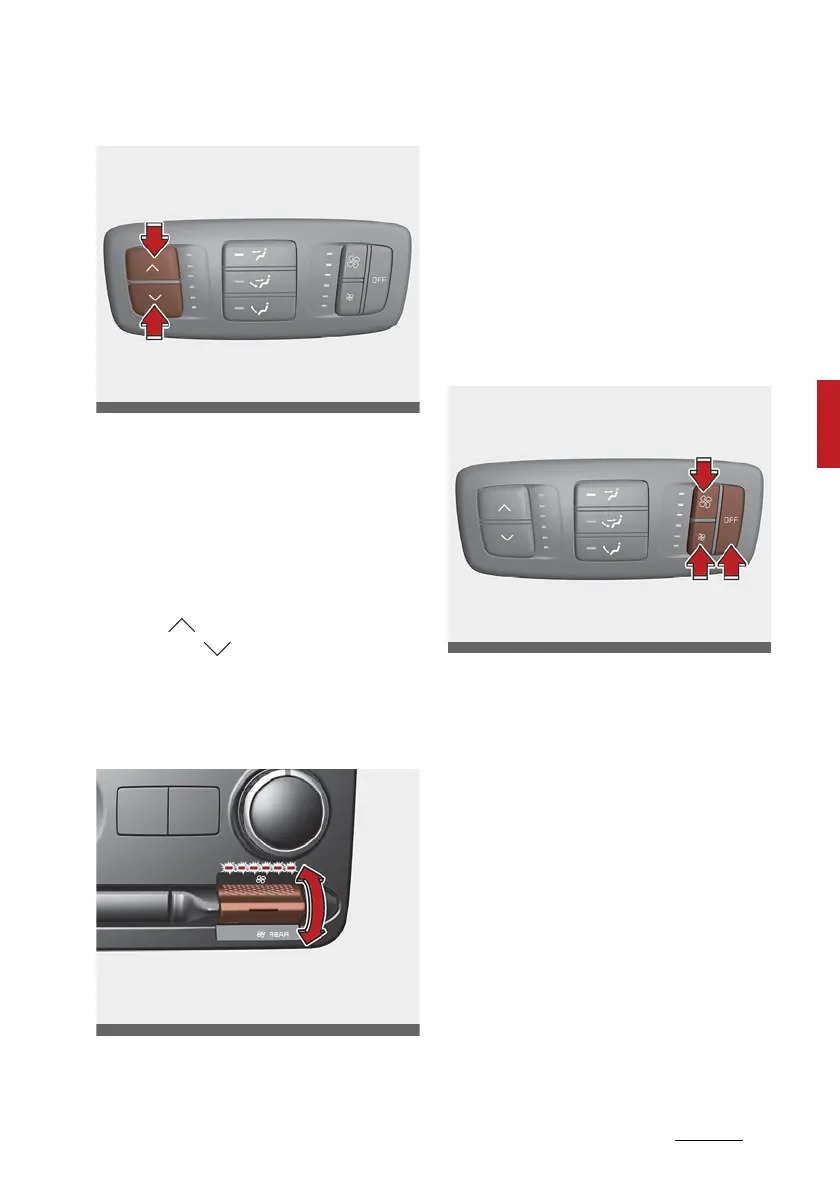
From the rear seat
Set the rear climate control selec
-
tion (REAR ON) button in the front
climate control panel to the ON
position and set the rear climate
control selection (REAR LOCK) but
-
ton in the front climate control
panel to the OFF position. To change
the rear air temperature, press the
button ( ) for warmer air or press
the button ( ) for cooler air.
Rear fan speed control
From the front seat
Set the rear climate control selec
-
tion (REAR ON) button to the ON
position and turn the rear fan speed
control (REAR) switch in the front
climate control panel to the desired
position.
To change the rear fan speed, press
the switch to the upper position for
higher speed or lower position for
lower speed. Setting the switch to
the 0 position turns the rear fan off.
From the rear seat
Set the rear climate control selec
-
tion (REAR ON) button in the front
climate control panel to the ON
position and set the rear climate
control selection (REAR LOCK) but
-
ton in the front climate control
panel to the OFF position and press
the rear fan speed control button on
the rear control panel to the desired
position.
To turn off the rear air conditioning
system press the off button in the
rear climate control panel.



 To Next Page