31
6
6
Driving your vehicle Automatic transmission (Dial SBW)
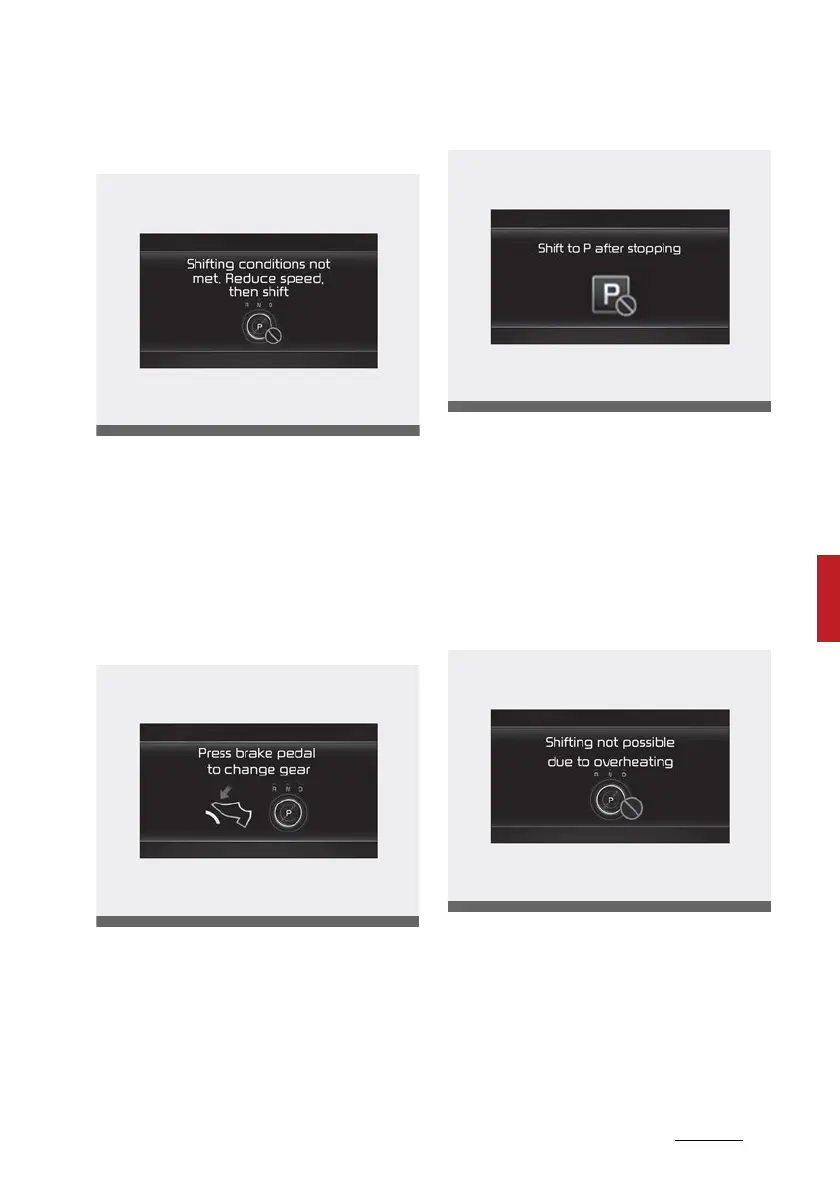
Shifting conditions not met. Reduce
speed, then shift
The message appears on the LCD
display in the following conditions:
䳜 When driving speed is too fast to
shift the gear. Decrease the vehi
-
cle speed or slow down before
shifting the gear.
Press brake pedal to change gear
The message appears on the LCD
display, when the brake pedal is not
depressed whilst shifting the gear.
Depress the brake pedal and then
shift the gear.
Shift to P after stopping
The message appears on the LCD
display when the gear is shifted to P
(Park) whilst the vehicle is moving.
Stop the vehicle before shifting to P
(Park).
Shifting not possible due to over
-
heating
The message appears on the LCD
display when the P gear is selected
again or the gear is overheated.



 To Next Page